 ✕
✕
✕
✕
By Justin SabrinaUpdated on August 31, 2021
[Summary]: Wanna transfer Spotify playlists to Apple Music? Here are effective solutions to make 'Spotify to Apple Music' available on mobile and desktop.
CONTENTS
Apple introduced the Apple Music streaming service, which is mainly for iOS devices. Apple Music gives everyone a three-month free trial, and once the 90-day trial ends, full access will cost £9.99 a month, with a £14.99 option for families of up to six people. The best feature about Apple Music has to be the incredible playlists the app builds for you based on your music tastes. After the official launch of Apple Music, many Spotify users are trying to switch from one service to another. What about all the songs that they had carefully selected over the years? You have been using Spotify for the past few years and you may already have a lot of well-planned playlists. If you don't want to recreate each playlist manually, here are some effective ways you can try to import the Spotify playlist into Apple Music.
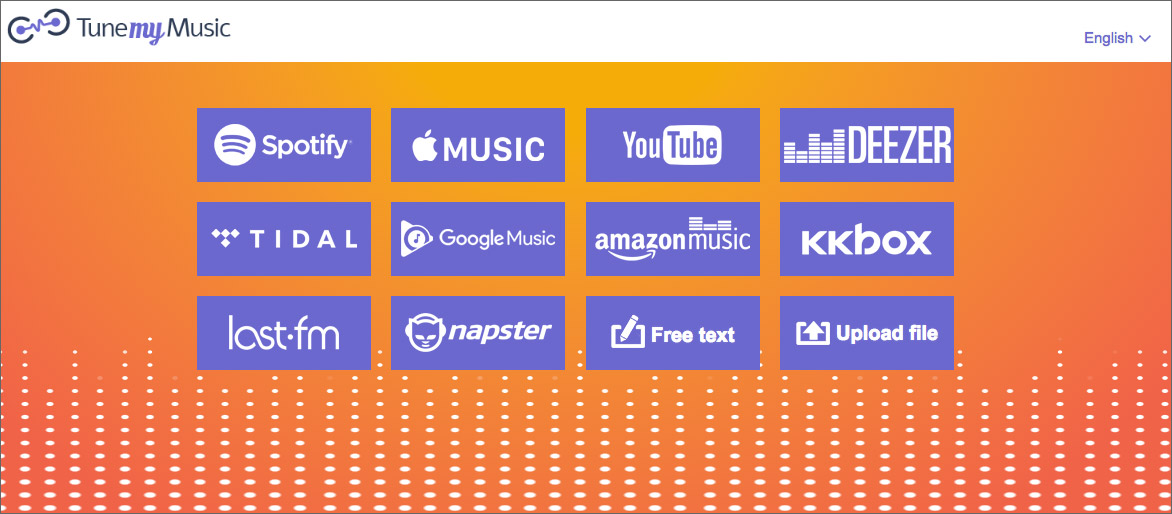
TuneMyMusic, the browser-based software makes the complicated, convoluted process dead simple. By using it, you can transfer your music library from Spotify to Apple Music with just a few clicks. What’s more, TuneMyMusic supports many other music services including: YouTube, Deezer, Tidal, Itunes, Nanpster, Google Play Music, Amazon Music and more. Here are the steps on how to transfer Spotify playlist to Apple Music with TuneMyMusic:
Step 1. Point your browser at tunemymusic.com and click the purple button labeled "Let’s Start".
Step 2. Next, select your source music platform - Spotify.
Step 3. Log in to your Spotify account with your access credentials.
Step 4. Select the playlists you’d like to move and click your preferred destination music platform on the next screen. In the case, select "Apple Music".
Step 5. Click the button labeled "Start Moving My Music" to begin moving playlist from Spotify to Apple Music.
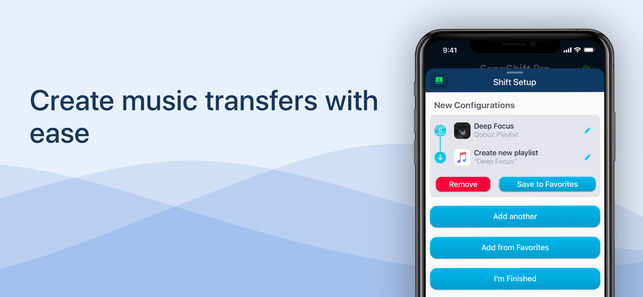
A new app called SongShift now available in the App Store gives you the ability to import your Spotify music playlists right on over to Apple Music in a matter of moments. Plus, it is a great app that lets you import your Spotify playlists to Apple Music directly from your iOS 9.3 or later device without using desktop software. A $3.99 paid account allows you to batch process more than 5 playlists.
Step 1. Download and launch the SongShift app on your iPhone.
Step 2. Open SongShift and then tap on Get Started.
Step 3. Next is to tap on Agree to grant access to the app.
Step 4. Log in to your Spotify account to access your playlists.
Step 5. Tap on Apple Music icon > tap on "Authorize" to allow SongShift access Apple Music library.
Step 6. Tap on Ok > Continue to move to the next step.
Step 7. Tap the Spotify icon and then choose the playlist you wish to transfer to Apple Music.
Step 8. After selecting, tap on "Destination" then tap on the Apple Music.
Step 9. Hit "Create New Playlist" and then in the configuration screen, you need to tap on "Destination". Enter the custom name for the playlist. The name will be displayed in Apple Music.
Step 10. Finally, tap on OK > Process. After a while, your Spotify playlists are successfully migrated to Apple Music.
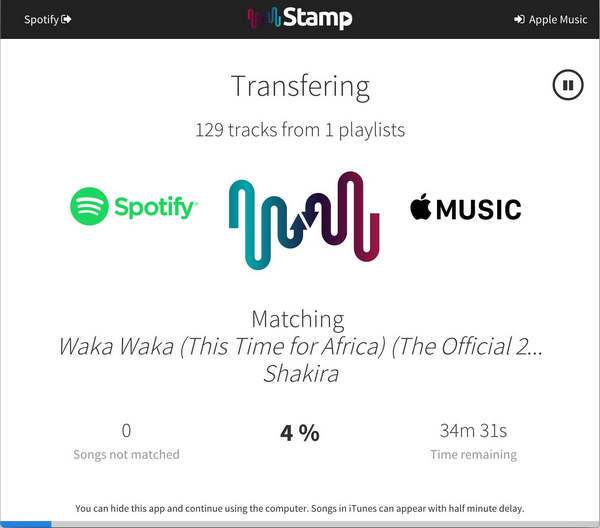
Stamp is an easy-to-use app for you to quickly transfer your Spotify playlists over to Apple Music. Now, the Stamp is availble on Mac, Windows, iOS and Android.
Step 1. Firstly, export your Spotify playlists as .csv filed using Exportify.
Step 2. Click on "Get Started".
Step 3. Log in to your Spotify account and export your playlists as .csv files that you wish to import into Apple Music.
Step 4. Download the Stamp app, and run it
Step 4. Point to the exported CSV file from Exportify.
Step 5. Click parse and wait for the application to finish importing.

Prompt: you need to log in before you can comment.
No account yet. Please click here to register.










![7 Best FREE Apple Music Converters [2026 Updated]](https://www.ukeysoft.com/wp-content/uploads/2019/04/best-apple-music-converter.jpg)



















Porducts
Solution
Copyright © 2026 UkeySoft Software Inc. All rights reserved.


 English
 Arabic
 Chinese (Simplified)
 Chinese (Traditional)
 Croatian
 Czech
Czech Danish
 Dutch
Dutch Estonian
 Finnish
 French
 German
 Greek
Greek Hebrew
 Hindi
Hindi Hungarian
 Indonesian
 Italian
 Japanese
 Kazakh
 Korean
 Malay
Malay Norwegian
 Polish
 Portuguese
 Romanian
 Russian
 Slovenian
 Spanish
 Swedish
 Thai
Thai Turkish
 Ukrainian
 Vietnamese



























![Top 10 Christmas Songs to MP3 Download [Spotify]](https://www.ukeysoft.com/wp-content/uploads/2023/01/christmas-songs-to-mp3.jpg)


































































































































No comment yet. Say something...