





Professional
Years of study, skilled staff and guaranteed quality
 ✕
✕
 Youtube Music Converter

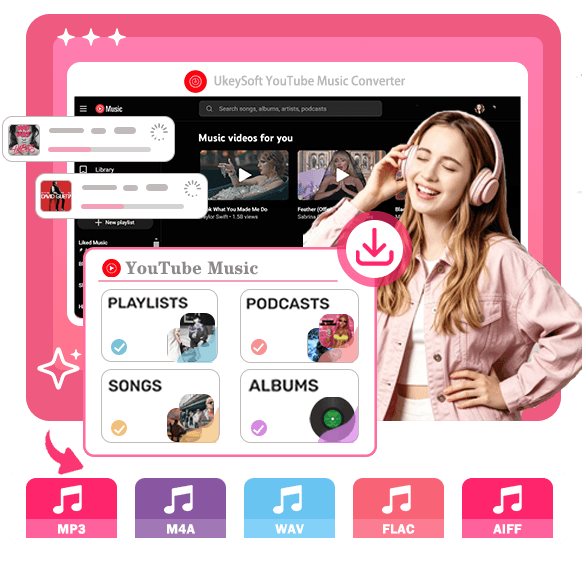
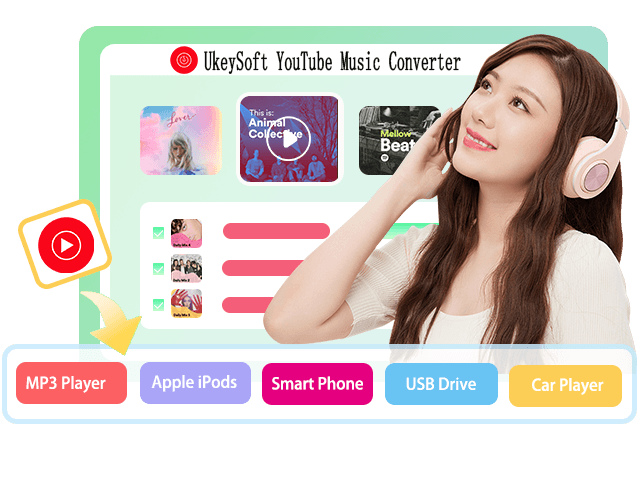
The best YouTube Music Converter to help you download and convert YouTube Music songs, albums, playlists, podcasts, music videos, etc. to 320kbps MP3 and more lossless formats for offline playing on any device, anywhere and anytime.
 Download YouTube Music songs/playlists/albums/MVs/podcastsConvert YouTube Music to lossless MP3, M4A, AAC, WAV, FLAC, and AIFFCustomize output audio quality, up to 320kbps and even 640kbpsBatch download YouTube Music tracks at up to 36X faster speedPreserve original ID3 tags, metadata information and lyrics filesDownload YouTube Music for offline playback without Premium account

 Win
Win Mac
Mac
Easily to save YouTube Music songs as MP3 local files on your computer with UkeySoft YouTube Music Converter without malware or ads. Batch-download singles, playlists, albums, MVs, and podcasts with just one click. Save your favorite tracks, albums and playlist forever with YouTube Music Free and Premium accounts. Easily transfer and enjoy your favorite tracks offline on any devices anytime. Let's watch our easy video tutorial:
Access the official music library directly through the built-in YouTube Music web player. Download unlimited songs, albums, playlists, podcasts, and music videos without installing the official YouTube Music app.
All YouTube Music tracks are in encrypted AAC or OPUS format, which can only be accessible within its official app. Our tool can help you convert YouTube Music tracks to popular MP3, AAC, M4A, WAV, FLAC, and AIFF audio formats.
UkeySoft enables you to transfer your converted YouTube Music files to any device, including MP3 players, smartphones, tablets, USB drives, smart TVs, car stereos, gaming consoles, and more, without playback restrictions.
Download and keep your favorite YouTube Music songs forever as local files. Even after your Premium subscription expires, you can continue listening to YouTube Music offline anytime without limitations.
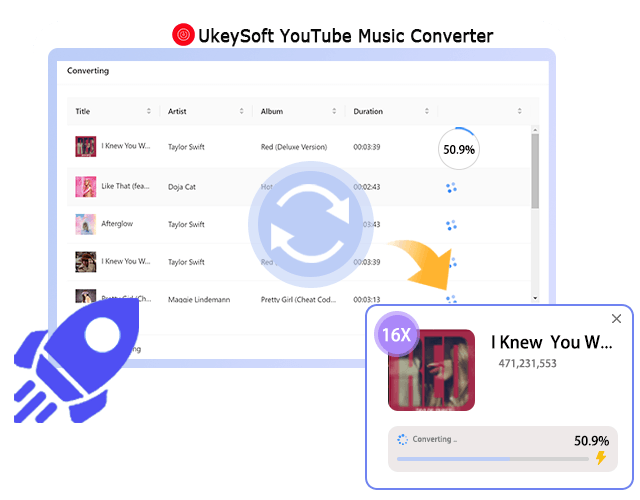
UkeySoft YouTube Music Converter can batch download and convert YouTube Music content to MP3 at up to 36X faster speed. Login your music account, search and add songs/playlist/albums/MVs, start conversion.
Launch the software and boot built-in web music player. Sign in with your YouTube Music free or premium account to access the entire music library.
Click the "Menu" icon and choose "Preference". You can modify the output format(MP3, WAV, etc.), output quality(320kpbs), output folder, output file name, etc.
Browse the library and open the single, playlist, album, or music video you like. Click the green "+" icon to add the items.
The latest step, click the "Convert" button start to download and convert YouTube Music songs to MP3 format.
When the conversion is complete, go to "History" section to view all downloaded songs. You can play these downloaded songs offline with the built-in music player.
YouTube Music only allows Premium subscribers to download music within its mobile app, while Free users can stream with ads only. In addition, all downloads are protected and can't be transferred or played outside the YouTube Music app.
Now you can unlock your music library and build your own music collection! With UkeySoft YouTube Music Converter, both Free and Premium users can download YouTube Music songs, albums, playlists, and music videos for offline playback anywhere and anytime. The desktop software also supports to convert YouTube Music to MP3, M4A, etc. for flexible offline playback on any devices/players, use, transfer, copy, edit, and even burn.
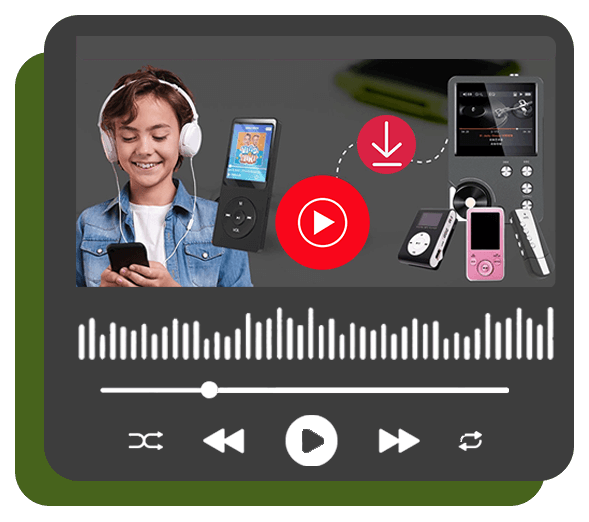
No matter if you are a YouTube Music Free or Premium user, UkeySoft YouTube Music Converter lets you download songs, playlists, albums, artists, music videos, and podcasts from YouTube Music directly to Mac or Windows computer. You can even access the official music library and download any tracks you like without logging into any account. Meanwhile, it will remove ads from YouTube Music tracks, ensuring you will have a smooth ad-free listening experience.
Download Singles & Playlists - Download individual songs and entire playlists from YouTube Music, such as J-Pop music, K-pop songs, Hip-Hop songs, Jazz music, R&B, EDM song, FIFA World Cup songs and playlists, Classic music, anime songs, etc.
Download Albums & Artists - Download your favorite artists, singers like Taylor Swift, popular groups like BlackPink, or albums from YouTube Music to your computer in batches with just a few clicks.
Download Music Videos - Easily convert and download music videos from YouTube Music to high-quality MP3, FLAC, WAV, FLAC or other formats for offline streaming.
Download Podcasts - Save your favorite YouTube Music podcasts for offline listening during travel, commuting, workouts, or daily activities.
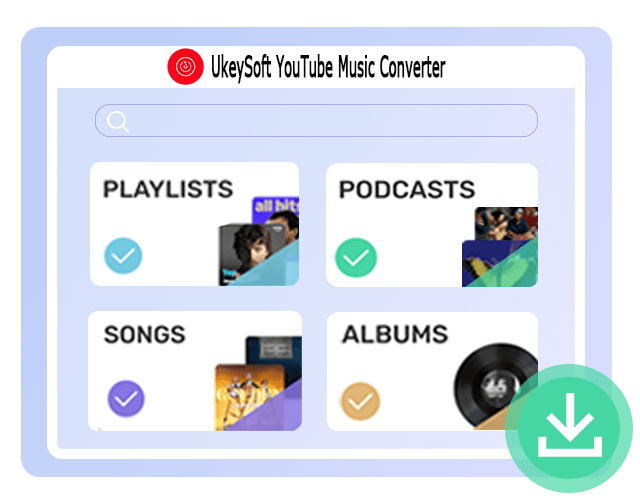
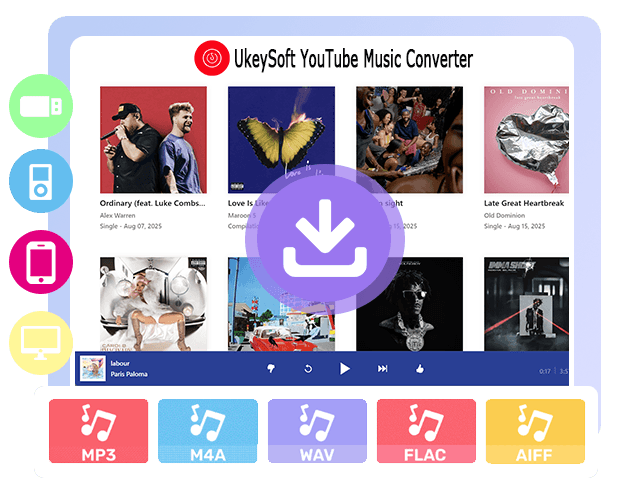
YouTube Music downloads are encrypted AAC or OPUS format and can only be played within the official app. UkeySoft YouTube Music Converter helps you remove these limitations and bring you more freedom.
This tool offers a built-in Format Converter that allows you to effortlessly convert any YouTube Music tracks to MP3, M4A, AAC, WAV, FLAC, and AIFF audio formats. The output YouTube Music tracks are compatible and playable on most devices, media players, and music apps. Once converted, you can freely transfer, back up, edit, and enjoy your favorite YouTube Music tracks offline without subscription or playback restrictions.
Unlike online YouTube Music downloaders that only allow downloading individual songs by manually copying and pasting the song URL, UkeySoft YouTube Music Converter integrates the official web player to boost efficiency and simplify process. Simply login your account, you can then add, and batch-download entire playlists, albums, and multiple tracks with one click.
Powered by advanced acceleration technology, the conversion speed can reach up to 36X faster, greatly reducing waiting time. Under a stable internet connection, a typical 4-minute song can be downloaded in just a few seconds, while large playlists can be completed within minutes. Easily save any music content from your YouTube Music library!
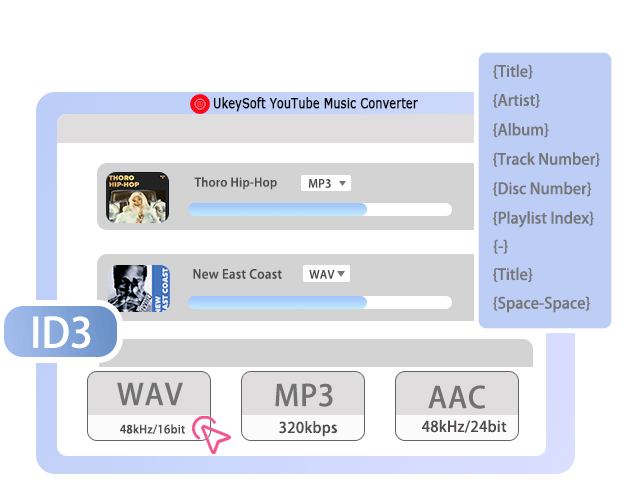
YouTube Music's free-tier users stream music at lower 128kbps, while Premium subscribers can stream at 256kbps (high quality). Whether you are free or premium users, UkeySoft YouTube Music Converter delivers crystal-clear audio with virtually no quality loss during conversion.
If you want original quality, you ought to choose AAC 256kbps. For a true lossless quality, M4A or AAC 640kbps is a great option. For CD-quality audio, you can select uncompressed WAV, FLAC, or AIFF formats. You can also download YouTube Music audio as MP3 in 320kbps files. Whether using headphones, speakers, or a home audio system, you'll enjoy clear vocals, rich details, and an immersive listening experience!
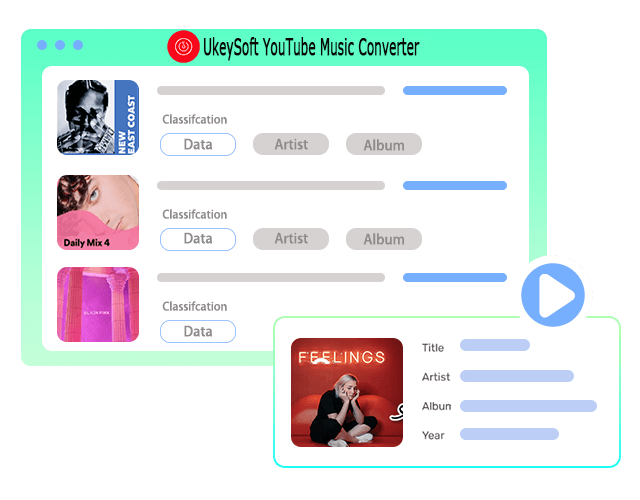
With UkeySoft YouTube Music Converter, managing a large music collection becomes much easier than before. The software automatically detects and preserves ID3 tags and metadata, including song title, artist, album, genre, year, track number, and cover artwork. What's more, it also lets you organize output file name by ID3 tags, making your local music library neat and easy to manage.
In addition, UkeySoft saves song lyrics, so you can enjoy synchronized lyrics during playback and keep your offline YouTube Music collection better organized.
UkeySoft YouTube Music Converter delivers a hassle-free playback experience. After converting YouTube Music to MP3 or other common formats, you'll be able to permanently keep you favorite YouTube Music tracks, albums, and playlists. Even better, you can freely play, transfer, edit, and share your YouTube music without restrictions.
Play YouTube Music in the background without Premium.Transfer YouTube Music to MP3 players, iPods, phones, tablets, and more.Transfer YouTube songs to USB drives, SD cards, external hard drives.Play music in your car via USB drive or burn songs to CDs.Use YouTube Music tracks as background music in video editing software.Set YouTube Music songs as ringtones or alarms on iPhone and Android.Import YouTube music files to OneDrive, Google Drive, Dropbox, etc.Share YouTube music with friends & family through cloud storage or email.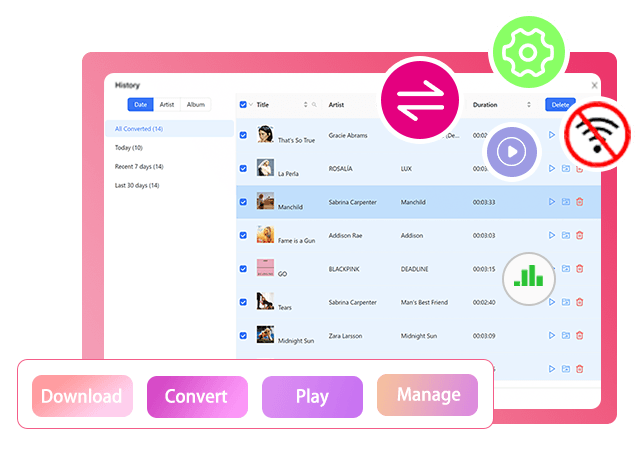
UkeySoft YouTube Music Converter is a full-featured desktop app for Windows & Mac, as well as the best YouTube Music app. It combines downloading, converting, playing, and managing music in one place. Even without the YouTube Music app and Premium, you can access the official music library, stream, download and manage any content in the software directly.

Access YouTube Music directly in the built-in web player without installing the official app.

Convert YouTube Music to MP3, M4A, AAC, WAV, FLAC, and AIFF audio formats with ease.

Preserve the original YouTube Music audio quality, ensuring a rich and enjoyable offline listening experience.

Retain ID3 tags, metadata, cover art, and synchronized lyrics for easy music management.

Batch download songs, albums, and playlists at up to 16X~36X faster conversion speed.

Adjust output format, output quality, output folder, and output file name preferences.

Deliver stable, reliable conversions with a 99% high success rate for each YouTube Music track download.

Supports English, Deutsch, Español, Français, Italiano, Japanese, Chinese, Čeština, Dansk, Bahasa Indonesia, Malayu, Türkçe, Polski, Português, Korean, etc.
| UkeySoft YouTube Music Converter | YouTube Music Premium | YouTube Music Free | Online YouTube Converters | |
|---|---|---|---|---|
| Monthly Price | $14.95/month | Individual: $11.99/month Annual plan: $119.99 Family plan: $18.99/month Student plan: $5.99/month |
Free (with ads) | Free (with heavy ads & redirects) |
| Supported Content | Songs, playlists, albums, artists, music videos, podcasts | Songs, playlists, albums, artists, music videos, podcasts. |  |
Individual songs only |
| Output Format | MP3, M4A, FLAC, AAC, WAV, AIFF | AAC and Opus (Encrypted) | |
MP3 only |
| Audio Quality | Up to 320 kbps MP3 or lossless AAC/M4A (Up to 640 kbps). | Up to 256 kbps high quality, but locked in AAC or Opus (Encrypted) format. | Up to 128 kbps streaming quality | Low quality, 128 kbps |
| ID3 Tag Retention | Full ID3 tags + built-in ID3 editor | Full ID3 tags | Full ID3 tags | Basic info only |
| Speed | 16X~36X super-faster | Normal | Normal | Slow |
| Batch Download |  |
|
|
|
| Customized Settings | |
|
|
|
| No YouTube Music App | |
|
|
|
| Download Limits | Unlimited downloads | Premium Individual account allows downloads on up to 10 devices, while a Family plan supports up to six users. | No download option. | Download one track manually at a time. |
| Device Limits | Unlimited Downloads | A maximum of 10 devices simultaneously for offline downloads. | No download option. | Computer or mobile browsers, limited downloads on a day. |
| Playback Devices | Any devices without the YouTube Music app. | YouTube Music authorized devices only. | YouTube Music authorized devices only. | Most devices |
| Subscription Requirement | Keep downloaded songs forever, without Premium. | Downloaded songs will disappear once Premium expires. | Online streaming mode. | Save downloaded music files locally. |
| Extra Features | Audio Format Converter, ID2 Tag Editor, Built-in Web Player, Music Player, Music Manager | Live performances, remixes, covers Ad-free streaming Listen in the background |
Ad-supported, on-demand playback | YouTube video to MP3 conversion |
| Ads & Pop-ups | Keep downloaded songs forever, without Premium. | Downloaded songs will disappear once Premium expires. | Online streaming mode. | Save downloaded music files locally. |
| Performance | Highly stable & efficient | Normal | Normal | Unstable, low success rate |





 What Are the Limitations of the Free Trial Version?
The free trial of UkeySoft YouTube Music Converter allows you to convert the first 3 minutes of each song. All features, output formats, conversion speed, and audio quality are available, so you can fully evaluate the software before purchasing.
How do I Activate UkeySoft YouTube Music Converter?
Launch UkeySoft YouTube Music Converter on desktop, and click the "Special Offer" or "Register" icon at the upper right corner. Scroll down to "YOUTUBE" and click "Register" button. Enter your licensed email address and registration code, then click "Register". After successful activation, all restrictions will be removed, allowing you to batch download unlimited YouTube Music songs, albums, playlists, podcasts, and music videos.
Can I Transfer my License to Another Computer?
Yes. If your subscription is still valid or you own a lifetime license, you can transfer it to another computer. Simply contact the UkeySoft Support team ([email protected]) with your order number, registered email, and license information. They can reset your license so you can activate it on your new device.
Can I Use UkeySoft YouTube Music Converter Without YouTube Music Premium?
Yes. UkeySoft YouTube Music Converter supports both YouTube Music Free and YouTube Music Premium accounts. Even without any account or login, you can directly access the music library, browse, and download any song within the software.
How Many Songs can I Add to the Conversion List at Once?
There is no strict limit. UkeySoft supports batch conversion of multiple playlists, albums, artists, and individual songs, music videos, podcasts. When you open a playlist or album, it can automatically detect all music tracks in the playlist/album, and offer a Convert button.
How do I Download a YouTube Music Video to MP3?
Open a music video in UkeySoft's built-in YouTube Music web player, click the "Add (+)" button, select MP3 as the output format, and click "Convert". The music video will be downloaded and converted to MP3 automatically.
What Are the Best Audio Quality for YouTube Music Conversion?
To get the original YouTube Music tracks as you're streaming in the official app, select AAC at 256kbps. If you prefer higher audio fidelity, select AAC/M4A, and 640kbps. For the best balance between compatibility and quality, choose MP3 at 320kbps. For lossless audio, FLAC or WAV are recommended, while AIFF is ideal for professional audio editing.
Can I Change or Cancel My Subscription at Any Time?
Yes. You can manage, renew, or cancel your subscription through your UkeySoft account at any time. If you're eligible under the company's refund policy, you may also request a refund by contacting the UkeySoft Support team ([email protected]) within the specified refund period.
Where Are My Downloaded YouTube Music Files Saved?
By default, downloaded files are saved to the output folder on your computer (typically on the C: drive). You can customize the output location in Settings/Preferences window before conversion. Once downloaded, the YouTube Music files can be played, transferred, backed up, or imported into other music players and devices.
Can I Transfer YouTube Music to an MP3 Player?
Yes. After converting YouTube Music songs to MP3 or other compatible audio formats with UkeySoft YouTube Music Converter, you can easily transfer them to any MP3 player, such as SanDisk MP3 player, Sony Walkman, Zune, iPod Nano/Shuffle/Classic/Touch, Activo CT10, FiiO M11/M15, etc. Simply connect your MP3 player to your computer via USB cable and copy&paste the output MP3 music files to it.
UkeySoft Apple Music Converter
Convert Apple Music or iTunes M4P songs to DRM-free MP3, M4A, FLAC and WAV formats with lossless quality on Windows or Mac.
Try It Free Try It Free
UkeySoft Audible Converter
An all-featured Audible converter to remove Audible DRM and lossless convert Audible AA & AAX audiobook to MP3 for flexible playback on any devices.
Try It Free Try It Free
Years of study, skilled staff and guaranteed quality

Risk-free and thoughtful service promised

Free Updates & 7*24 Nice Support
Porducts
Solution
Copyright © 2026 UkeySoft Software Inc. All rights reserved.