 UkeySoft Tidal Music Converter
Convert Tidal Music to WAV in Lossless Quality
Extract, convert, and download Tidal songs, playlists, albums, or podcasts to local WAV files without quality loss. Keep and enjoy Tidal music on your device forever.
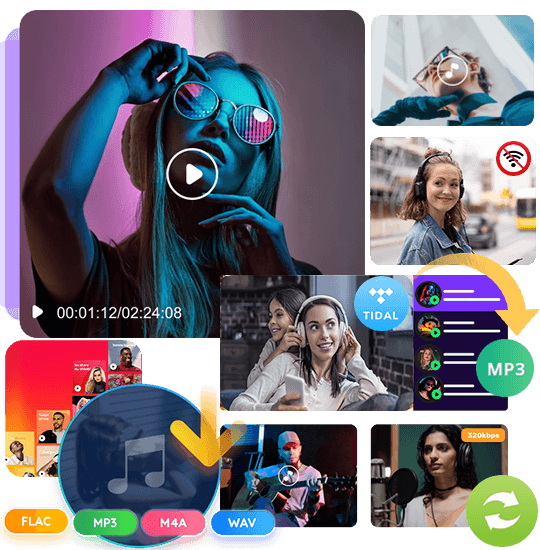





Download Tidal Music as WAV: Save All Songs and Podcasts Losslessly
Want to keep playing Tidal music after cancelling subscription? Want to download Tidal music to computer as local files? All Tidal streams are encrypted and can only be played through the Tidal app on limited supported devices. If you need the highest quality audio, converting Tidal music to WAV is the best solution to keep Tidal HiFi music forever and have an enjoyable offline playback time.
The best Tidal to WAV converter to help you rip tracks from Tidal to WAV, and other audio formats with lossless quality! With UkeySoft Tidal music converter, you can batch download your favorite Tidal songs from a curated playlist or entire album to Mac or PC without the Tidal app. Enjoy Tidal songs freely from now on, and keep them forever!
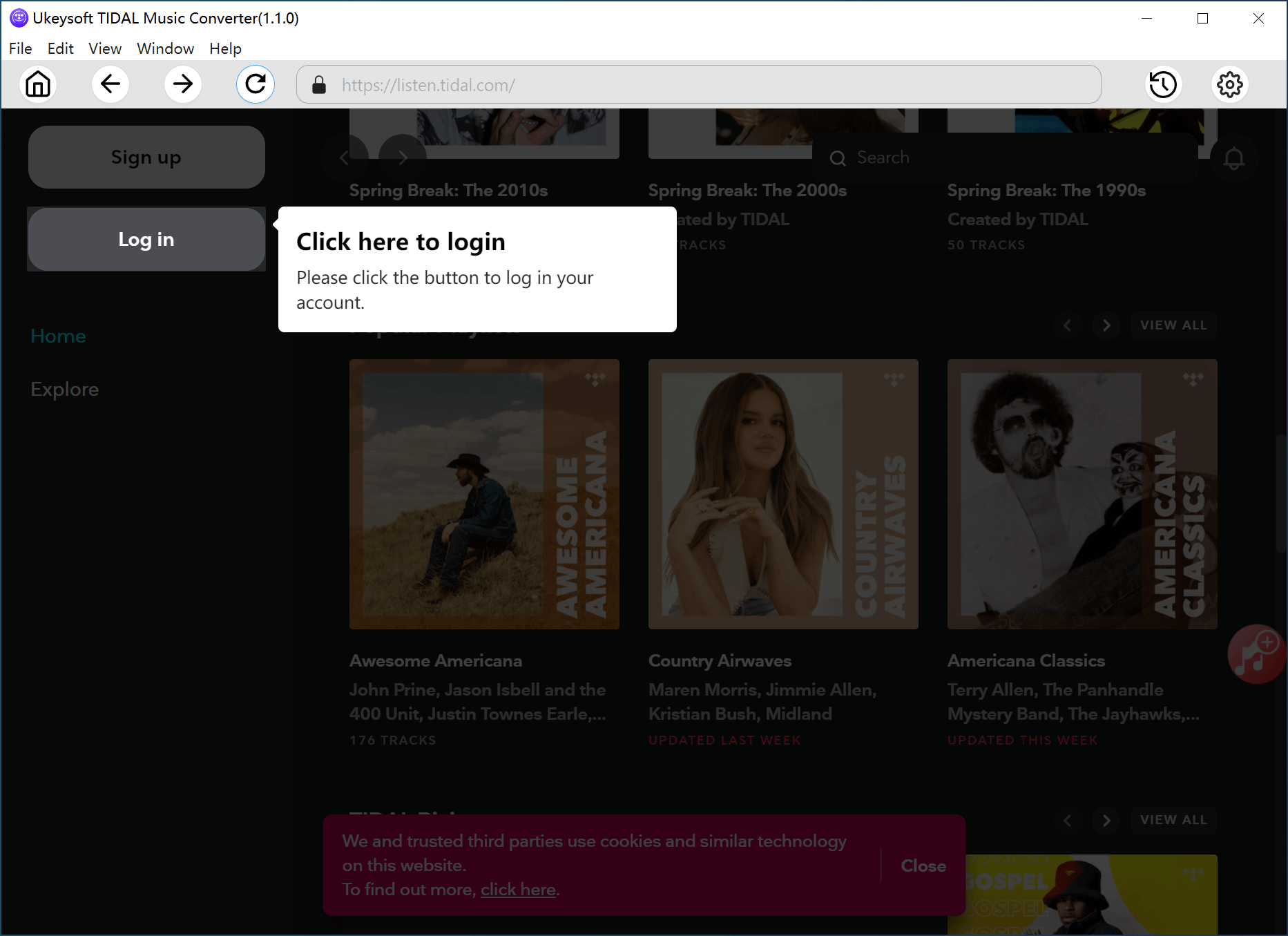

1. Log in.
Run UkeySoft Tidal music converter and log in to your Tidal account to enter the built-in web player.

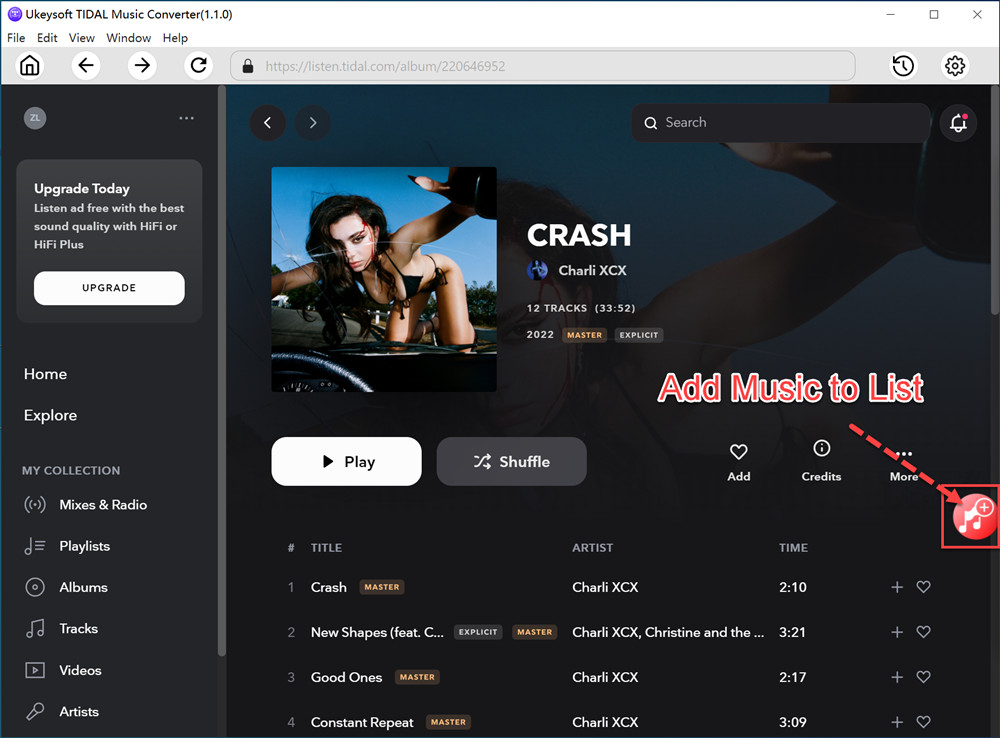
2. Select Music.
Choose any song, playlist, album, or podcast in the library. Then, click the red "+" icon to add the songs.

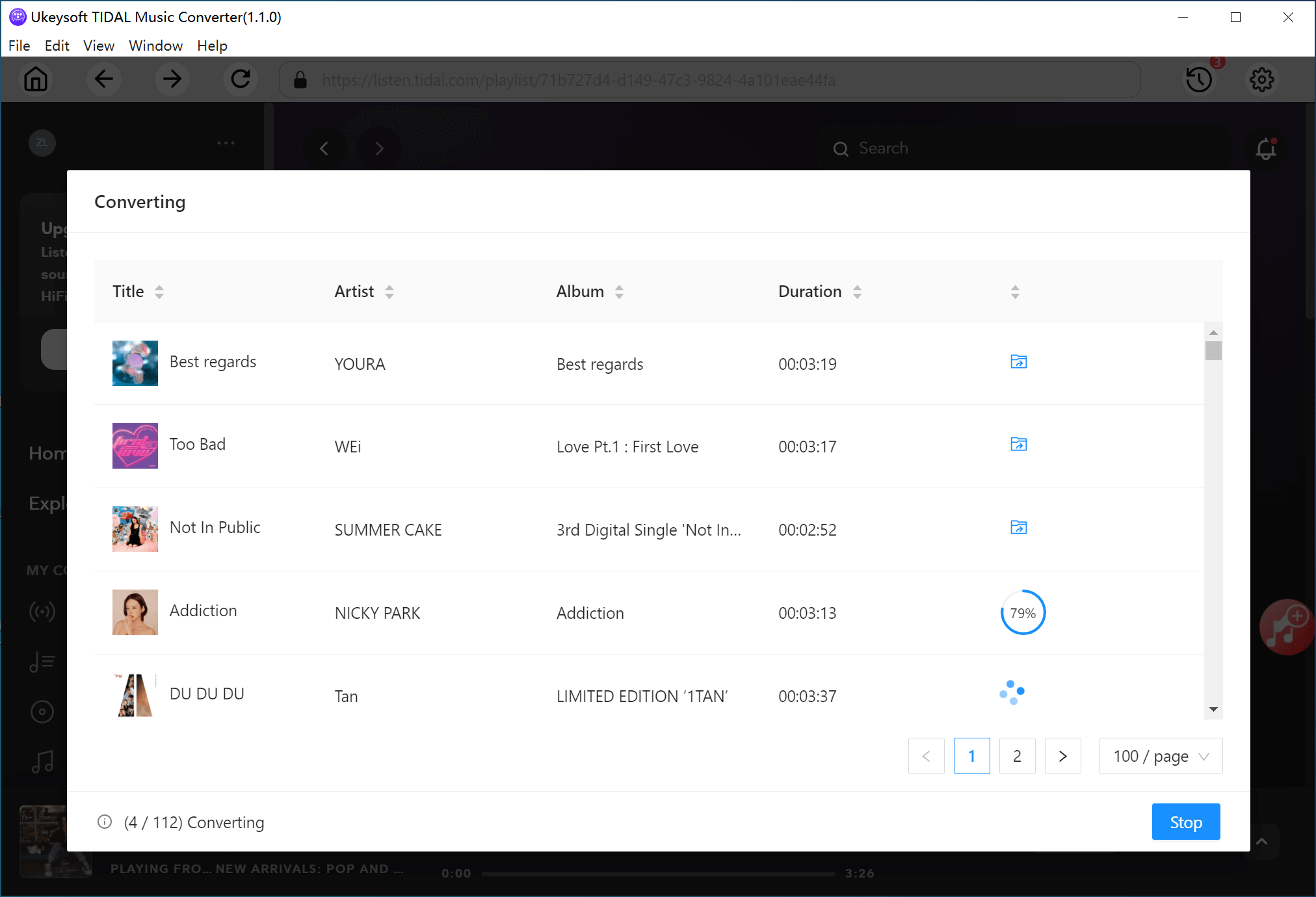
3. Start Conversion.
Select your desired Tidal songs and set WAV format, hit on "Convert" button to start to download and convert Tidal songs to WAV files.
Learn More
Tidal to WAV Converter Tutorial:
Download All Tidal Content to Computer
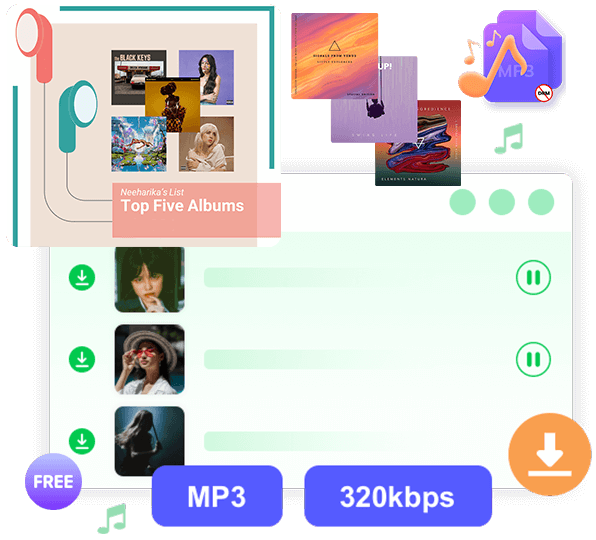
UkeySoft Tidal Music Converter is your optimal option to download Tidal songs, albums, artists playlists, and podcasts directly to your computer for offline listening. With its built-in Tidal Web Player, you can browse, add and download any music without needing the Tidal app. You can use it to download and convert Tidal music to WAV format, then add and burn Tidal music to CDs using other media players.
Inclusive Output Formats: WAV, MP3, FLAC, AAC, etc.
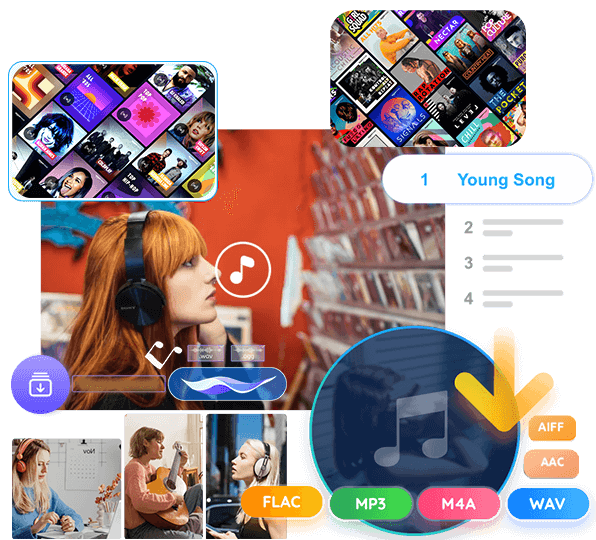
Unlike online Tidal downloaders that only offer MP3 format, our Tidal music converter allows users to download Tidal songs to MP3, WAV, AAC, FLAC, M4A, and AIFF formats. With your favorite Tidal songs and podcasts in a normal format, you can easily save, share, transfer or transfer them. Say goodbye to the Tidal music app! Thus, you can offline play Tidal music on MP3 player, car player, smart speaker, smart watch, laptop, Xbox, Zune, PSP, PS5, phone, tablet, etc.
Batch Download Tidal Music at 16X Speed
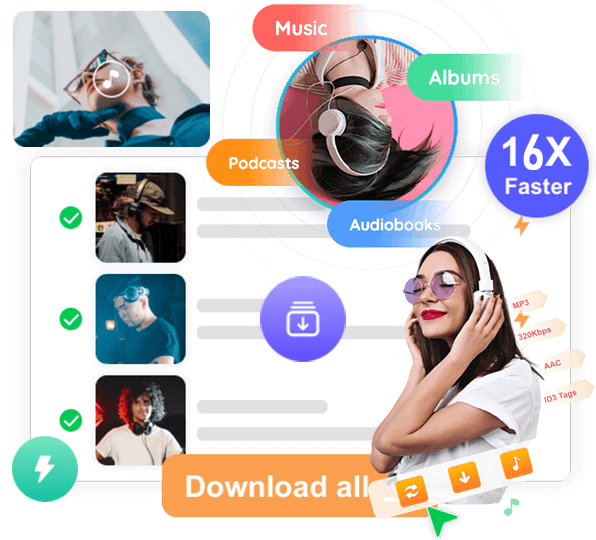
Unlike traditional audio recorders or online downloaders, UkeySoft is designed for high-efficiency music conversion, offering up to 16X faster batch download speed. Whether you want to convert an entire Tidal playlist or a large album collection, this tool handles multiple tracks simultaneously with stable and smooth performance. A typical 4-minute track takes about 3 seconds to download, while an entire playlist can be ready in 5 minutes.
Preserve Tidal HiFi/HiRes Quality & ID3 Tags
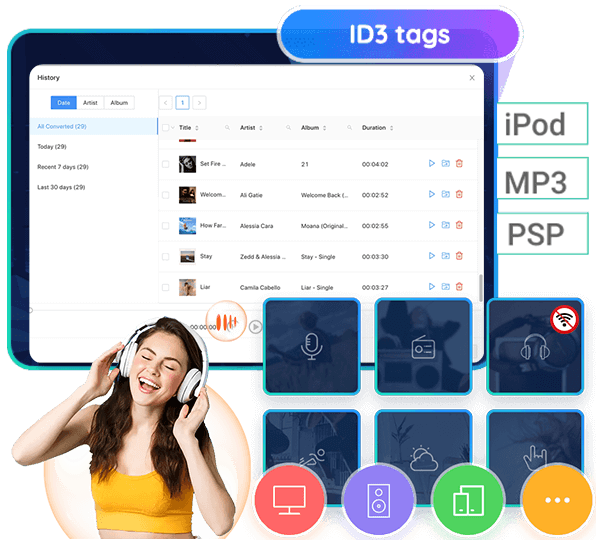
Grabbing original streaming tracks, UkeySoft Tidal Music Converter converts and downloads Tidal music with HiFi output quality kept. Plus, it lets you change the quality setting to 320kbps, or even highest 640kbps. And the program automatically preserves all ID3 tags metadata, including song title, cover, artist, album, track number, genre, and artwork, so your local music library stays well-organized after conversion. The software also includes a powerful built-in music manager that lets you sort, categorize, and arrange your downloaded tracks with ease.
Why use UkeySoft’s Streaming Music Converter?

Grab Tidal Music Losslessly
UkeySoft has an intuitive user interface, making it quite easy to download songs, albums, playlists, or podcasts from built-in Tidal web player to local computer.

Unlimited Downloads for All Tidal Users
With UkeySoft, you can download an unlimited number of songs & podcasts from Tidal music, whether you are using a free trial or premium account.

Play Tidal Offline on Any Device
Easily play your favorite Tidal music on all kinds of devices and players without network, no restrictions.

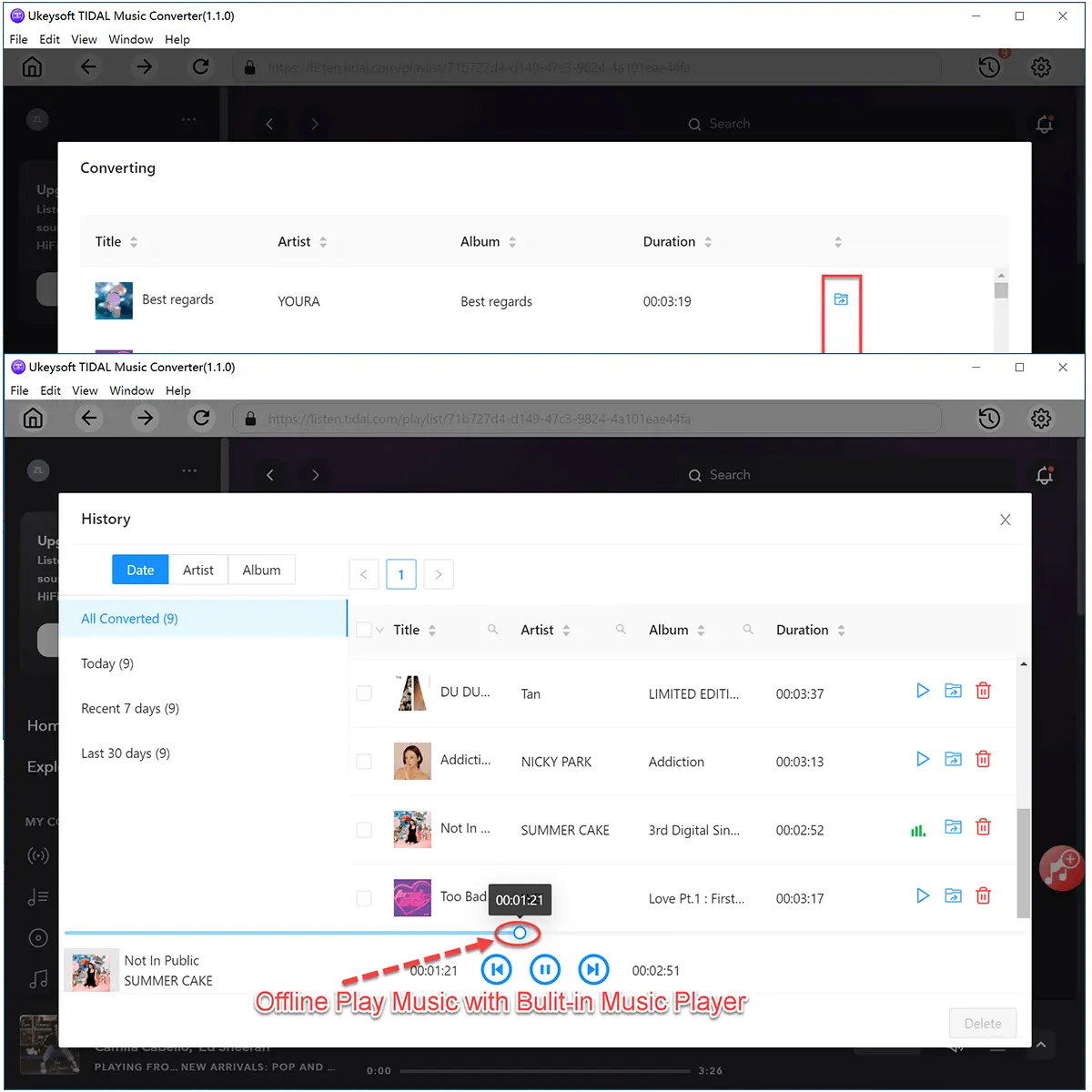
Built-in Music Player
Play and manage your downloaded Tidal songs directly with the integrated music player on the converter.
Frequently asked questions.
Q1. Why can I only convert the first 3 minutes of a Tidal song?
The free trial version of UkeySoft lets you convert up to the first 3 minutes of each song and up to 3 songs at a time. To remove these limits and unlock full features, please register for the full version.
Q2. What types of Tidal music can UkeySoft convert?
UkeySoft Tidal Music Converter allows both Tidal Free and HiFi users to download and convert songs, albums, and playlists to MP3, M4A, AAC, FLAC, WAV, and AIFF formats.
Q3. How can I organize the downloaded songs by artist or album?
Click the “Gear” icon in the top-right corner of UkeySoft, then choose how you want your files sorted: by Artist, Album, Artist/Album, Album/Artist, or None. Choosing “None” will save all songs in one folder.
Q4. Can UkeySoft convert Tidal HiFi or Master (MQA) quality songs?
Yes, UkeySoft fully supports downloading and converting Tidal HiFi and Master quality songs while preserving their original audio quality.
Q5. What should I do if the output quality isn’t good enough?
For the best sound, set the output format to "AUTO" in the settings menu. You can adjust other output options by clicking the “Gear” icon in the top-right corner.
Loved by Music Lovers. Loved by the Creators.
RD
Verified Customer
Have been using it for the Tidal Streaming, just over one year. Highly recommend and very easy to use. The time to convert is very acceptable.
There are no glitches or awkward issues and the interface looks exactly like Tidal. Go ahead and purchase it, you will not be disappointed. The support team promptly answered my billing question on an issue.
There are no glitches or awkward issues and the interface looks exactly like Tidal. Go ahead and purchase it, you will not be disappointed. The support team promptly answered my billing question on an issue.
PA
Verified Customer
Really pleased - Probably overkill as im only DJing my wedding with my mate but purchased the lifelong subscription and started converting tunes from Tidal to use with Rekordbox - I know I didn't need to convert to AIFF but I did and it sounds brilliant through the sound system. Emailed them once with a question and had a response next day.
TV
Verified Customer
Support is very responsive. This company stands behind its products.
KV
Verified Customer
Product works great. When I switched to a new computer, the license did not work on my new MacBook (it was already activated on my old Mac). I requested a solution by mail and Ukeysoft responded within 12 hours and reset the license key for me to use it again. It works!
PB
Verified Customer
In just a few momments the connection problem I had solved !!! The people were very gently and just to the point !!!

 English
 Arabic
 Chinese (Simplified)
 Chinese (Traditional)
 Croatian
 Czech
Czech Danish
 Dutch
Dutch Estonian
 Finnish
 French
 German
 Greek
Greek Hebrew
 Hindi
Hindi Hungarian
 Indonesian
 Italian
 Japanese
 Kazakh
 Korean
 Malay
Malay Norwegian
 Polish
 Portuguese
 Romanian
 Russian
 Slovenian
 Spanish
 Swedish
 Thai
Thai Turkish
 Ukrainian
 Vietnamese