 UkeySoft Tidal Music Converter
Convert Tidal Music to FLAC in Hi-Res Quality
Download songs, albums, playlists, and artists from Tidal, then convert them to FLAC with zero quality loss. Keep your favorite Tidal music in high-resolution audio and enjoy it offline on any device anytime, anywhere.
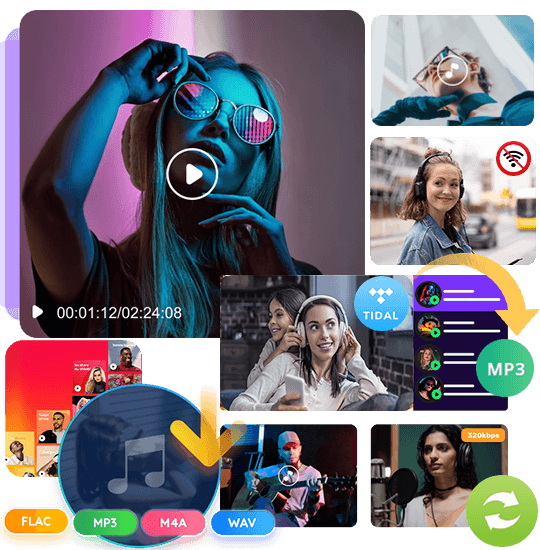





Download Tidal Music to FLAC: Keep Original Hi-Res Sound Offline
Want to save songs, albums, or playlists from Tidal for offline listening without any restrictions? Need to transfer Tidal tracks to any device, even ones that don’t support the Tidal app? Although Tidal lets HiFi and HiFi Plus users download music, those files are encrypted and locked inside the app. Converting Tidal music to FLAC gives you real offline freedom, allowing you to enjoy your music anywhere with full lossless quality.
With UkeySoft Tidal Music Converter, you can batch download and convert Tidal tracks, playlists, and albums to FLAC while keeping the original sound quality. Whether you use Tidal HiFi, HiFi Plus, or even a free trial, UkeySoft lets you easily save your favorite music as FLAC files for unlimited offline listening on all your personal devices.
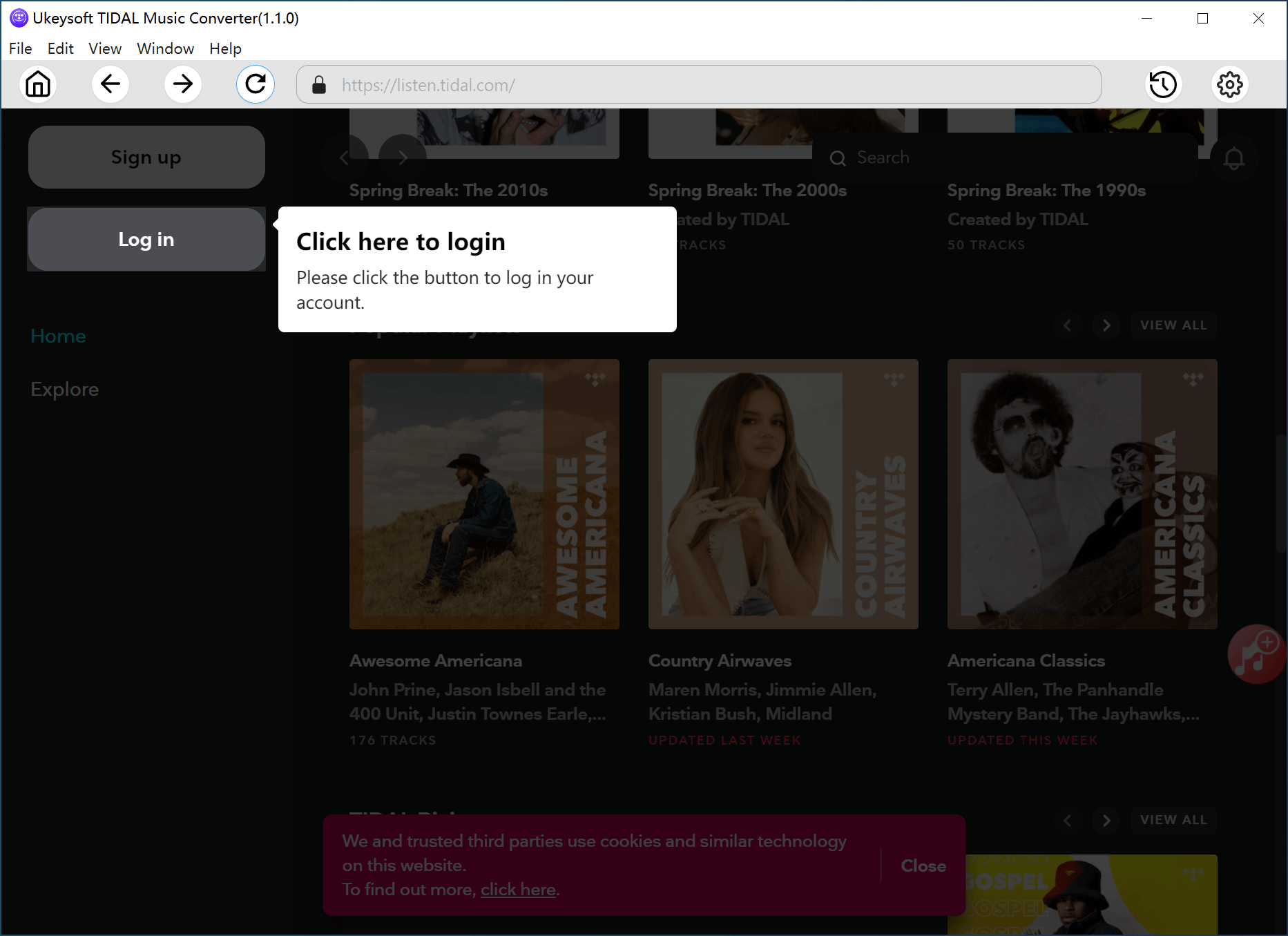

1. Sign In.
Launch the Tidal Music Converter and log in to your Tidal account to load your full music library.
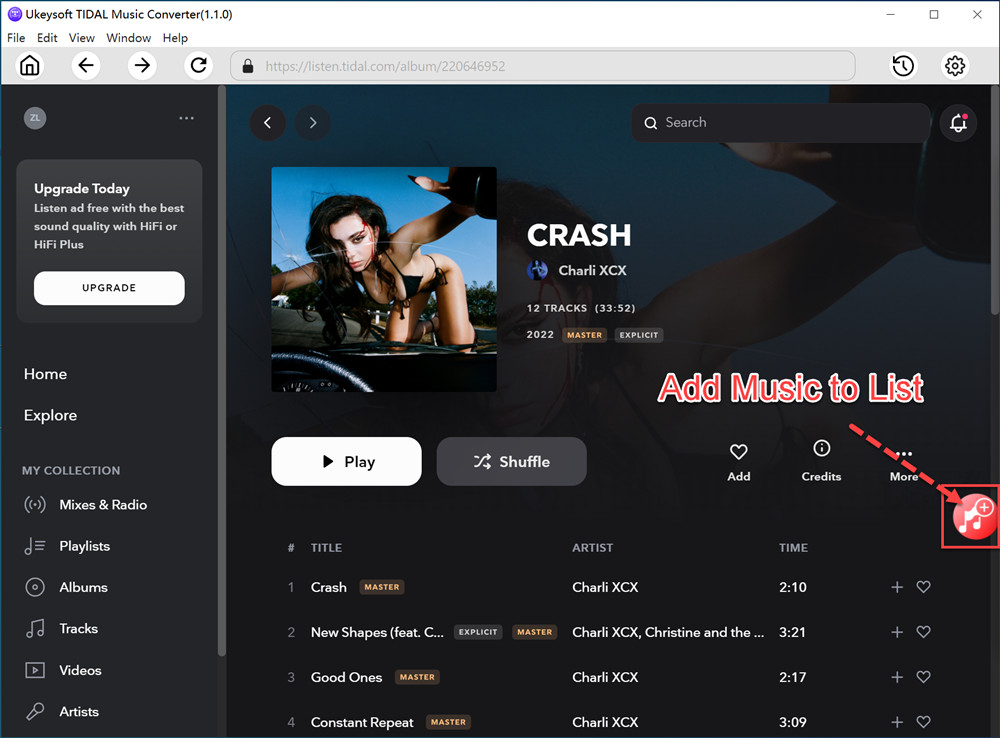
2. Add Music.
Press the “+” icon to bring in the songs, playlists, or albums you want. Check the tracks you’d like to convert.

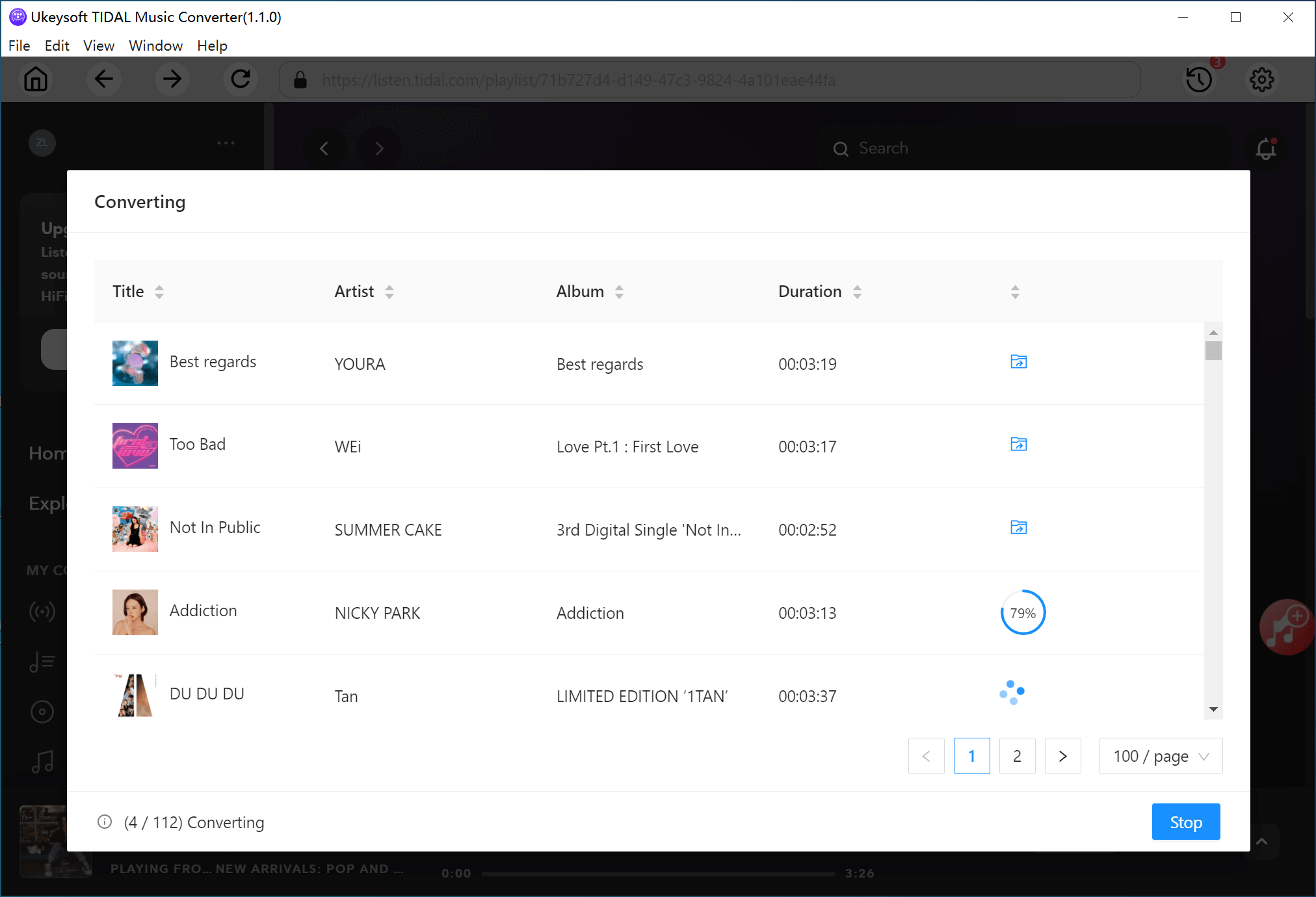
3. Convert to Flac.
Set FLAC as the output format and hit “Convert.” The tool will begin turning your selected Tidal music into FLAC files.
Learn More
Watch our Tidal to FLAC converter tutorial:
Download Tidal Music and Keep It Forever
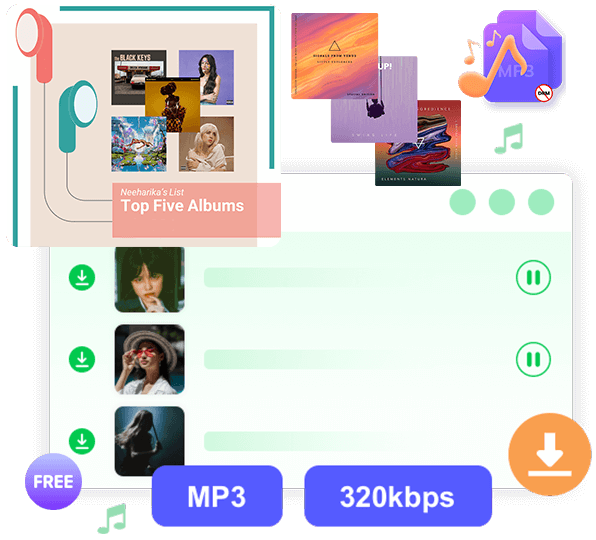
With UkeySoft Tidal Music Converter, users of Tidal Free, HiFi, and HiFi Plus can easily download their favorite tracks to a computer for true offline listening. Once saved, the songs are no longer restricted by the Tidal app, allowing you to transfer them to any device and enjoy flexible playback anytime.
Convert Tidal Songs to FLAC, MP3, WAV, and More
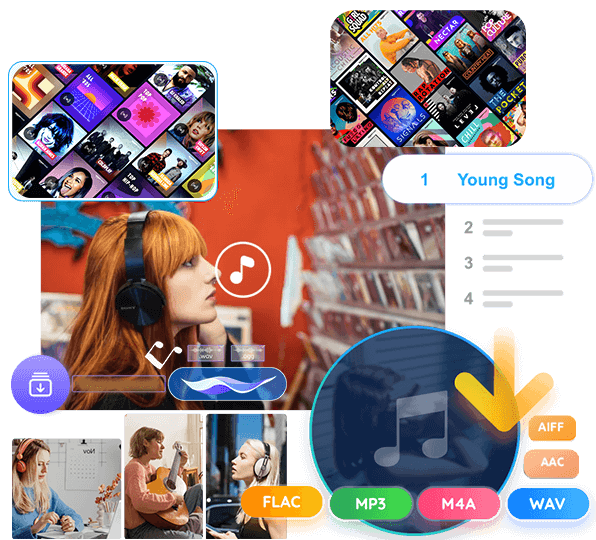
UkeySoft Tidal Music Converter lets you download Tidal songs, albums, and playlists and convert them to multiple formats such as FLAC, MP3, WAV, AAC, M4A, or AIFF. After conversion, you can keep the files permanently, store them on a USB drive, play them on an MP3 player, use them in editing software, or burn them to a CD, there is no Tidal subscription required.
Preserve Original Tidal HiFi Sound in FLAC
UkeySoft Tidal Music Converter helps you convert Tidal HiFi and HiFi Plus music into lossless FLAC files while keeping the original CD-quality audio. All metadata, including title, artist, album, and cover art, is fully preserved, so you can enjoy high-resolution Tidal tracks offline on any device without quality loss.
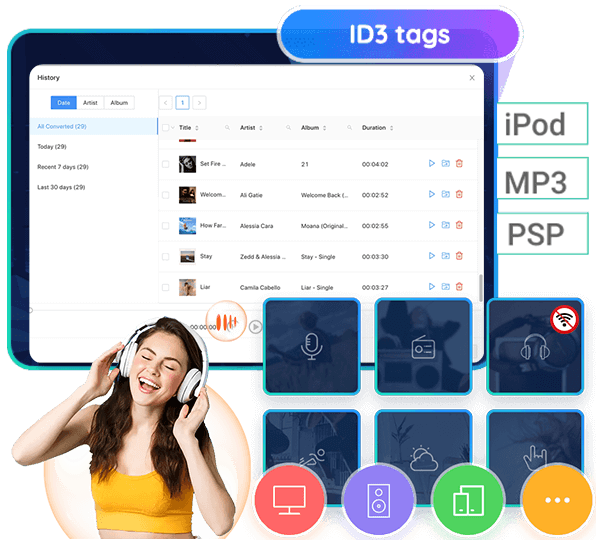
Keep ID3 Tags and Organize Your Music Easily
Managing your offline Tidal library becomes simple with UkeySoft. The converter preserves all important ID3 tags and metadata, making it easy to sort music by artist, album, or genre. You can preview songs before and after conversion and rebuild a clean, well-organized library for smooth offline playback on any device.
Why us UkeySoft’s Streaming Music Converter?
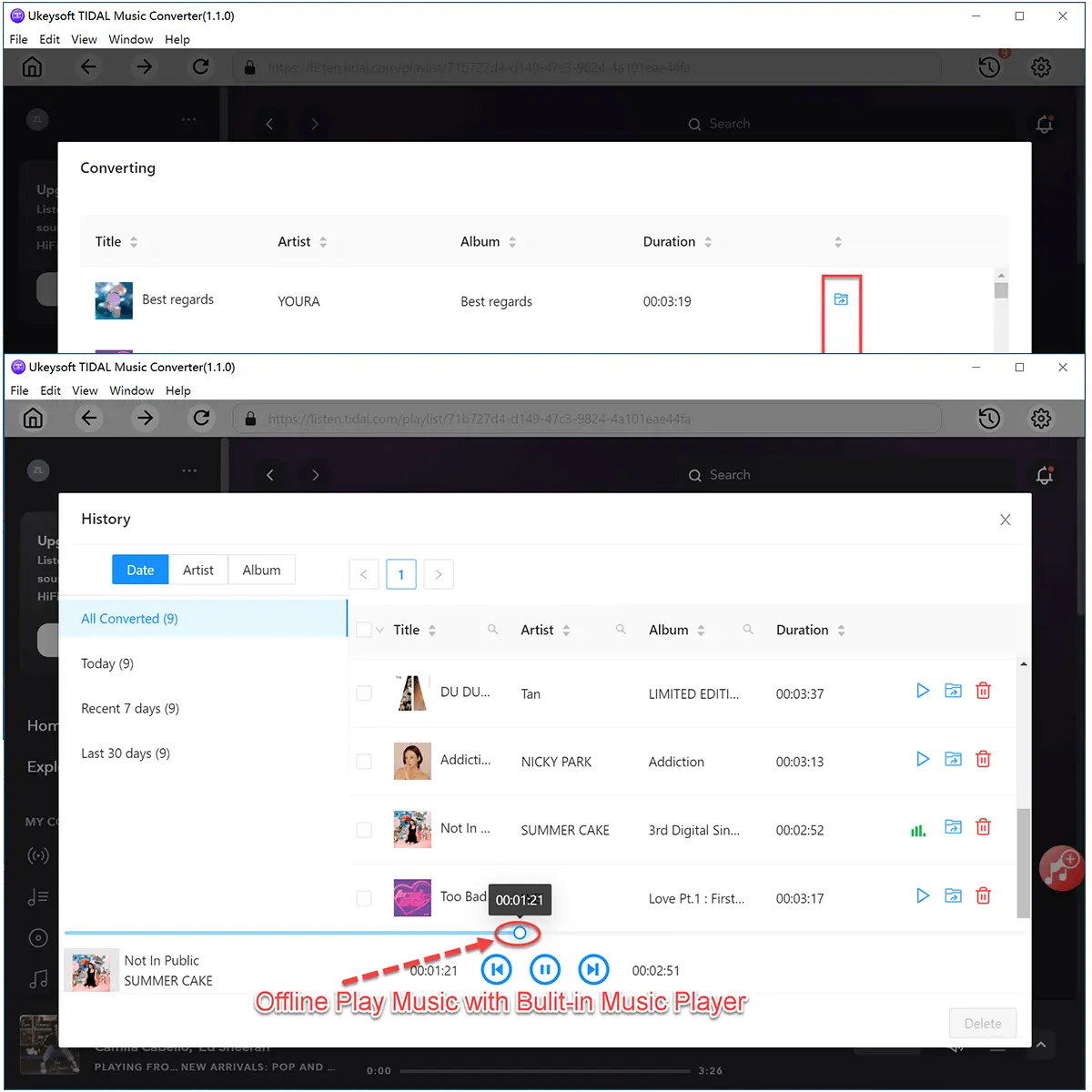

Fast and Simple Tidal Music Conversion
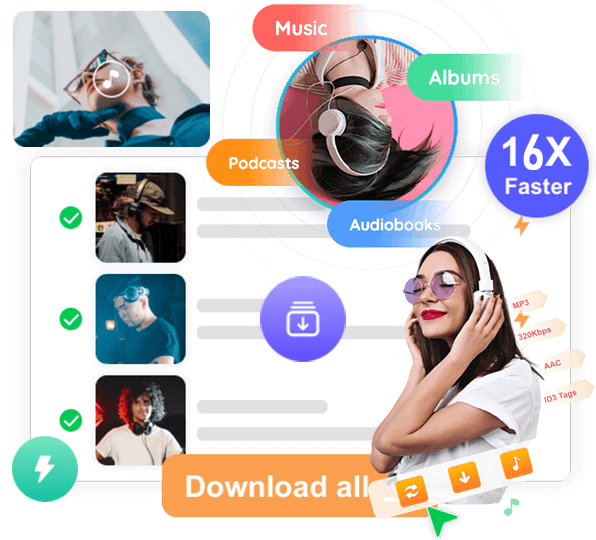
Download Tidal songs, albums, and playlists in batches with just a few clicks. UkeySoft Tidal Music Converter works quickly and smoothly, letting you save your Tidal music to your computer without needing the Tidal app installed.

Keep Tidal Music Forever in FLAC
Once you convert your Tidal tracks to FLAC, the songs are yours to keep permanently, even if you cancel your Tidal subscription. Enjoy high-quality, lossless audio offline without restrictions or monthly fees.

Play Tidal FLAC Files on Any Device
Converted Tidal FLAC files can be played on almost any device, including MP3 players, iPods, Android phones, iPhones, tablets, smart TVs, car stereos, USB drives, and more. Enjoy your Tidal music freely, no matter where you are.

Multiple Formats with Hi-Res Audio Quality
Besides FLAC, UkeySoft Tidal Music Converter also supports MP3, M4A, WAV, AAC, and AIFF. You can choose the format you need while keeping excellent sound quality, giving you more flexibility for offline music playback on all your devices.
Frequently asked questions.
Q1. Can I convert Tidal music to FLAC without a paid subscription?
Yes. UkeySoft allows users of Tidal Free, HiFi, and HiFi Plus to download and convert Tidal tracks to FLAC, even if you stop your subscription later.
Q2. Will the converted FLAC files keep HiFi or HiFi Plus sound quality?
Definitely. UkeySoft preserves the original audio quality from Tidal, giving you lossless FLAC files with the same rich sound as the source.
Q3. Can I play FLAC files on devices outside the Tidal app?
Yes. Once converted, your FLAC files can be played on MP3 players, Android devices, iPods, tablets, smart TVs, car stereos, and more.
Q4. Can I convert Tidal music to formats other than FLAC?
Yes. UkeySoft also supports MP3, M4A, WAV, AAC, and AIFF, giving you plenty of options for different players and devices.
Q5. Is it possible to use my license on another computer?
Yes. Install UkeySoft on your new computer and contact Support to reset your activation code. Then enter your license to continue converting.
Loved by Music Lovers. Loved by the Creators.
M
Verified Customer
I’ve been wanting to keep my Tidal HiFi tracks forever, and this tool finally made it possible. It converts Tidal music to FLAC perfectly, and the audio sounds just as good as the original. Amazing!
S
Verified Customer
I downloaded multiple Tidal playlists in FLAC within a few minutes. The batch conversion saves so much time, and everything remains completely lossless. Absolutely worth using!
R
Verified Customer
This converter is super straightforward. Just sign in, select your albums, and convert. Now I can play my Tidal FLAC tracks on my portable Hi-Res audio player with no restrictions. Highly recommended!
A
Verified Customer
My smart TV doesn’t support Tidal, so I converted my favorite albums to FLAC using UkeySoft and transferred them to a USB drive. The sound quality is excellent, and the process was effortless.
B
Verified Customer
Finally found a reliable tool to download Tidal HiFi songs without losing quality. Customer support is also great - quick replies and very helpful. Perfect for anyone who wants offline FLAC files.

 English
 Arabic
 Chinese (Simplified)
 Chinese (Traditional)
 Croatian
 Czech
Czech Danish
 Dutch
Dutch Estonian
 Finnish
 French
 German
 Greek
Greek Hebrew
 Hindi
Hindi Hungarian
 Indonesian
 Italian
 Japanese
 Kazakh
 Korean
 Malay
Malay Norwegian
 Polish
 Portuguese
 Romanian
 Russian
 Slovenian
 Spanish
 Swedish
 Thai
Thai Turkish
 Ukrainian
 Vietnamese