 UkeySoft Amazon Music Converter
Batch Convert Amazon Music to FLAC
With our quick and user-friendly Amazon Music Converter, you can batch download songs, albums, playlists, and podcasts from Amazon Music Free, Prime, and Unlimited, and save them as FLAC files in full lossless quality. Enjoy high-quality FLAC music on any device without needing the Amazon Music app.
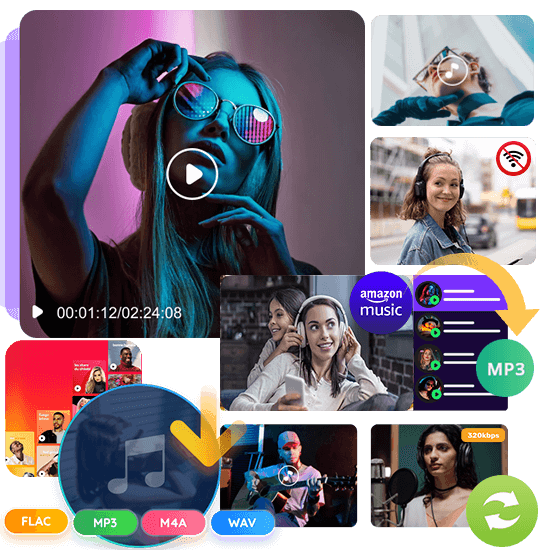





Batch Convert Amazon Music to FLAC and Enjoy High-Quality Music Offline
Searching for a simple way to download Amazon Music for free? Want to listen to your favorite tracks offline without depending on the Amazon Music app? Even though Prime and Music Unlimited users can download songs, all Amazon Music downloads stay locked inside the app and can only be played on approved devices, with various limits on access and use. Converting Amazon Music to FLAC gives you true lossless audio and complete freedom to enjoy your music anywhere.
With our powerful Amazon Music Converter, you can easily convert Amazon Music to FLAC while keeping the original sound quality, download songs directly from the Amazon Music web player for free, and batch save albums, playlists, tracks, and podcasts in one click. UkeySoft Amazon Music Converter works with every Amazon Music plan, including Free, Prime, and Unlimited accounts.
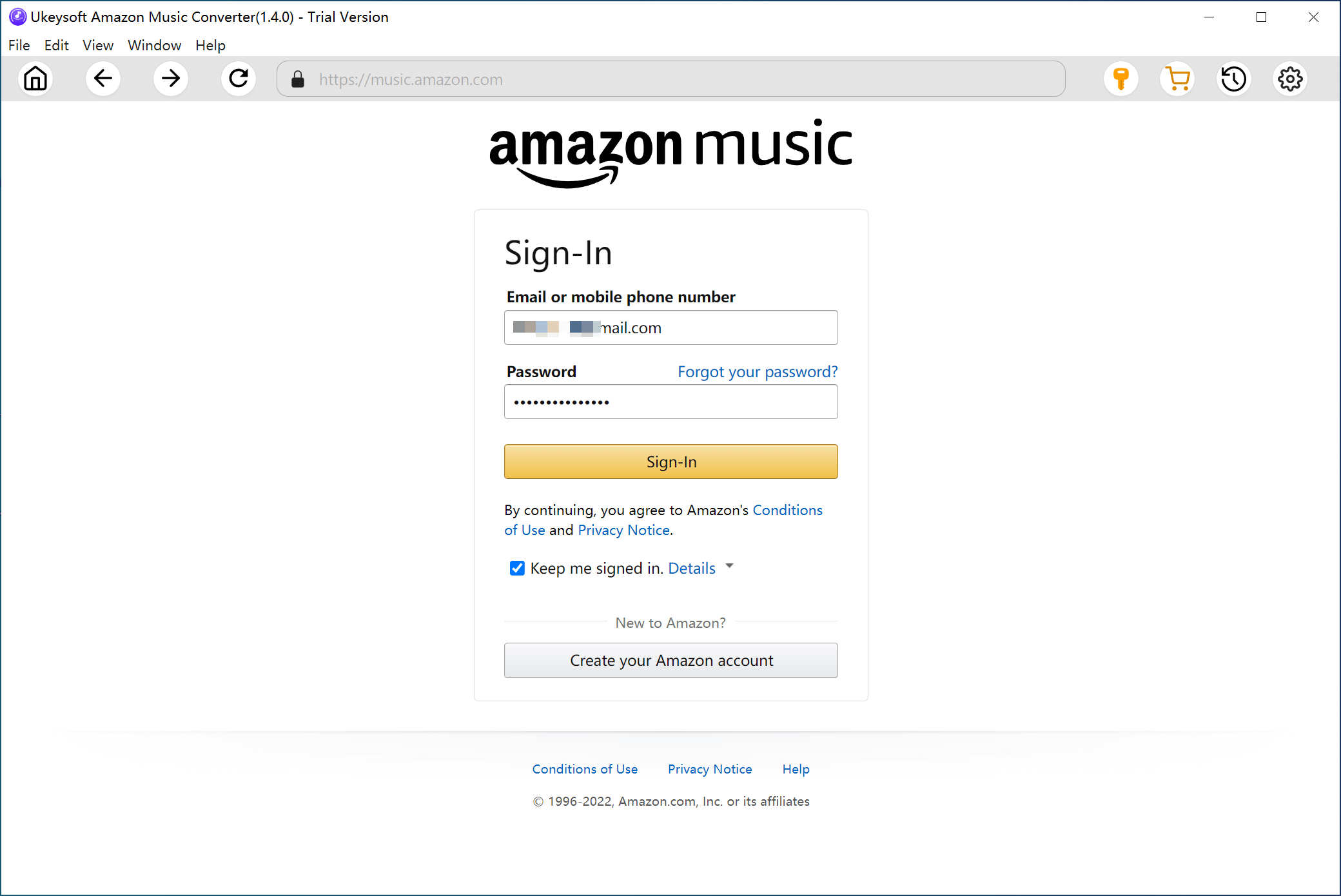

1. Sign In.
Open the Amazon Music Converter and log in with your Amazon account to view your full music collection.

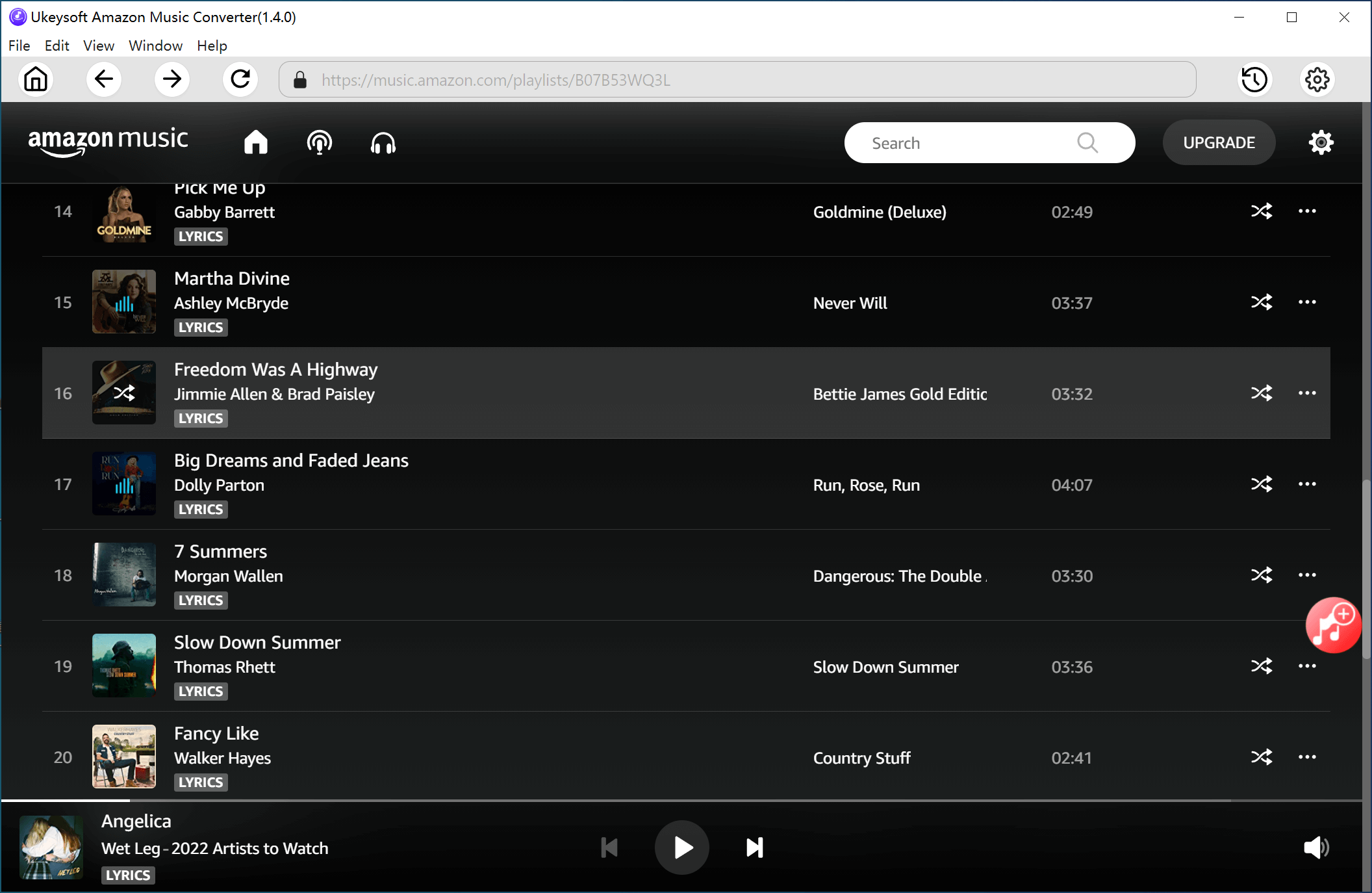
2. Select Music.
Press the “+” button to import the songs, playlists, or albums you want. Choose the tracks you’d like to convert.

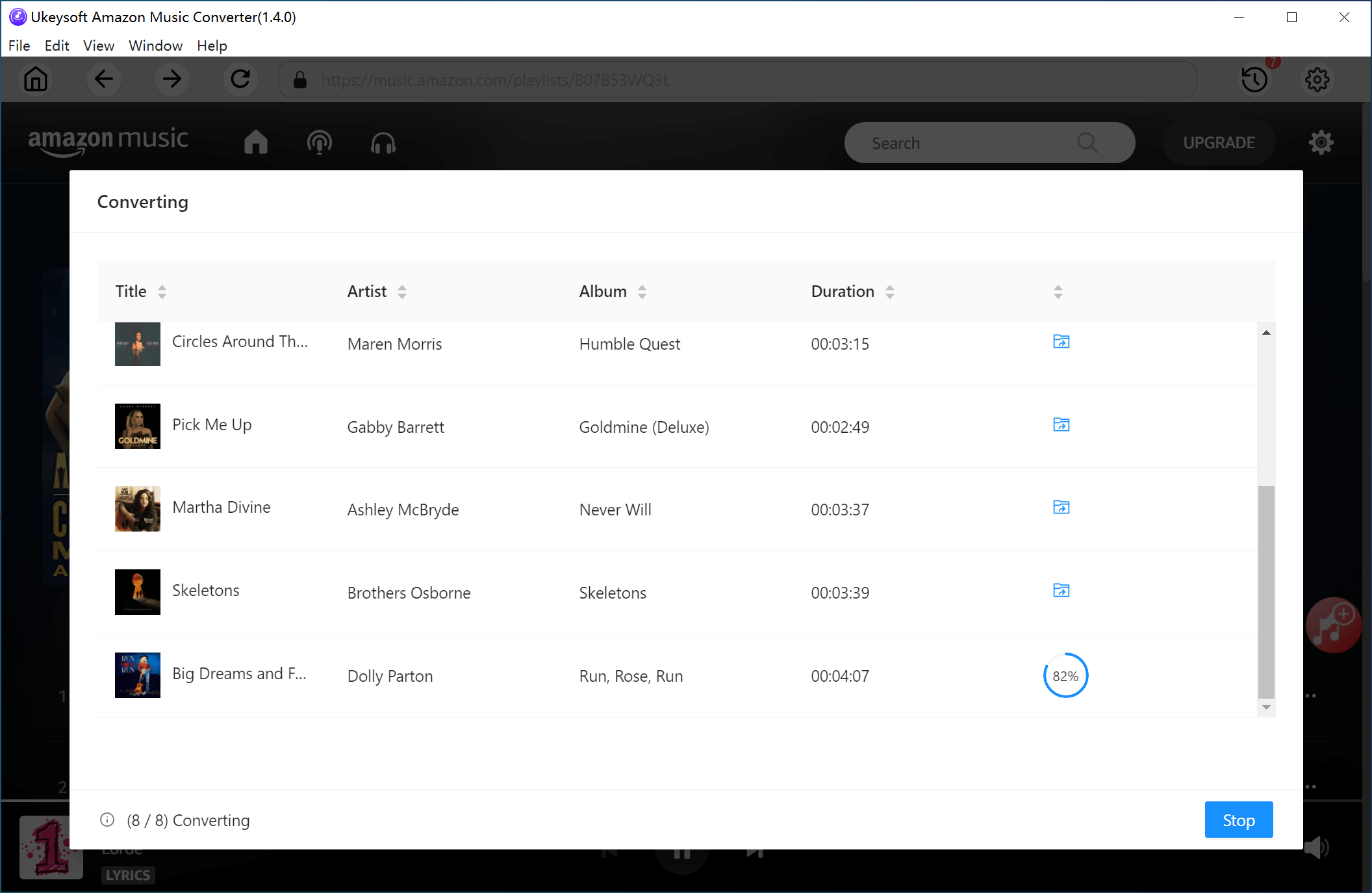
3. Convert to Flac.
Choose FLAC as the output format, then click “Convert” to start turning your Amazon Music into FLAC files.
Learn More
Watch our Amazon Music to FLAC converter tutorial:
Quick and Simple Amazon Music Downloading
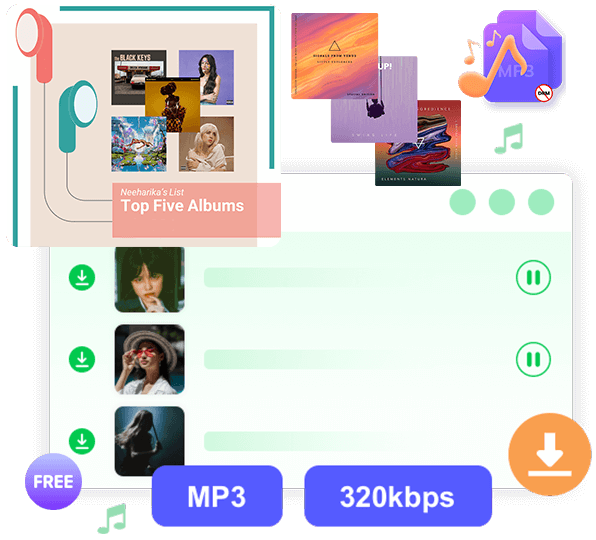
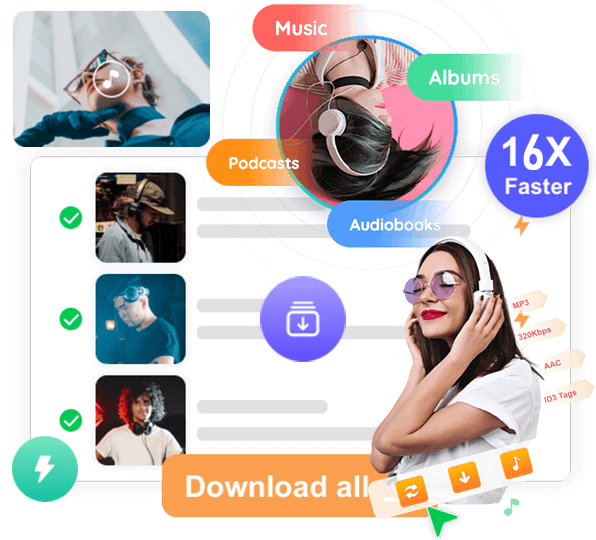
Downloading Amazon Music is very easy with UkeySoft Amazon Music Converter. You don’t need to install the Amazon Music app or deal with any complicated steps. Just log in through the built-in Amazon Music Web Player, pick your songs, playlists, albums, or podcasts, and start downloading. The program supports batch downloading, so you can save dozens of tracks at once instead of converting them one by one. Within a few minutes, your favorite music is ready on your computer for offline listening.
Convert Amazon Music to FLAC and Keep Your Songs Forever
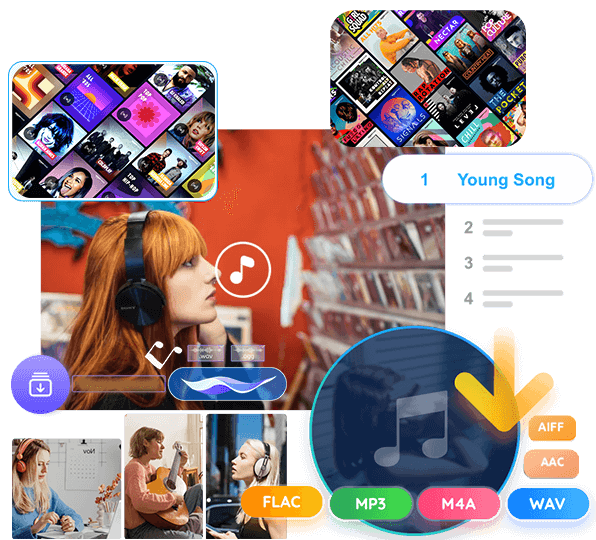
When you convert Amazon Music to FLAC, your songs become real audio files that you can keep permanently. This means your music won’t disappear or become unavailable when your Prime or Music Unlimited subscription ends. FLAC keeps the original lossless sound, so you always enjoy high-quality audio. Once saved, your FLAC files can be backed up, stored, and played at any time without needing an Amazon account or the Amazon Music app.
Enjoy Amazon Music on Any Device You Want
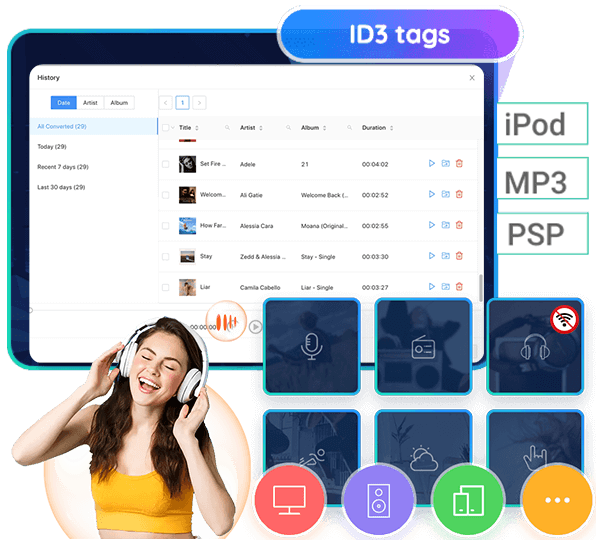
After you convert Amazon Music to FLAC, you can move your songs to any device you prefer. This includes MP3 players, iPods, smartphones, tablets, USB drives, car stereos, smart TVs, speakers, and more. You are no longer limited to using the Amazon Music app or approved devices. Your music becomes fully portable, letting you enjoy offline playback wherever you go - on the road, at the gym, at home, or on older devices that normally don’t support Amazon Music.
Lossless Audio Quality and Multiple Output Options
UkeySoft Amazon Music Converter lets you save music in FLAC for true lossless audio, giving you the same rich sound as the original track. If you need different formats, you can also choose MP3, M4A, WAV, AAC, or AIFF. This gives you flexibility depending on your device or storage needs. Whether you want the highest audio quality or a compact file for your phone, the converter ensures clear, smooth, and reliable sound for every song you download.
Why use UkeySoft’s Streaming Music Converter?
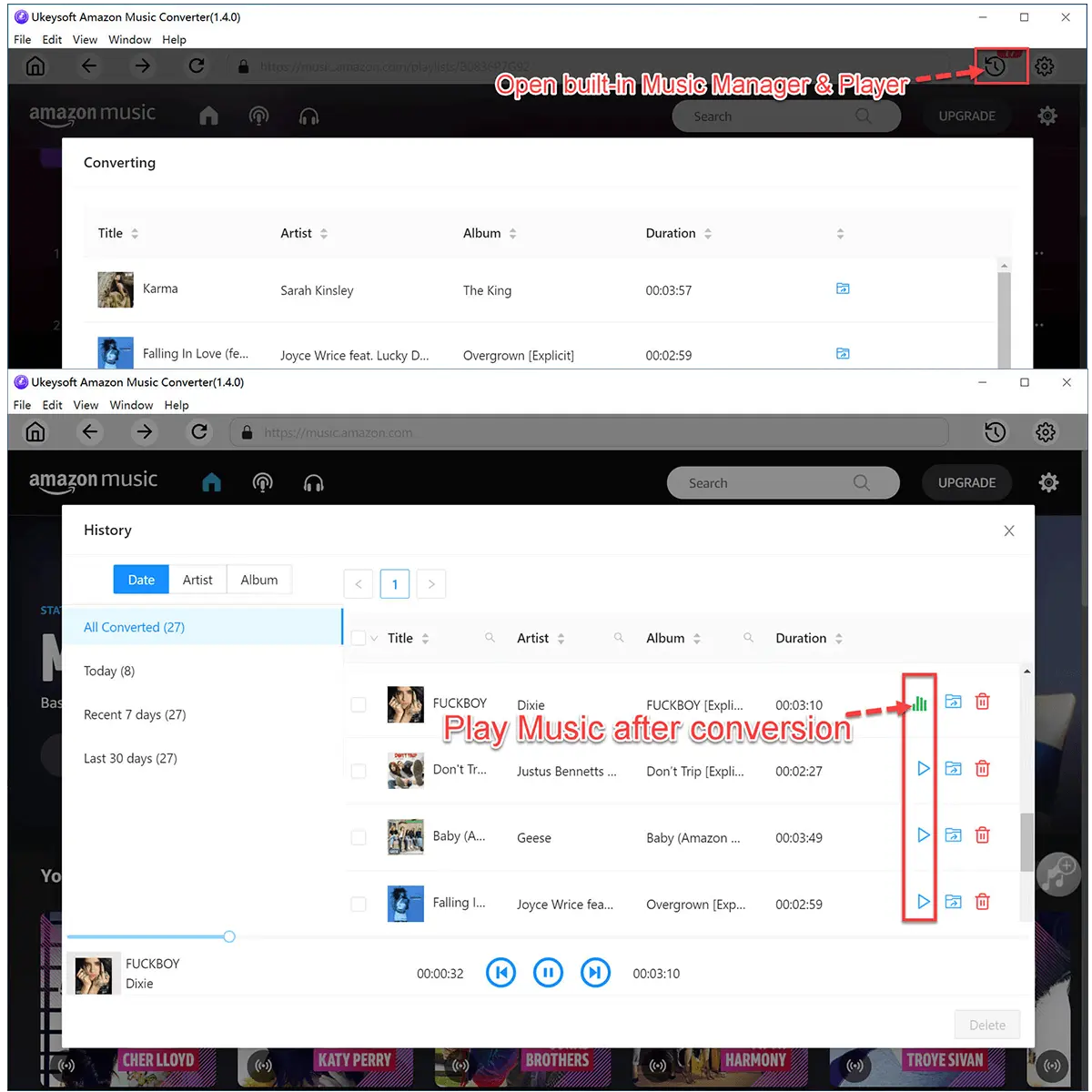

Quick and Easy to Use
Convert Amazon Music songs, playlists, or albums to FLAC in just a few clicks. No Amazon Music app needed, just log in through the built-in web player and start a fast batch download.

Keep Amazon Music Forever
After converting Amazon Music to FLAC, your songs become permanent files you can keep forever. Even if you cancel your subscription, you can still listen offline without limits.

Play Amazon Music on Any Device
Transfer your FLAC files to any device—MP3 players, phones, tablets, iPods, car stereos, smart speakers, or USB drives. Enjoy Amazon Music offline anywhere you want.

High-Quality FLAC for Better Listening
FLAC conversion keeps full lossless audio quality for clearer sound offline. You can also choose other formats like WAV, MP3, or M4A for maximum compatibility.
Frequently Asked Questions.
Does UkeySoft work with Amazon Music Free, Prime, and Unlimited?
Yes. UkeySoft supports all Amazon Music tiers, including Free, Prime Music, and Amazon Music Unlimited, so you can download and convert songs no matter which plan you use.
Do I need to install the Amazon Music app?
No. UkeySoft includes a built-in Amazon Music Web Player, so you can browse, play, download, and convert music directly in the converter without installing the Amazon app.
Will converting Amazon Music affect my account or playlists?
No. UkeySoft only reads your Amazon Music library—it does not change, delete, or sync anything. Your Amazon account remains untouched and safe.
Can I download Amazon Music podcasts to FLAC?
Yes. UkeySoft supports downloading and converting Amazon Music podcasts to FLAC for offline listening on any device.
Does UkeySoft offer customer support if I have issues?
Yes. UkeySoft provides email support and free updates, helping you solve installation, activation, or conversion problems anytime.
Loved by Music Lovers. Loved by the Creators.
M
Verified Customer
I wanted a simple way to save my Amazon Music tracks after my subscription ended. UkeySoft let me convert everything to FLAC with crystal-clear quality. Now my entire library is mine to keep forever.
S
Verified Customer
I downloaded and converted whole Amazon playlists to FLAC in no time. The batch feature is extremely fast and saved me hours. The sound quality is exactly like the original - amazing!
J
Verified Customer
This tool is incredibly easy to use. I just logged into the built-in web player, selected my albums, and clicked convert. Now I can play my Amazon Music FLAC files on my Hi-Res audio player with zero limitations.
A
Verified Customer
My car stereo supports FLAC, but Amazon Music Doesn’t offer real file downloads. UkeySoft helped me convert all my Amazon favourites to FLAC so I can listen offline anywhere. Works perfectly on USB!
E
Verified Customer
I was looking for a way to keep Amazon Music songs in lossless quality, and this software did exactly that. Fast conversion, clean interface, and great support. Highly recommended for anyone who loves high-quality audio.

Enjoy safe & colorful digital life.
Utility
Multimedia
- How to Convert Apple Music to MP3
- Free Download Spotify Music to MP3
- 4 Ways to Download YouTube Videos
- How to Remove DRM from iTunes Movies
- 3 Ways to Record Computer Screen
- 5 Ways to Unlock iPhone without Passcode
- Hide and Lock a Folder or Files in Windows
- How to Fix iPhone Stuck Issues Without Data Loss
- Convert Amazon Music to MP3
- Download Tidal Music to Computer
- Convert Audible AA/AAX to MP3
 English
 Arabic
 Chinese (Simplified)
 Chinese (Traditional)
 Croatian
 Czech
Czech Danish
 Dutch
Dutch Estonian
 Finnish
 French
 German
 Greek
Greek Hebrew
 Hindi
Hindi Hungarian
 Indonesian
 Italian
 Japanese
 Kazakh
 Korean
 Malay
Malay Norwegian
 Polish
 Portuguese
 Romanian
 Russian
 Slovenian
 Spanish
 Swedish
 Thai
Thai Turkish
 Ukrainian
 Vietnamese
Copyright © 2025 UkeySoft Software Inc. All rights reserved.