 UkeySoft Apple Music Converter
Our powerful Apple Music Converter lets you batch-convert Apple Music songs, albums, and playlists to FLAC effortlessly. Keep the full original sound quality and save your Apple Music as high-resolution FLAC audio for offline listening on any device.
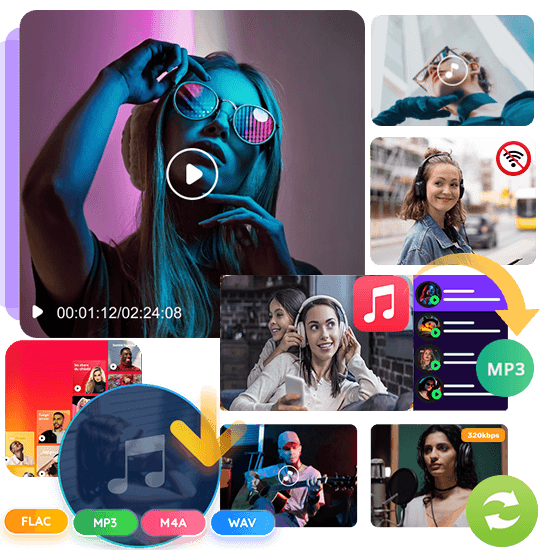





Batch Convert Apple Music to FLAC: Keep Original Hi-Res Audio Offline
Want to enjoy Apple Music with full lossless quality on any device? Apple Music tracks are protected by DRM, which means you can’t freely move downloads to other players, nor can you listen after canceling your subscription. By converting Apple Music to FLAC, you can preserve the original high-resolution audio and play your music anywhere, anytime without limits.
Our powerful yet easy-to-use Apple Music Converter allows you to convert Apple music to FLAC in batches, including Apple Music playlists, full albums, and individual songs. With one click, you can download and save your favorite Apple Music in true lossless format. Whether you want to back up your library or enjoy studio-quality sound offline, our tool makes it fast, simple, and reliable.
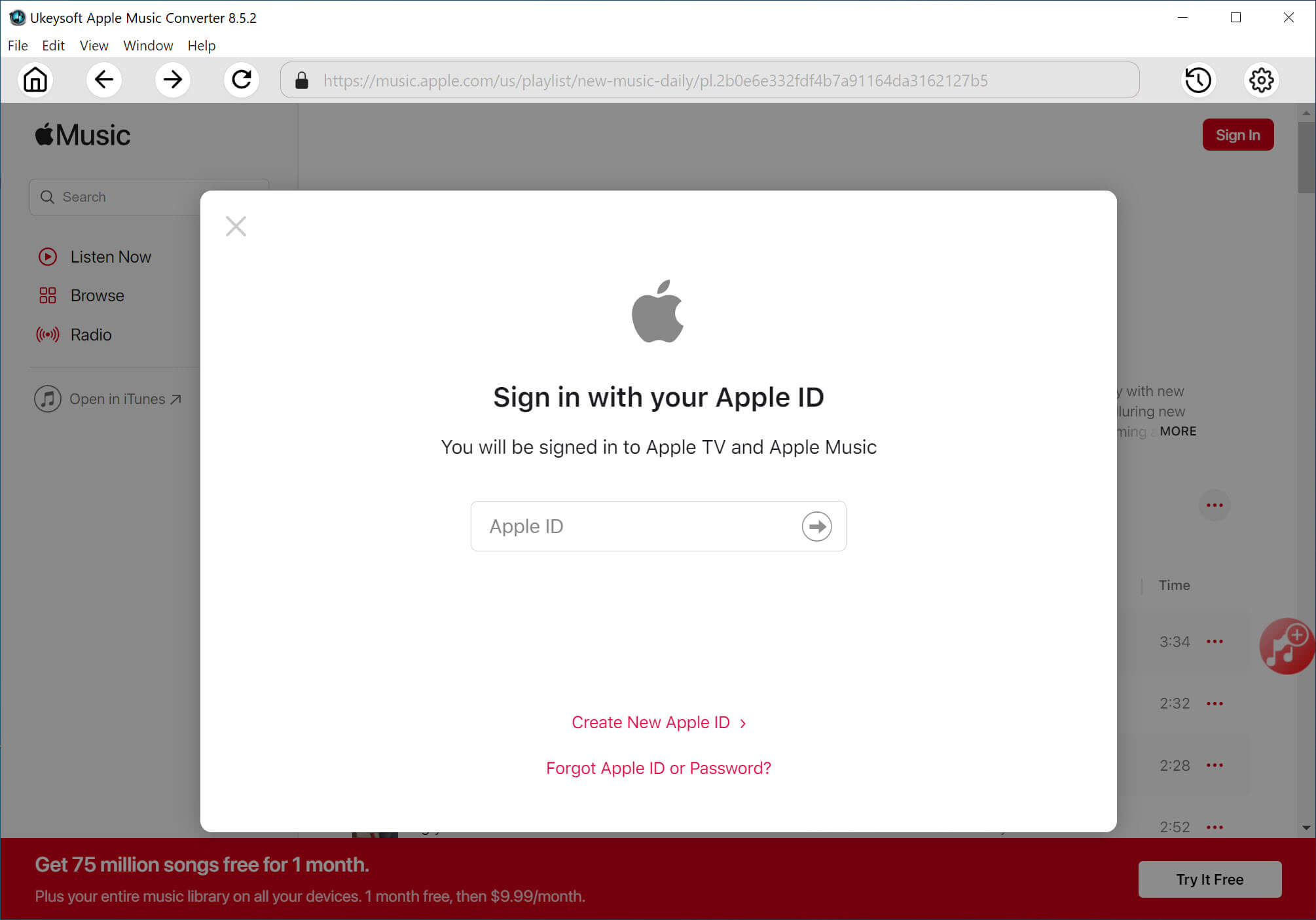

1. Log In.
Launch the Apple Music Converter and sign in with your Apple ID to access your entire music library.

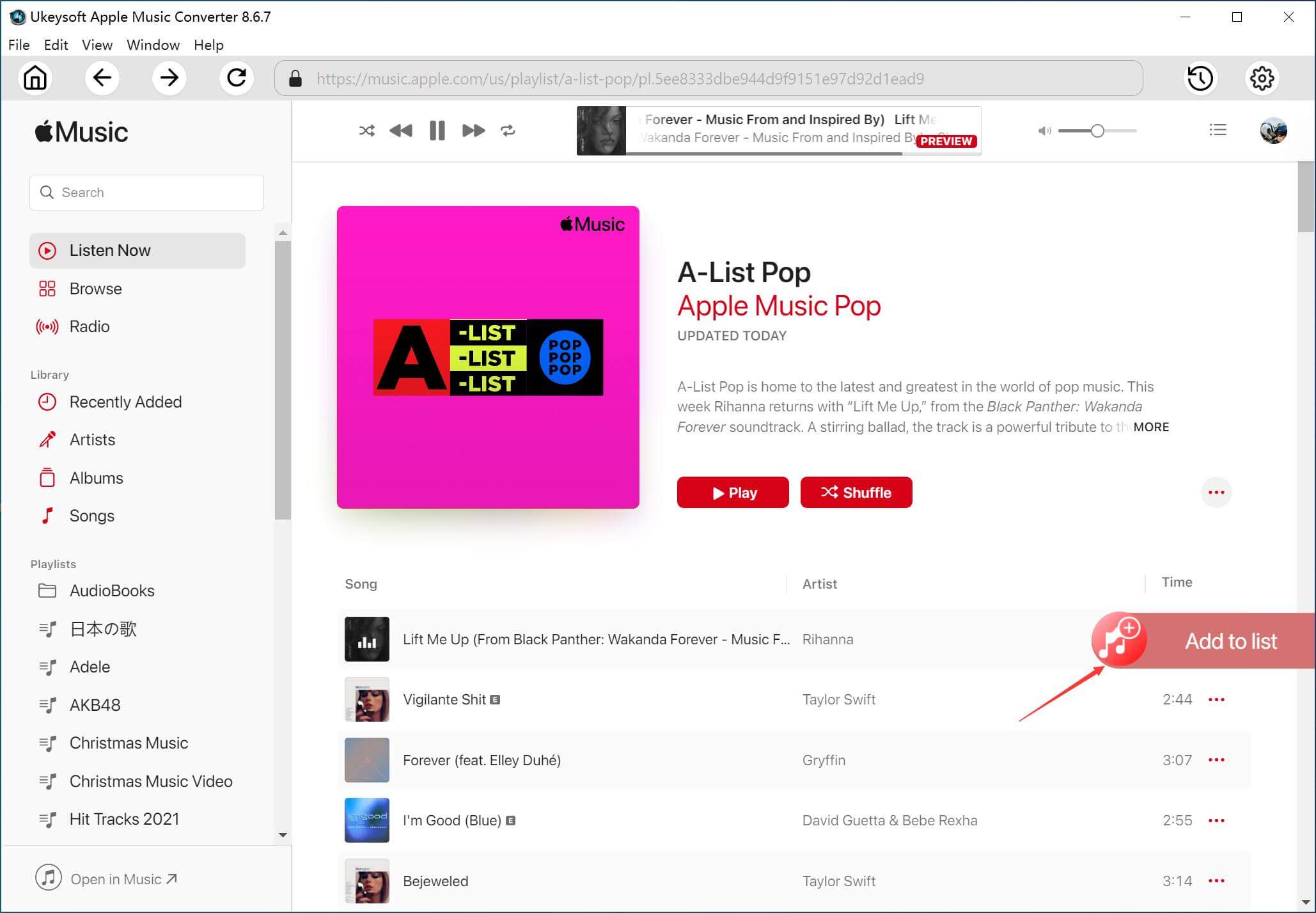
2. Add Songs.
Click the “+” icon to load songs, playlists, or albums you want. Tick the tracks you wish to convert.

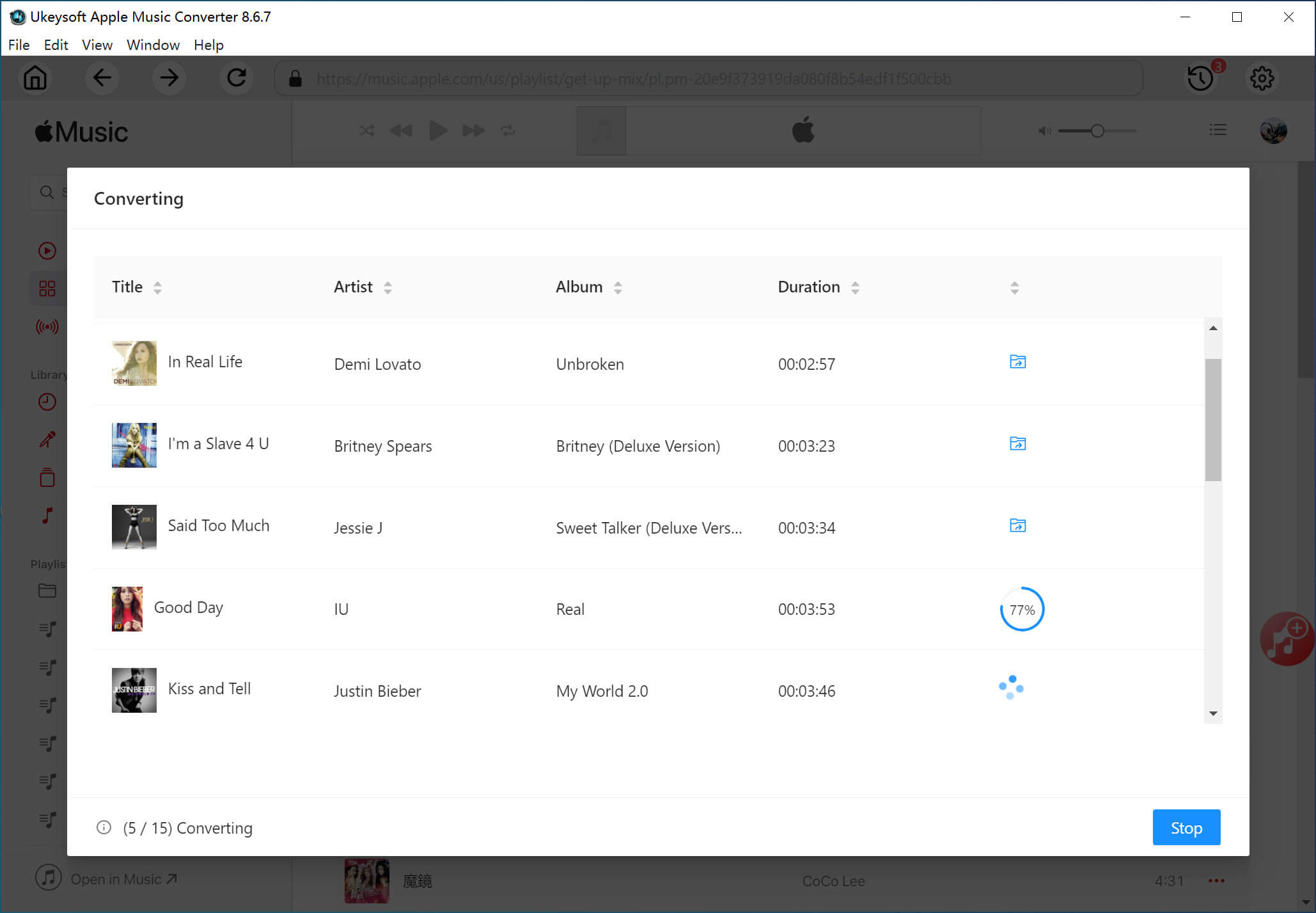
3. Start Conversion.
Set FLAC as the output format, then hit “Convert” to begin converting Apple Music to FLAC files.
Watch Video Tutorial:
Watch our Apple Music to FLAC converter tutorial:
Save Apple Music Tracks Forever
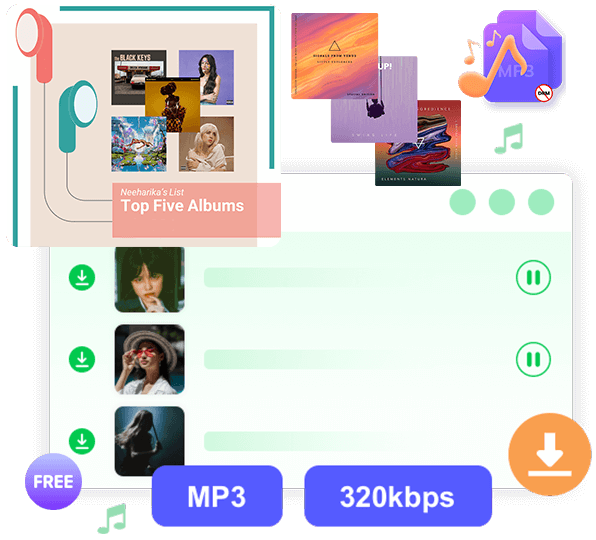
With UkeySoft Apple Music Converter, you can easily preserve your Apple Music library for offline listening. The tool lets you batch download individual songs, playlists, full albums, or even an entire artist’s catalog to your computer. Once converted to FLAC, your Apple Music tracks are no longer limited and can be played on any device, including MP3 players, iPods, Android phones, USB drives, and more. Enjoy your favorite Apple Music forever, without worrying about subscription restrictions.
Convert Apple Music to FLAC with Original Lossless Quality
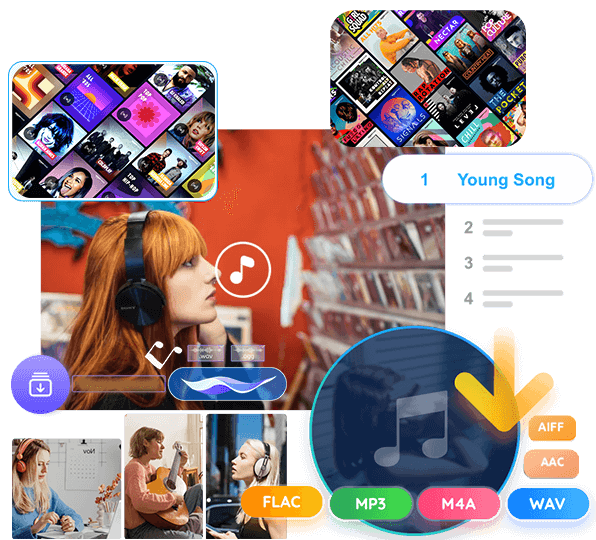
UkeySoft Apple Music Converter allows you to convert Apple Music to FLAC while preserving the original sound quality. Besides FLAC, you can also convert Apple Music to WAV, MP3, AAC, M4A, and AIFF. After conversion, Apple Music tracks can be played on any device or software, giving you full flexibility to enjoy studio-quality audio offline anytime.
Batch Download at High Speed
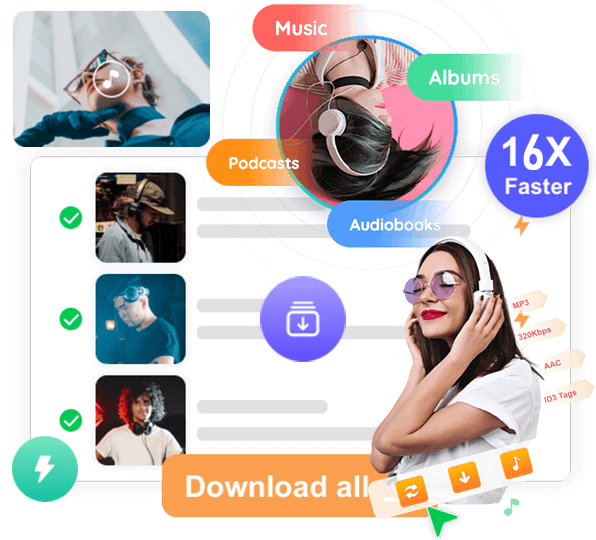
One of the standout features of UkeySoft is its fast batch conversion speed. You can convert Apple Music playlists, albums, or multiple songs to FLAC at up to 16X speed on Windows and Mac. On a stable network, conversion can even reach 36X speed, all while keeping the audio in perfect lossless quality. Whether you want 44.1 kHz at 256 Kbps or the maximum 48 kHz at 320 Kbps, UkeySoft ensures every FLAC file sounds exactly like the original Apple Music track.
Retain Metadata & Manage Your Music Library
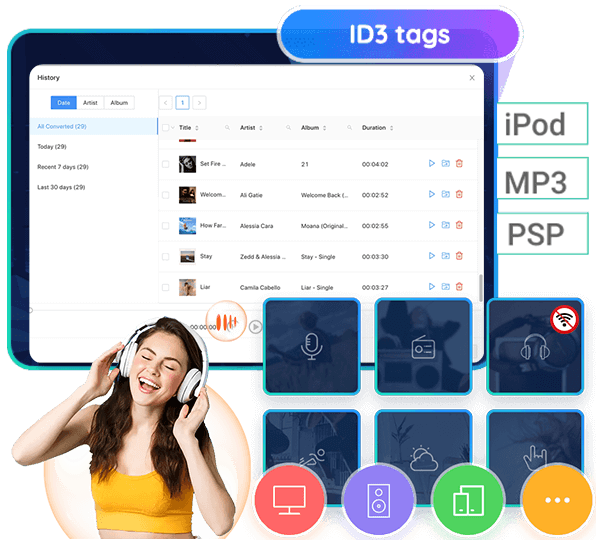
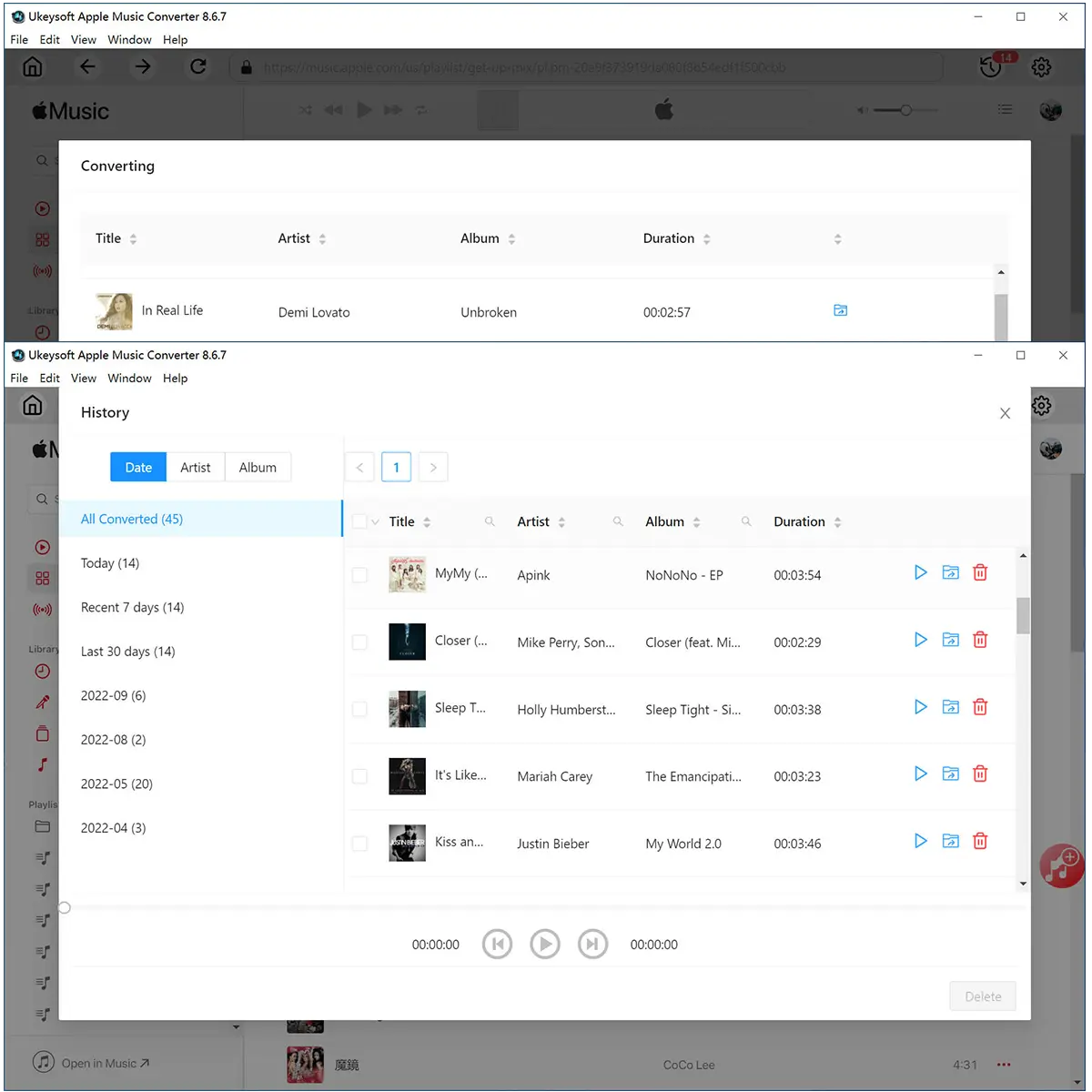
During conversion, all ID3 tags including song title, artist, album, artwork, and track number, are preserved in the FLAC files. UkeySoft also provides a built-in music manager and player, automatically organizing your downloaded tracks by artist, album, or date. This makes it easy to manage your Apple Music library offline and enjoy a fully organized, high-resolution music collection without needing iTunes or the Apple Music app.
Why use UkeySoft’s Streaming Music Converter?

Quick Batch Conversion
Convert Apple Music songs, albums, or playlists to FLAC in seconds. No Apple Music app required, just a few clicks to batch download high-resolution audio to your computer.

Own Your Music Forever
Keep Apple Music tracks forever after converting them to FLAC. Even if your subscription ends, you can enjoy your favorite songs offline without restrictions or extra fees.

Listen Anywhere
FLAC files can be played on a wide range of devices, including MP3 players, iPods, smartphones, tablets, and car stereos. You can enjoy full offline playback flexibility across platforms.

Lossless High-Resolution Sound
Maintain 100% of the original audio quality in FLAC. The converter also supports other output formats like WAV, MP3, AAC, M4A, and AIFF, giving you multiple options without compromising sound fidelity.
Frequently asked questions.
Do I need an Apple Music subscription to use UkeySoft?
No. UkeySoft Apple Music Converter works with all Apple Music accounts. You can convert and download your favorite songs, albums, or playlists to FLAC, MP3 and more for offline listening, even if you cancel your subscription later.
Will converting Apple Music to FLAC affect audio quality?
Not at all. UkeySoft preserves the original sound quality when converting to FLAC. You can enjoy lossless, studio-quality audio offline, keeping every detail intact.
Can I use my license on multiple computers?
Yes. You can install UkeySoft on a new computer and contact Support to reset your activation code. After re-entering it, you can continue converting Apple Music on the new device.
Can I switch or cancel my subscription anytime?
Yes. You can upgrade, downgrade, or cancel your subscription at any time through your Order > Manage Subscription, or by contacting UkeySoft Support for assistance.
Is it safe to use UkeySoft Apple Music Converter?
Completely safe! UkeySoft doesn’t modify Apple Music files, doesn’t include malware, and keeps your personal data secure while converting Apple Music tracks.
Loved by Music Lovers. Loved by the Creators.
D
Verified Customer
I needed a way to keep my Apple Music tracks forever after canceling my subscription. This software converts everything to FLAC with perfect sound quality. Really happy with the results!
E
Verified Customer
I converted several Apple Music albums to FLAC in just minutes. The batch download feature is super fast, and the audio stays completely lossless. Definitely worth it!
L
Verified Customer
Great tool! Super easy to use. Just log in, pick songs, and convert. Now I can listen to Apple Music FLAC files on my Hi-Fi player without any restrictions. Highly recommend!
O
Verified Customer
My HomePod doesn’t support FLAC directly, so I wanted files I could use anywhere. UkeySoft helped me convert my Apple playlists into high-quality FLAC for my USB drive and car stereo. Works perfectly!
H
Verified Customer
This app solved my biggest problem of downloading Apple Music without quality loss. The customer support is also friendly and fast to respond. Very helpful tool for Apple Music lovers!

 English
 Arabic
 Chinese (Simplified)
 Chinese (Traditional)
 Croatian
 Czech
Czech Danish
 Dutch
Dutch Estonian
 Finnish
 French
 German
 Greek
Greek Hebrew
 Hindi
Hindi Hungarian
 Indonesian
 Italian
 Japanese
 Kazakh
 Korean
 Malay
Malay Norwegian
 Polish
 Portuguese
 Romanian
 Russian
 Slovenian
 Spanish
 Swedish
 Thai
Thai Turkish
 Ukrainian
 Vietnamese