By
Justin SabrinaUpdated on July 24, 2026
Summary
Are you looking for a way to download Apple Music playlist for free? You're in the right place. In this guide, we have tested and reviewed top 10+ best online Apple Music playlist downloaders that still work in 2026.
Although Apple Music allows subscribers to stream songs, create and share playlists, and download music for offline listening, it still comes with several limitations, such as in-app playback, availability, and device limits. Therefore, many users search for a free Apple Music downloader to download Apple Music playlists to their computers locally for more flexible offline playback.
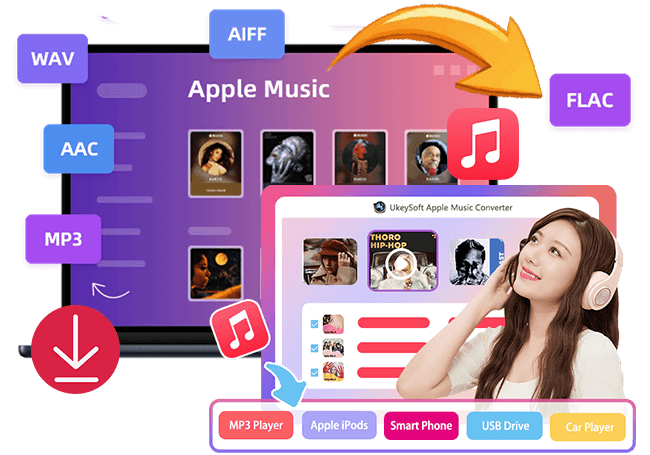
To help you find the best Apple Music playlist downloader, we've listed the 10+ best free Apple Music downloader apps and online tools. We'll carefully evaluated each tool based on features, success rate, audio quality, and usability. Our top pick is UkeySoft Apple Music Converter - which can download Apple Music playlists to MP3, AAC, WAV, FLAC or other formats with lossless audio quality. Let's dive in!
Part 1. Most Recommended: UkeySoft Apple Music Converter (16X Fast, No Ads, Losslessly)
When it comes to downloading Apple Music playlists for free, there are many online Apple Music playlist downloaders or converters on the market. However, most online tools have major limitations, such as ads, unstable servers, failed playlist analysis, missing ID3 tags, low-quality audio (around 128kbps), and no batch download support. That's why we recommend UkeySoft Apple Music Converter as the best choice for a better experience.
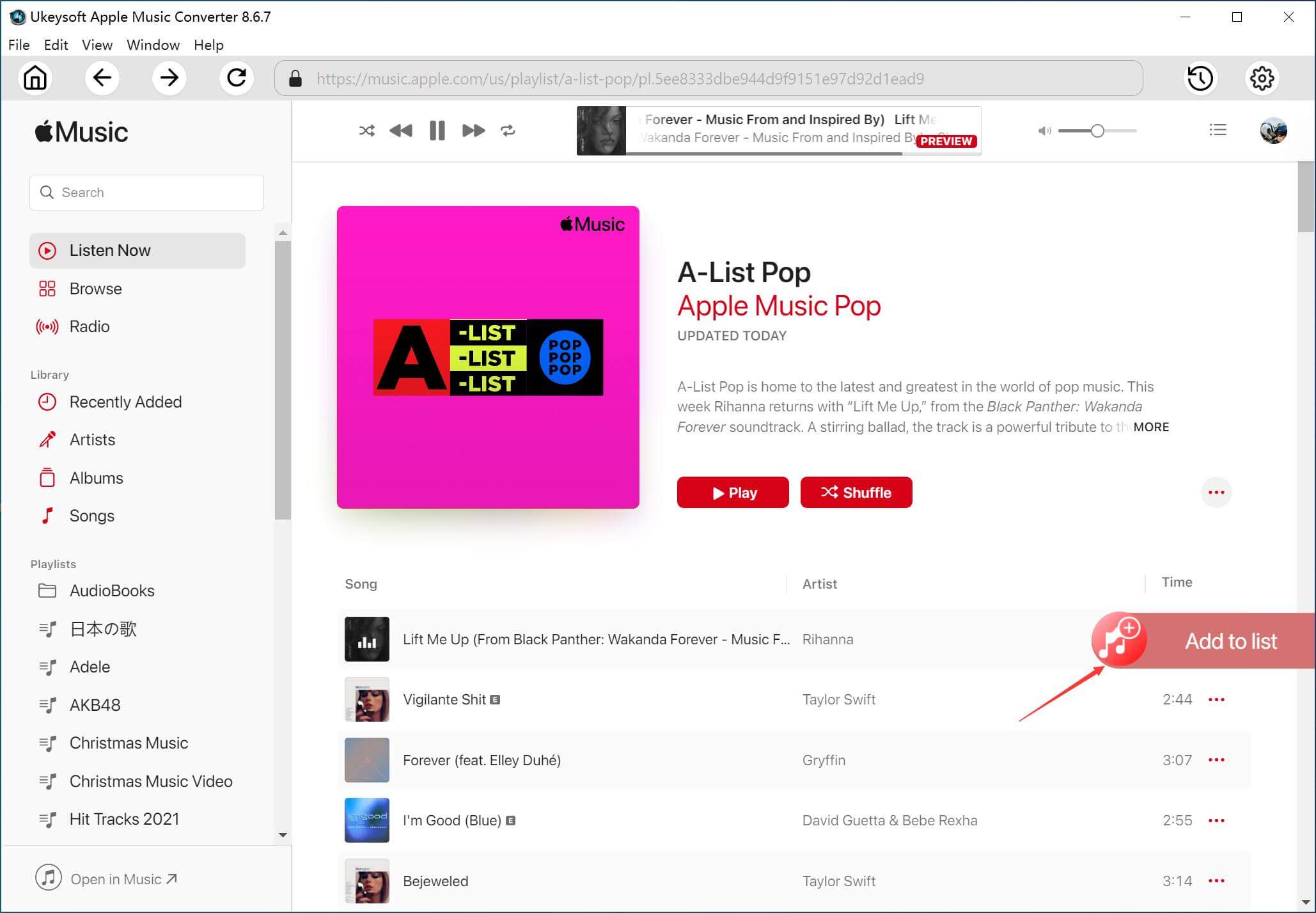
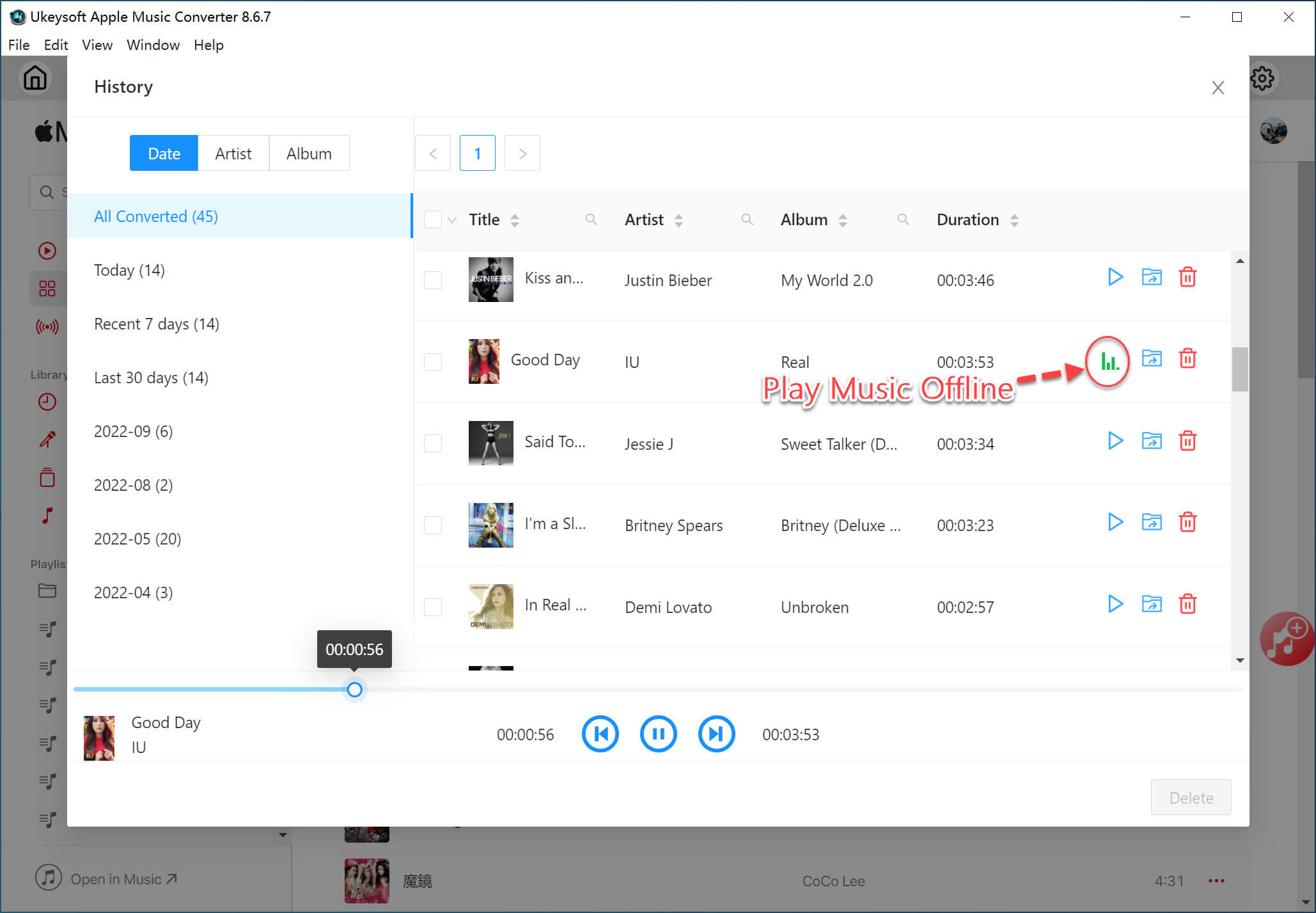
Main Features: UkeySoft Apple Music Converter uses a dedicated conversion engine that integrates directly with the Apple Music web player. Users can log into their Apple Music account inside the built-in web player and instantly access their entire library online. It can download and convert Apple Music tracks, albums, artists and playlists to MP3 for offline saving and playback. There is no need to open the Apple Music app or install iTunes. Everything works smoothly and efficiently in one streamlined interface.
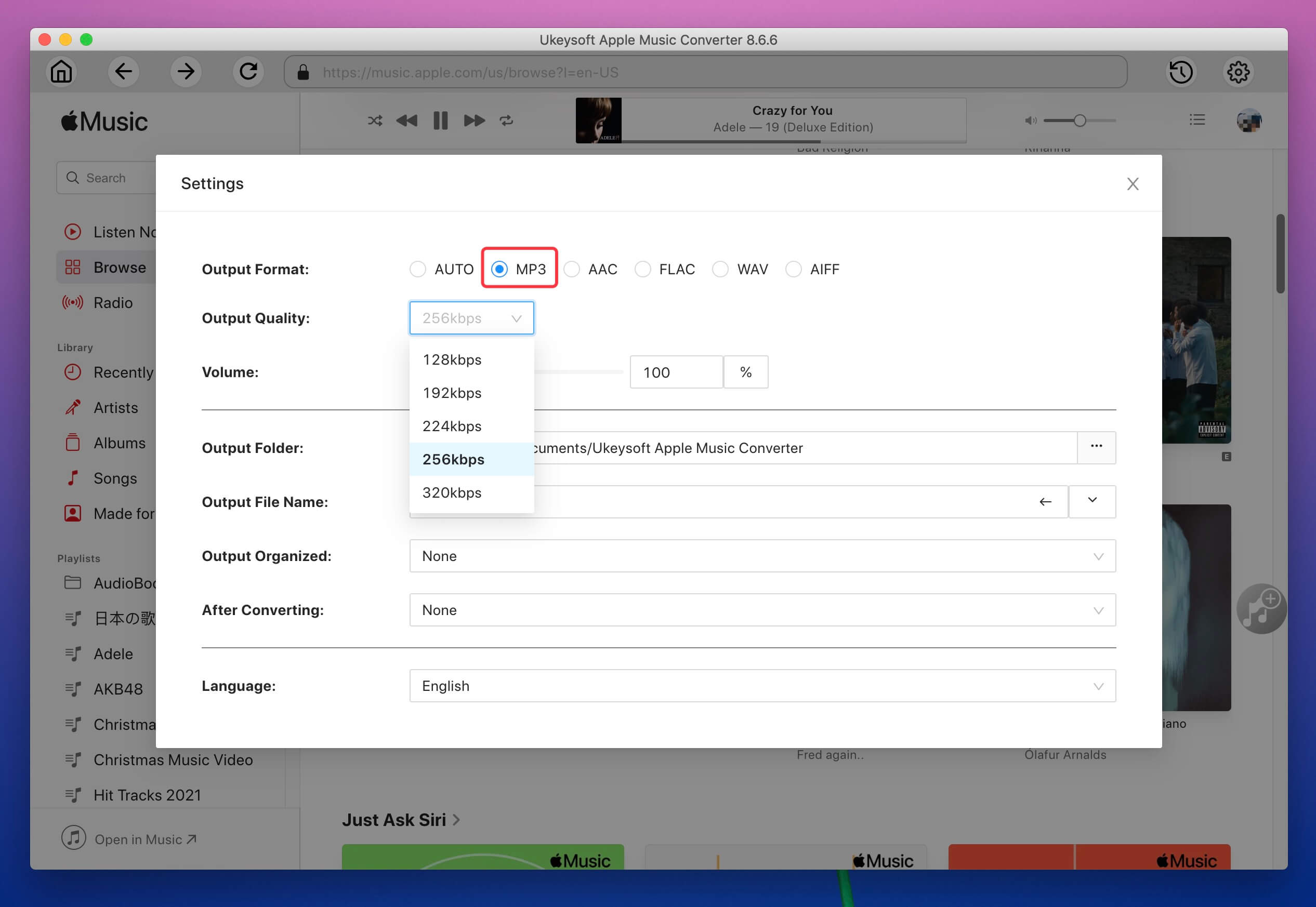
High-quality Outputs: While many free online Apple Music downloader tools only provide low-quality MP3 files, UkeySoft supports multiple formats including MP3, M4A, FLAC, WAV, AAC, and AIFF. Plus, it lets you freely customize the output quality (MP3 for 320kbps, or M4A/AAC for 640kbps) to get the best listening experience.
Batch Downloads: Unlike many online Apple Music playlist downloaders with slow speed and unstable performance, UkeySoft Apple Music Converter supports up to 16X faster conversion, allowing users to batch convert entire playlists or albums by one simple click in minutes.
Highlights: The software preserves full ID3 tags and metadata and features with a built-in music manager, ensuring your music library remains organized after conversion.
Basic Info
Output Format: MP3, M4A, FLAC, WAV, AAC, AIFF
Audio Quality: Up to 320kbps for MP3, 640kbps for M4A/AAC
Playlist Support: Yes
Recommend Level: ⭐⭐⭐⭐⭐
Pros:
Ad-free, stable, and safe with high success rate.
Download Apple Music playlists in batch at 16X faster speed.
Supports MP3, M4A, FLAC, WAV, AAC, AIFF output formats.
Support up to 320kbps/640kbps high audio quality.
Built-in Apple Music web player and music manager.
Keep ID3 tags, organize output files, classify output songs by folder.
Cons:
Free trial has limitations.
Requires installation on Windows or Mac.
Part 2. Best Online Apple Music Playlist Downloaders For Free (Tested, Worked)
Here covers the 10 best free Apple Music playlist downloaders online. We offered detailed information based on real user experiences. Keep reading to pick the one you like.
1. AAPLmusicDownloader (AppleMusicMp3)
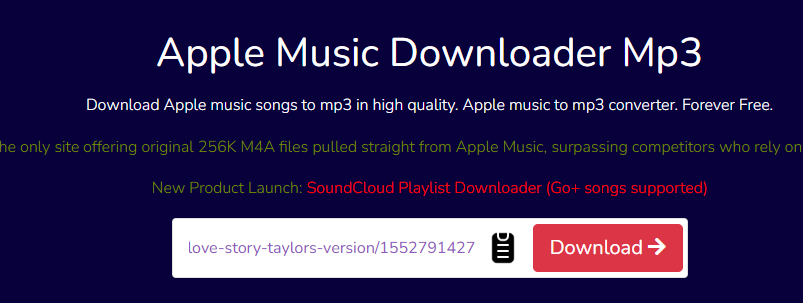
AAPLmusicDownloader, also known as AppleMusicMp3, is a browser-based online Apple Music playlist downloader designed to help users download Apple Music playlist to MP3 for free. The interface is simple: paste the Apple Music track or playlist URL into the search box, and get an MP3 or M4A audio downloaded.
The website works well with most browsers such as Google Chrome, Safari, Mozilla Firefox, and Opera, etc., making it easy to download Apple Music to your computer or mobile devices without without installing any software.
Basic Info
Website: https://www.aaplmusicdownloader.com/
Output Format: MP3, M4A
Audio Quality: Normal
Playlist Support: Yes
Recommend Level: ⭐⭐⭐⭐
Pros:
Simple interface, no ads.
Supports playlist downloads.
No software installation required.
Download Apple Music to MP3 or M4A.
Cons:
Slow when analyzing large playlists.
Login required for full playlist ZIP downloads.
Login required for full playlist ZIP downloads.
Max quality: 256kbps, not the promised 320kbps.
2. Apple Music MP3 Downloader
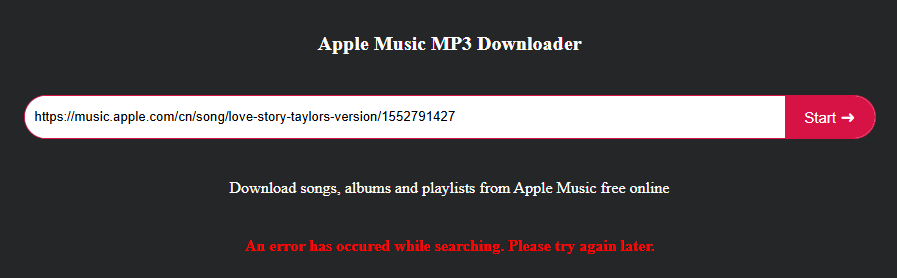
Apple Music MP3 Downloader is also ranked as one of the best online Apple Music playlist downloader. It delivers a simple and clean interface. Users can paste a track or playlist URL and generate MP3 download links instantly. In addition to Apple Music MP3 Downloader, it also offers free onlilne Spotify Downloader, Amazon Music Downloader. It does not require account registration or additional software installation.
However, conversion speed and stability depend heavily on server performance, which may cause occasional delays.
Basic Info
Website: https://apple-music-downloader.com/
Output Format: MP3
Audio Quality: Lossy
Playlist Support: Yes
Recommend Level: ⭐⭐⭐
Pros:
Easy to use.
Supports playlist extraction.
No need for registration or installation.
Cons:
Low audio quality.
Inconsistent success rate.
Can't download Apple Music playlist in batch.
3. APLMate
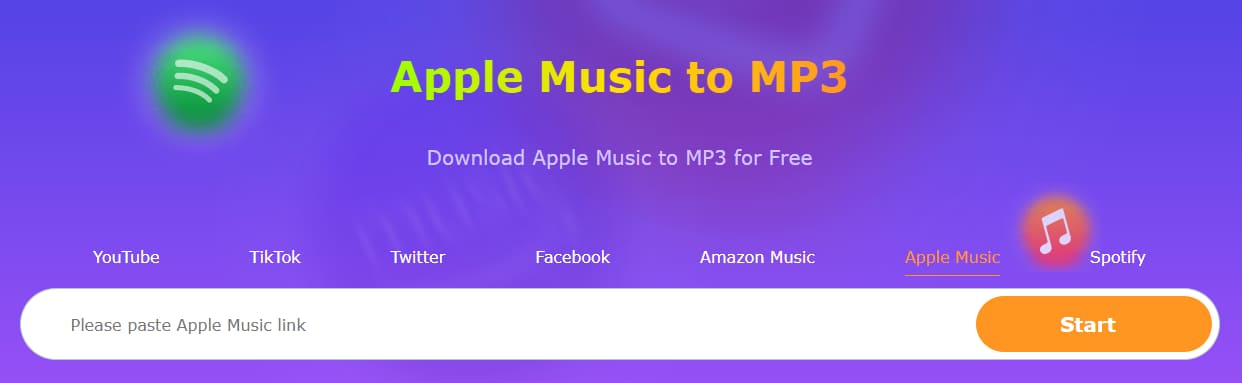
APLMate is another popular online Apple Music playlist downloader for free that allows users to download Apple Music playlist to MP3 by pasting a playlist URL. This web-based browser is accessible on almost any device including Windows, Mac, and mobile. However, the website contains many ads and pop-ups, which can interrupt the download process. And the output sound quality is lossy compared with the original Apple Music stream.
Basic Info
Website: https://www.aplmate.com/
Output Format: MP3
Audio Quality: Lossy
Playlist Support: Yes
Recommend Level: ⭐⭐⭐
Pros:
Completely free.
Supports playlist links.
Works in most browsers.
Cons:
Heavy ads and pop-ups.
Audio quality is limited to 128 kbps.
Can sometimes struggle with very large playlists.
4. KeepVid Apple Music to MP3
KeepVid is known for its video and audio download services. Its Apple Music page also offers a simple online Apple Music playlist downloader for free. Users can paste Apple Music track URLs and download MP3 from Apple Music without installing additional software.
However, this tool mainly supports single-track downloads rather than entire playlists. It works well for individual songs but is not ideal for users who want to download Apple Music playlist to MP3 in bulk. A good news is that you can turn to the professional desktop tool - UkeySoft Apple Music Converter.
Basic Info
Website: https://keepvid.ch/apple-music-new4
Output Format: MP3, MP4
Audio Quality: Lossy
Playlist Support: No
Recommend Level: ⭐⭐⭐
Pros:
Easy to use.
Free single-track downloads.
Download audios and videos from Apple Music.
Cons:
Lossy audio quality output.
Playlist support is not reliably available.
During testing, the download process often redirects to other sites.
5. FreeConvert M4A to MP3 Converter
Unlike other online Apple Music playlist downloaders mentioned above, FreeConvert focuses on converting M4A to MP3 for free. If you purchased music from iTunes after 2009, those tracks are typically DRM-free M4A files. In that case, this tool can convert these iTunes songs to MP3 for free using this online tool.
Basic Info
Website: https://www.freeconvert.com/m4a-to-mp3
Output Format: MP3 and others
Audio Quality: Lossy
Playlist Support: No
Recommend Level: ⭐⭐
Pros:
Easy file conversion.
Supports batch conversion.
Supports multiple audio formats.
Cons:
No playlist support.
Cannot convert Apple Music streaming songs.
Files larger than 1GB require a paid plan.
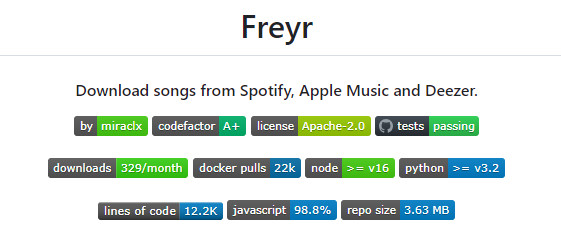
6. GitHub Freyr [Code]
GitHub Freyr (specifically the freyr-js project) is an open-source command-line tool designed for downloading music from streaming platforms like Apple Music and Spotify. The project provides code resources that users can use to build their own free Apple Music to downloader. However, since it is primarily designed for developers, it requires programming knowledge to set up and run effectively.
Basic Info
Website: https://github.com/miraclx/freyr-js
Output Format: MP3
Audio Quality: Lossy
Playlist Support: No
Recommend Level: ⭐⭐⭐
Pros:
Supports multiple music services.
Completely free open-source project.
Flexible customization for developers.
Cons:
Requires coding knowledge.
Not beginner-friendly, difficult to operate.
It does not support Apple Music playlist.
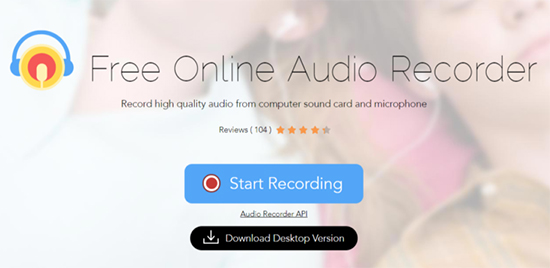
7. Apowersoft Free Online Audio Recorder
Apowersoft Free Online Audio Recorder is more of a free online audio recorder than a dedicated online Apple Music downloader. Instead of analyzing music URLs, this tool records system audio directly from your computer. To use it, you play music on the Apple Music web player, and then click "Start Recording" on Apowersoft website to capture the sound and save it as an MP3 file. However, it records in real time (1:1 speed), which can be time-consuming for large playlists. To quickly download Apple Music playlists to MP3, we recommend the UkeySoft Apple Music Converter.
Basic Info
Website: https://www.apowersoft.com/free-audio-recorder-online
Output Format: MP3, AAC, FLAC, etc.
Audio Quality: Lossy
Playlist Support: Yes (but records in real time)
Recommend Level: ⭐⭐
Pros:
Multiple output formats available.
Works with almost any audio source.
Free and works entirely in the browser without installation.
Cons:
1:1 real-time recording is slow.
Requires you to manually start and stop for each song or playlist.
Quality can be affected by system sounds and notifications.
8. pastedownload.com
Let's move on to pastedownload.com. As a general media downloading website, it supports downloading videos and media from various platforms. It is a good option for users who want to download and watch Apple videos offline. So, you can use it to download Apple Music MVs online. It is easy to operate, simply paste the URL into the search box, hit on "Download" button. That's it! However, the success rate is relatively low, and it cannot function as a full online Apple Music playlist downloader.
Basic Info
Website: https://pastedownload.com/apple-video-downloader/
Output Format: MP4
Audio Quality: Lossy
Playlist Support: No
Recommend Level: ⭐
Pros:
Easy to operate.
No installation required.
Can download Apple Music video content.
Cons:
No playlist support.
Very low success rate.
Unreliable for consistent music downloading.
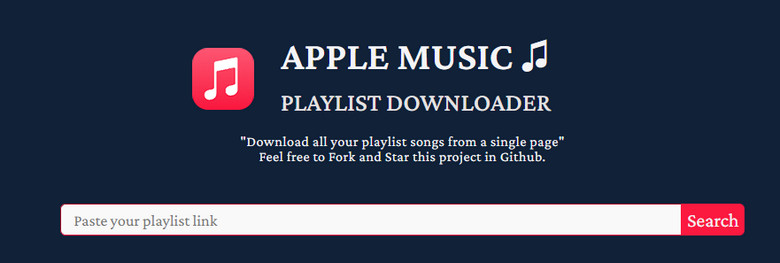
9. Apple Music Playlist Downloader
As its name suggests, Apple Music Playlist Downloader was once a popular free online Apple Music playlist downloader that supported both single tracks and playlists. It allowed users to paste an Apple Music playlist link and convert the songs to MP3 files. It is a pity that the service is currently unavailable, and there is no clear timeline for when it will return.
Basic Info
Website: https://apple-playlist-downloader-pvx.onrender.com/
Output Format: MP3
Audio Quality: Lossy
Playlist Support: Yes
Recommend Level: ⭐
Pros:
No ads or pop ups.
Simple playlist downloading process.
Cons:
Website currently unavailable.
No maintenance or updates.
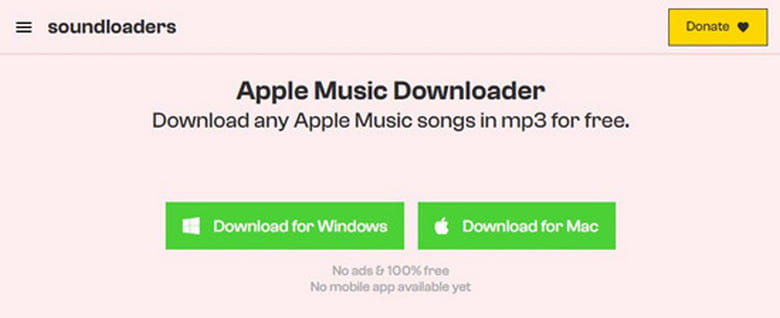
10. Soundloaders Apple Music Downloader
Soundloaders Apple Music Downloader was one of the most popular online Apple Music playlist downloader. Plus, it also offered a desktop application for Windows and Mac. Users could paste an Apple Music URL and convert songs into MP3 files for offline listening. The platform also supported downloading music from Spotify, Amazon Music, Tidal, and YouTube. However, the service is currently expired and no longer functioning, even though the website may still load. So, don't waste time.
Basic Info
Website: https://www.soundloaders.com/
Output Format: MP3
Audio Quality: Lossy
Playlist Support: No
Recommend Level: ⭐
Pros:
Download Apple Music for free.
Previously supported multiple music platforms.
Cons:
No longer working.
Cannot download Apple Music content anymore.
Part 3. UkeySoft Apple Music Converter VS. Free Online Apple Music Playlist Downloaders
| Tool |
Price |
Access Type |
Supported Content |
Output Format |
High Quality |
Speed |
Batch Download |
Keep ID3 Tags |
Ads / Risk Page |
| UkeySoft Apple Music Converter |
$14.95/monthly, offers free trial |
Desktop app (Wins, Mac) |
Tracks, Albums, Artists, Playlists |
MP3, M4A, AAC, FLAC, WAV, AIFF |
✔ |
Super Fast 16X |
✔ |
Complete tags |
✘ |
| AAPLmusicDownloader |
Free |
Online |
Track or playlist |
MP3, M4A |
✔ |
Normal |
✘ |
Partial tags |
✘ |
| Apple Music MP3 Downloader |
Free |
Online |
Track or playlist |
MP3 |
✘ |
Medium |
✘ |
Partial tags |
✘ |
| APLMate |
Free |
Online |
Track or playlist |
MP3 |
✘ |
Slow |
✘ |
Partial tags |
✔ |
| KeepVid Apple Music to MP3 |
Free |
Online |
Track |
MP3, MP4 |
✘ |
Slow |
✘ |
Partial tags |
✘ |
| FreeConvert M4A to MP3 Converter |
Free |
Online |
DRM-free iTunes Music |
MP3 and others |
✘ |
Normal |
✘ |
Manual tags only |
✘ |
| GitHub Freyr [Code] |
Free |
Open-source |
Track |
MP3 |
✘ |
Slow |
✘ |
Partial tags |
✘ |
| Apowersoft Free Online Audio Recorder |
Free/Upgrade |
Online |
Music playing in computer |
MP3, AAC, FLAC, etc. |
✘ |
Slow |
✘ |
Unknown |
✘ |
| pastedownload.com |
Free |
Online |
Music video |
MP4 |
✘ |
Slow |
✘ |
Manual tags only |
✔ |
| Apple Music Playlist Downloader (Expired) |
Free |
Online |
Track or playlist |
MP3 |
✘ |
Slow |
✘ |
Partial tags |
✔ |
| Soundloaders Apple Music Downloader (Expired) |
Free |
Online |
Track |
MP3 |
✘ |
Slow |
✘ |
Partial tags |
✔ |
Part 4. Final Verdict
Above, we reviewed 10+ best online Apple Music playlist downloader tools that can help you download Apple Music playlist to MP3 or save music for offline listening. Most online tools are unstable, filled with ads, or unable to process playlist links correctly. For users who want a more reliable and professional tool, UkeySoft Apple Music Converter stands out as the best Apple Music playlist downloader thanks to its fast 16X speed, high-quality output, playlist support, and ad-free experience.
Best Online Apple Music Playlist Downloaders

Justin Sabrina has always had great enthusiasm for writing, programming and web development. He likes writing about software and technology, his works are featured on some tech blogs or forums like Tom's Hardware, CNET, etc.
 English
 Arabic
 Chinese (Simplified)
 Chinese (Traditional)
 Croatian
 Czech
Czech Danish
 Dutch
Dutch Estonian
 Finnish
 French
 German
 Greek
Greek Hebrew
 Hindi
Hindi Hungarian
 Indonesian
 Italian
 Japanese
 Kazakh
 Korean
 Malay
Malay Norwegian
 Polish
 Portuguese
 Romanian
 Russian
 Slovenian
 Spanish
 Swedish
 Thai
Thai Turkish
 Ukrainian
 Vietnamese










Comments are off!