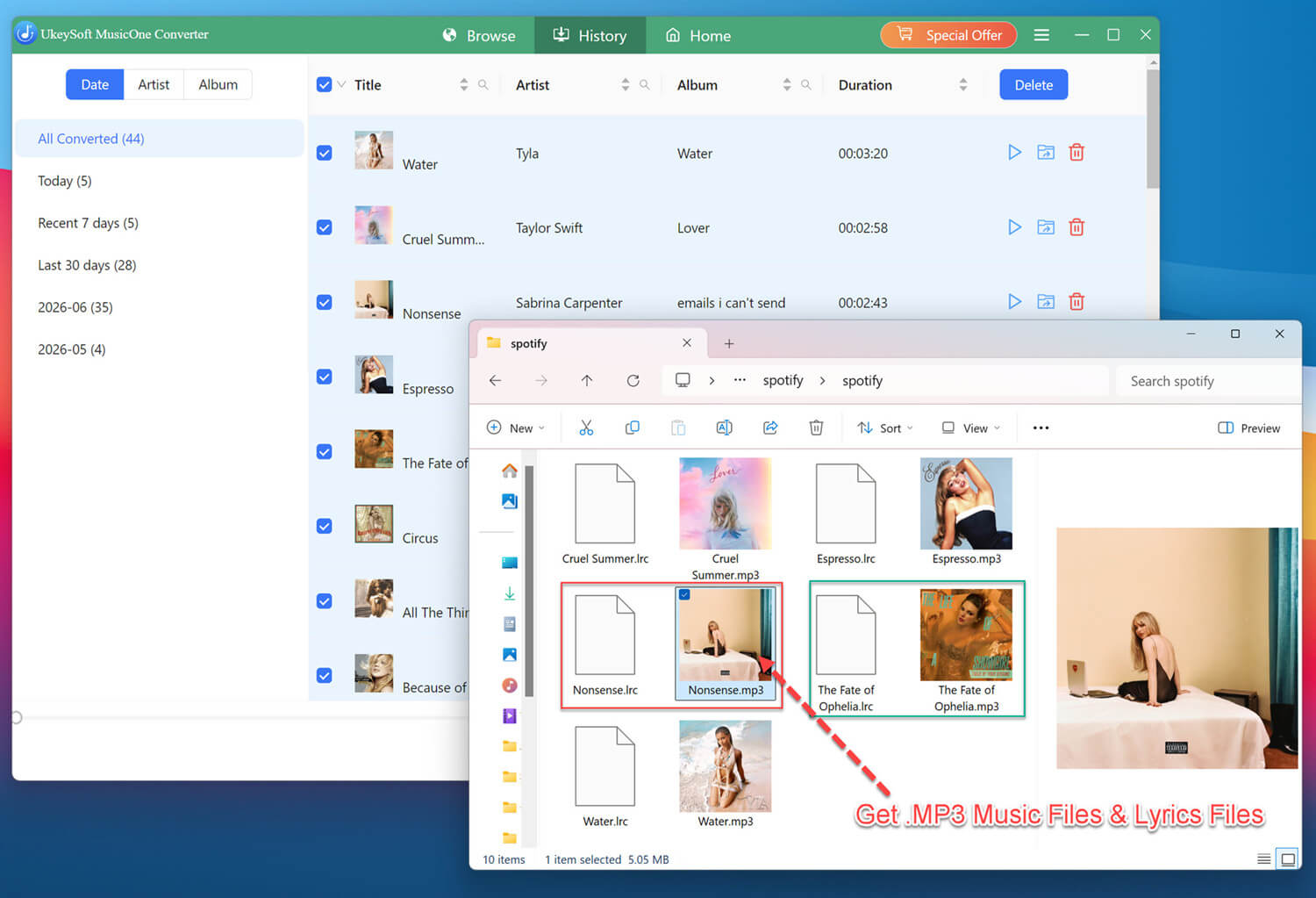


Part 1. Install & Register UkeySoft MusicOne Converter
Step 1. Download & Install UkeySoft MusicOne Converter
Download and install UkeySoft MusicOne Converter on your Windows or Mac computer.
Step 2. Select Streaming Music Service
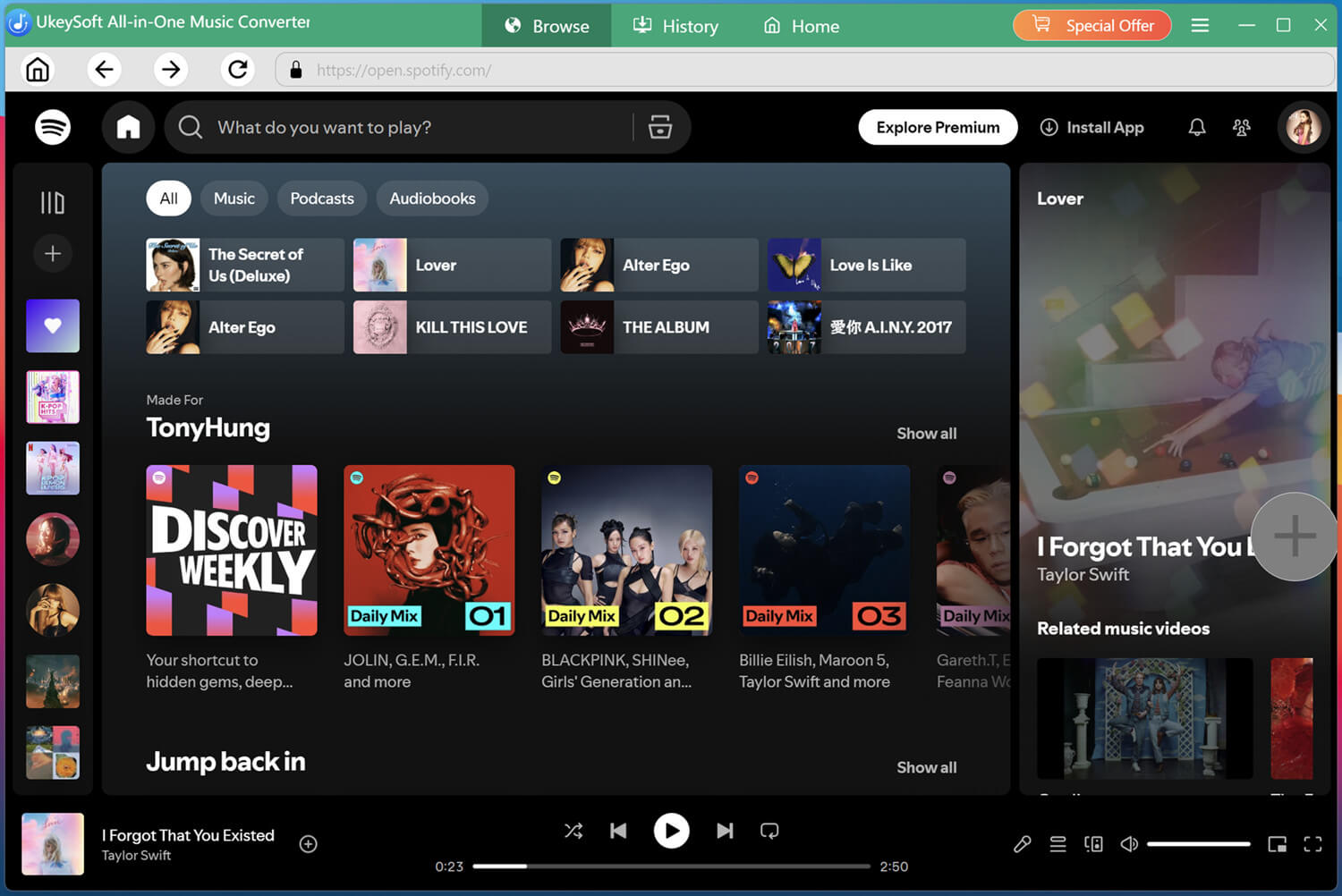
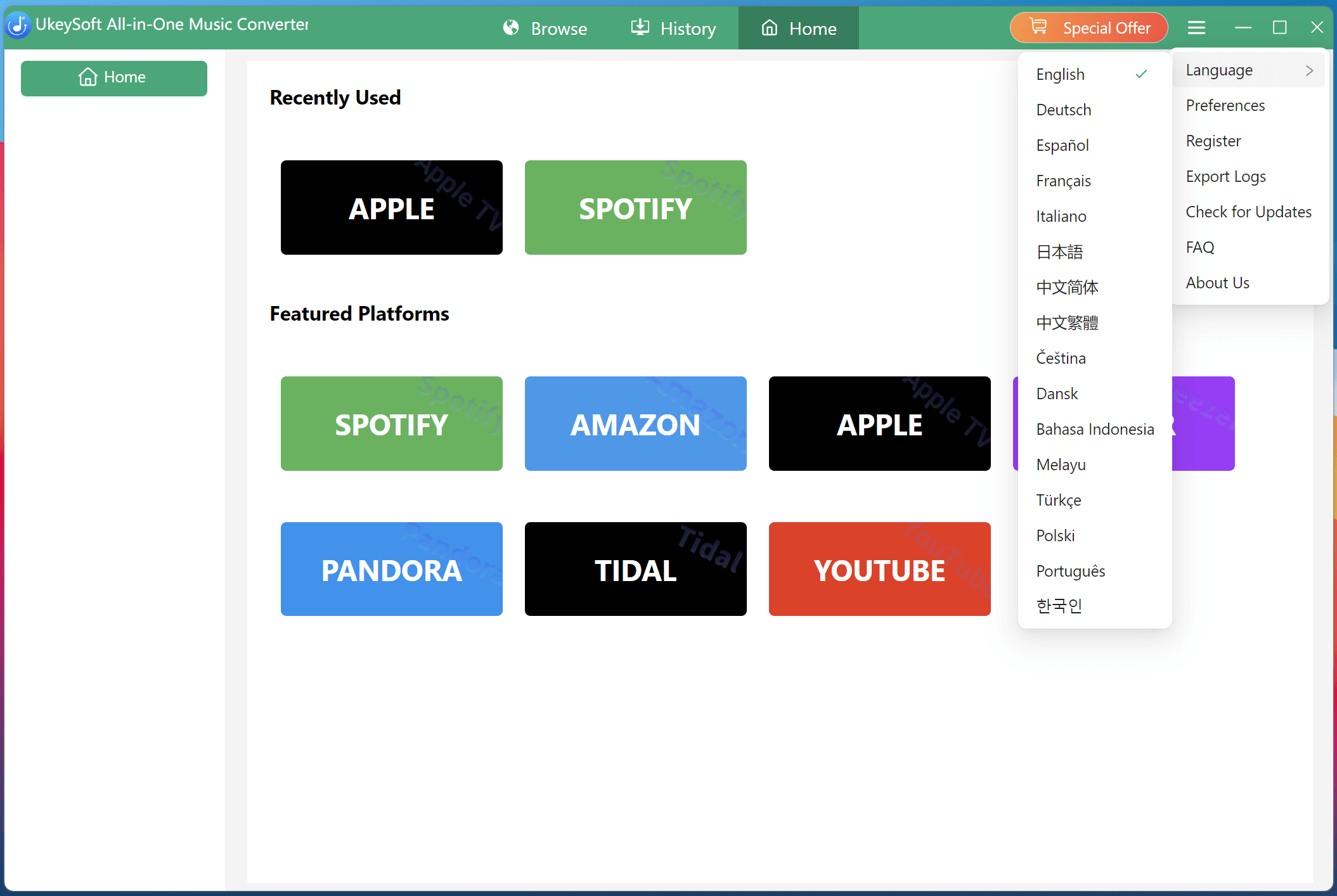
Launch the UkeySoft MusicOne Converter on computer, you will get below main interface, the all-in-one music converter supports to download music from Spotify, Apple Music, Amazon Music, YouTube Music, Tidal, Pandora Music, and Amazon Prime Music in only one program, without complicated steps to switch between platforms.
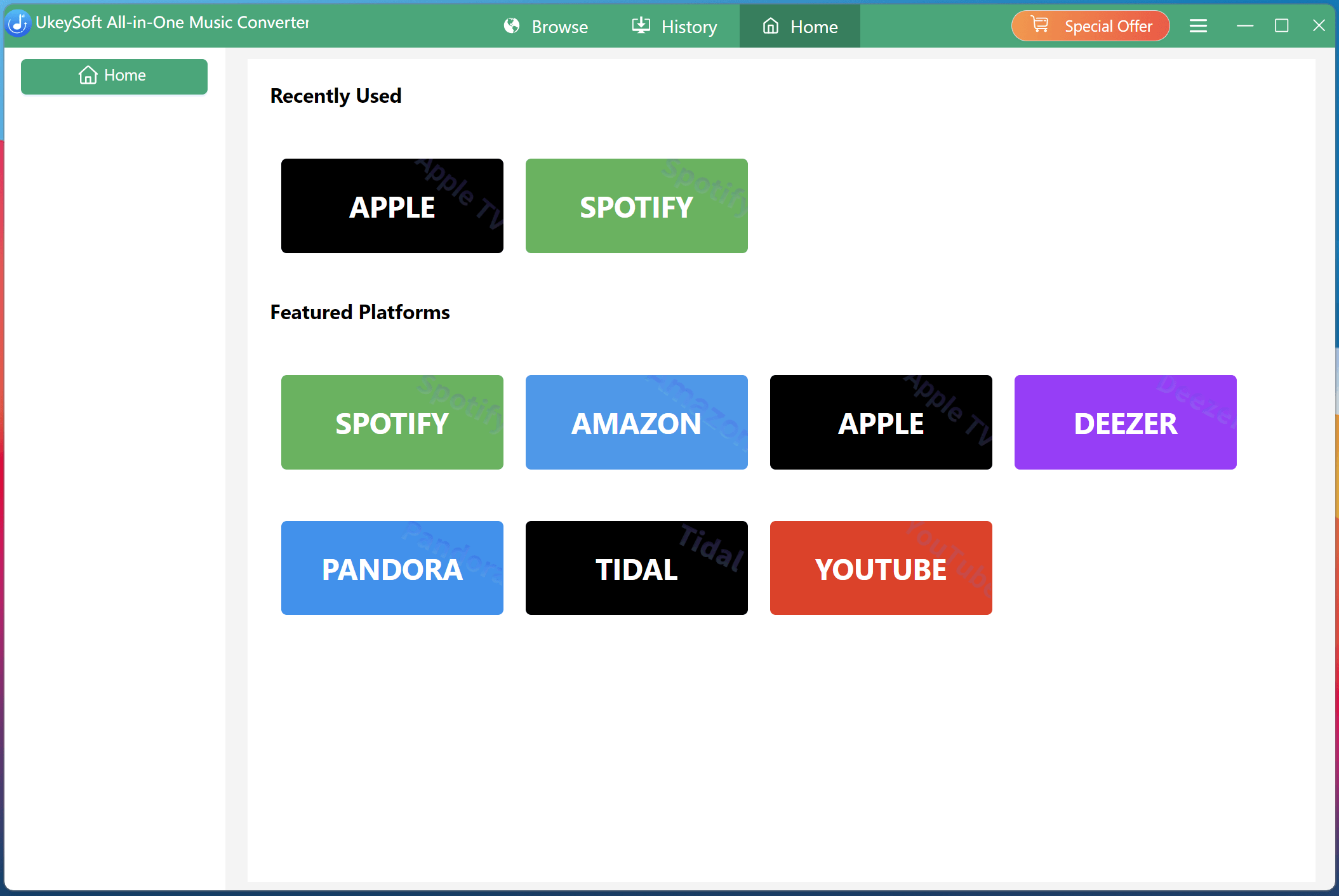
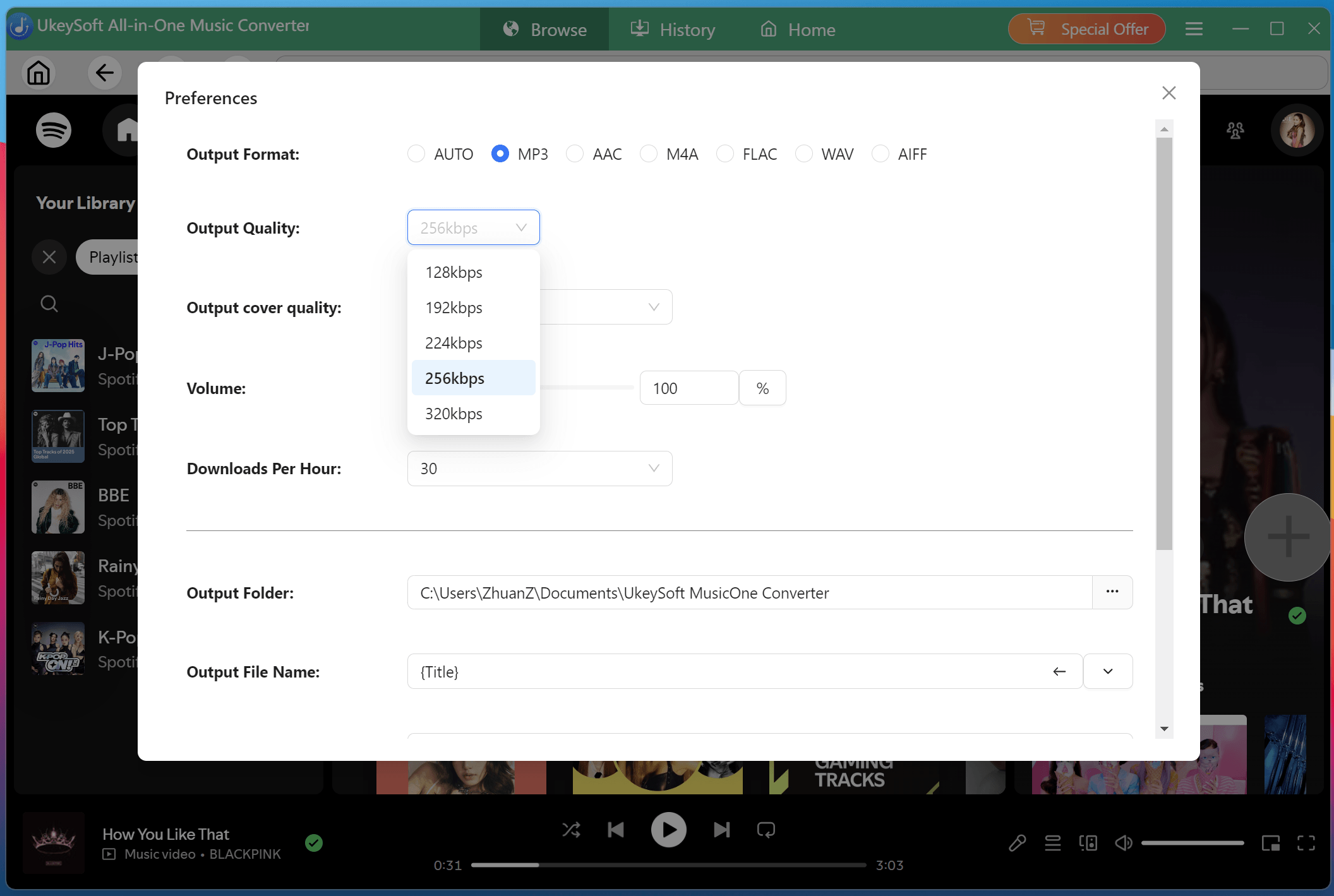
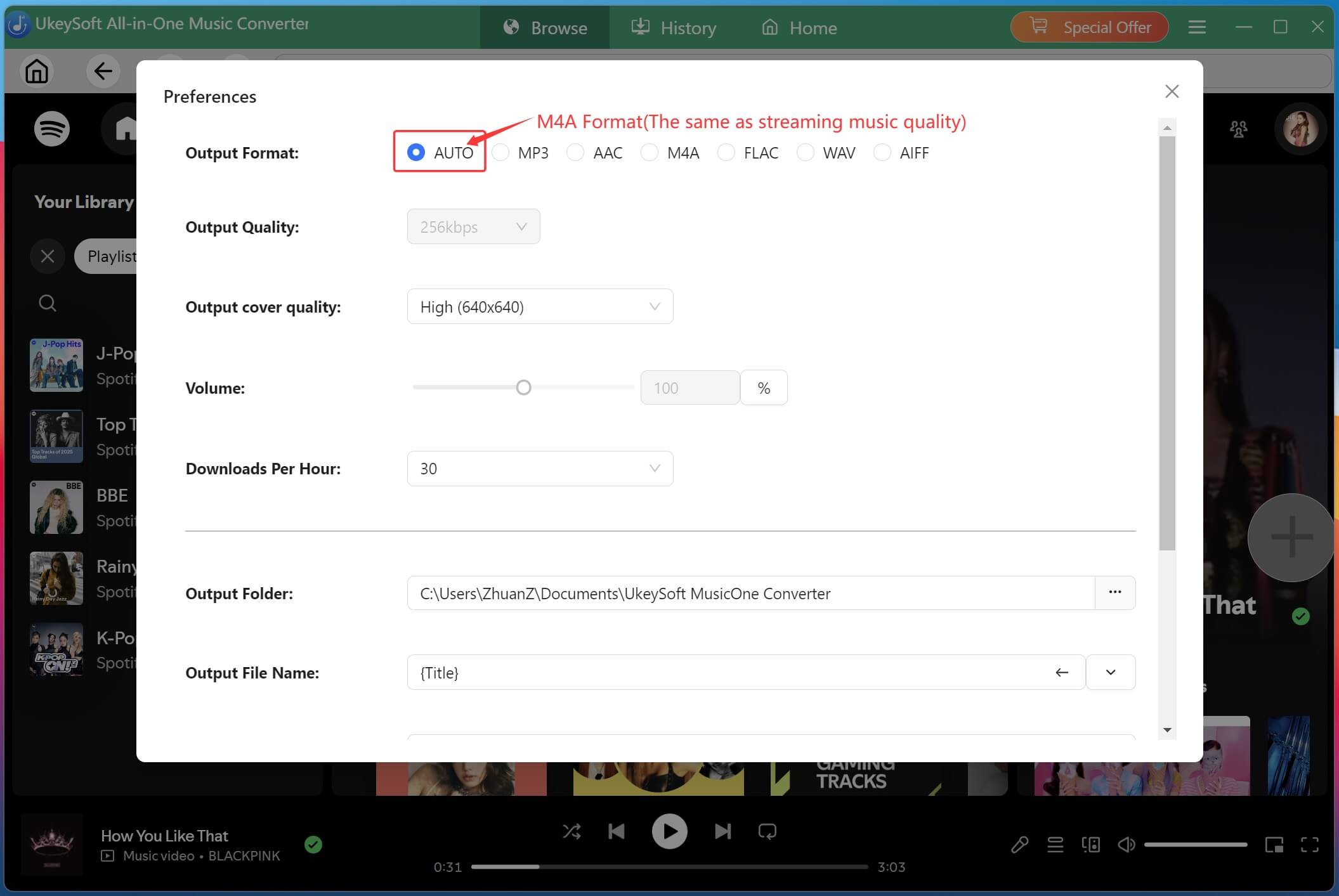
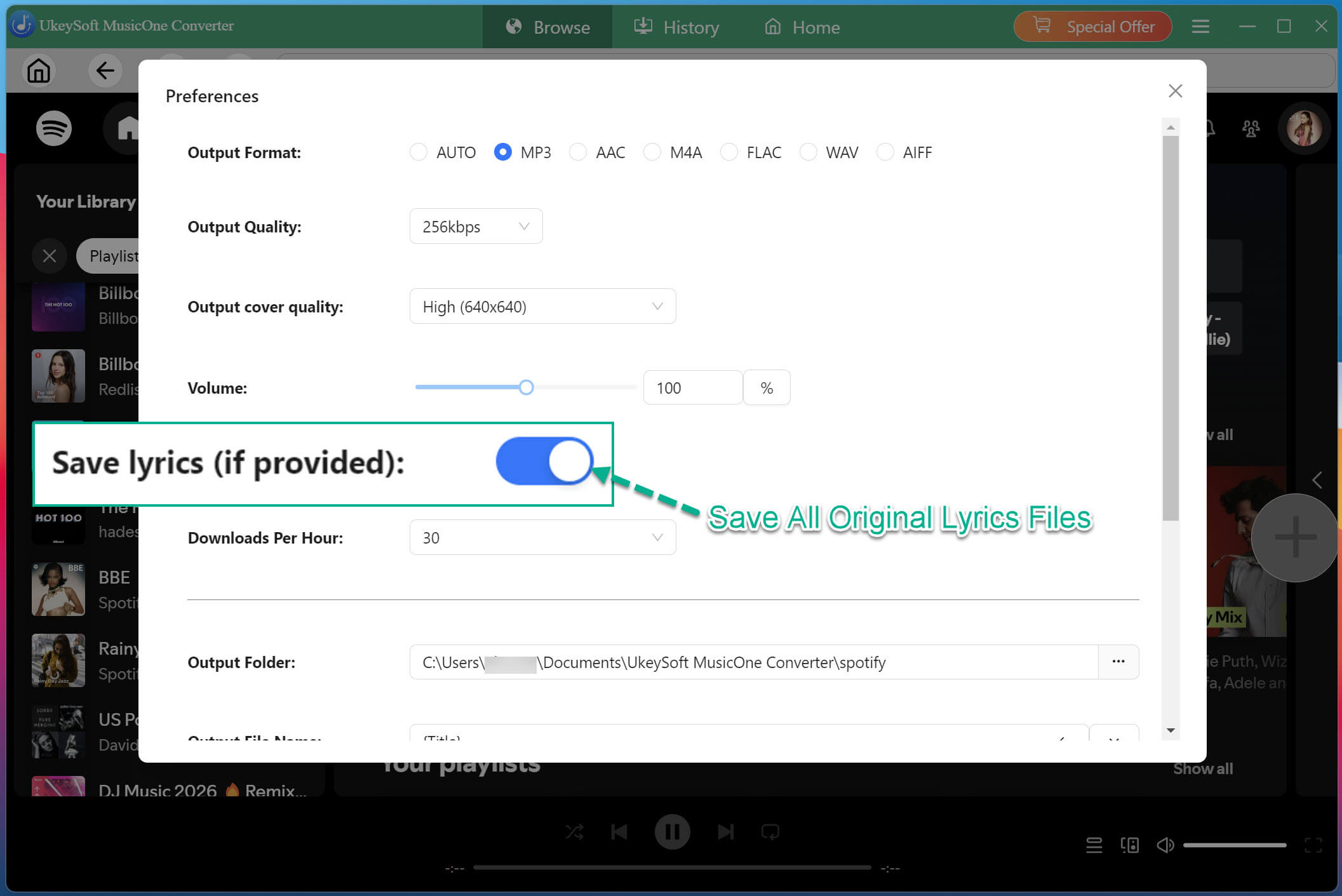
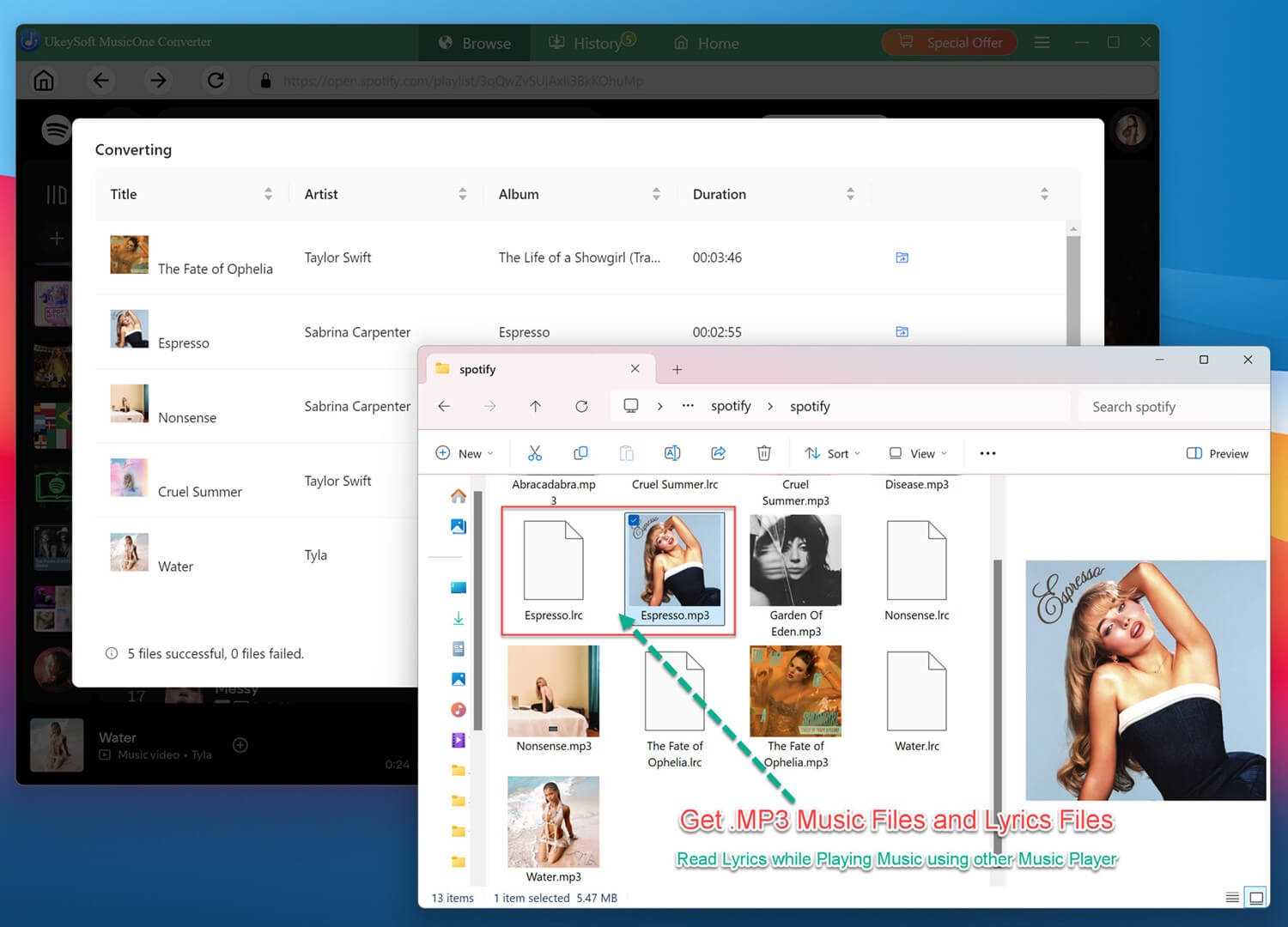
Tips: UkeySoft MusicOne Converter allows users to download streaming music to computer. You can use it to download and convert your music into MP3, WAV, AAC, FLAC, AIFF or M4A format with ID3 tags kept, so that you are able to enjoy music on any devices you want.
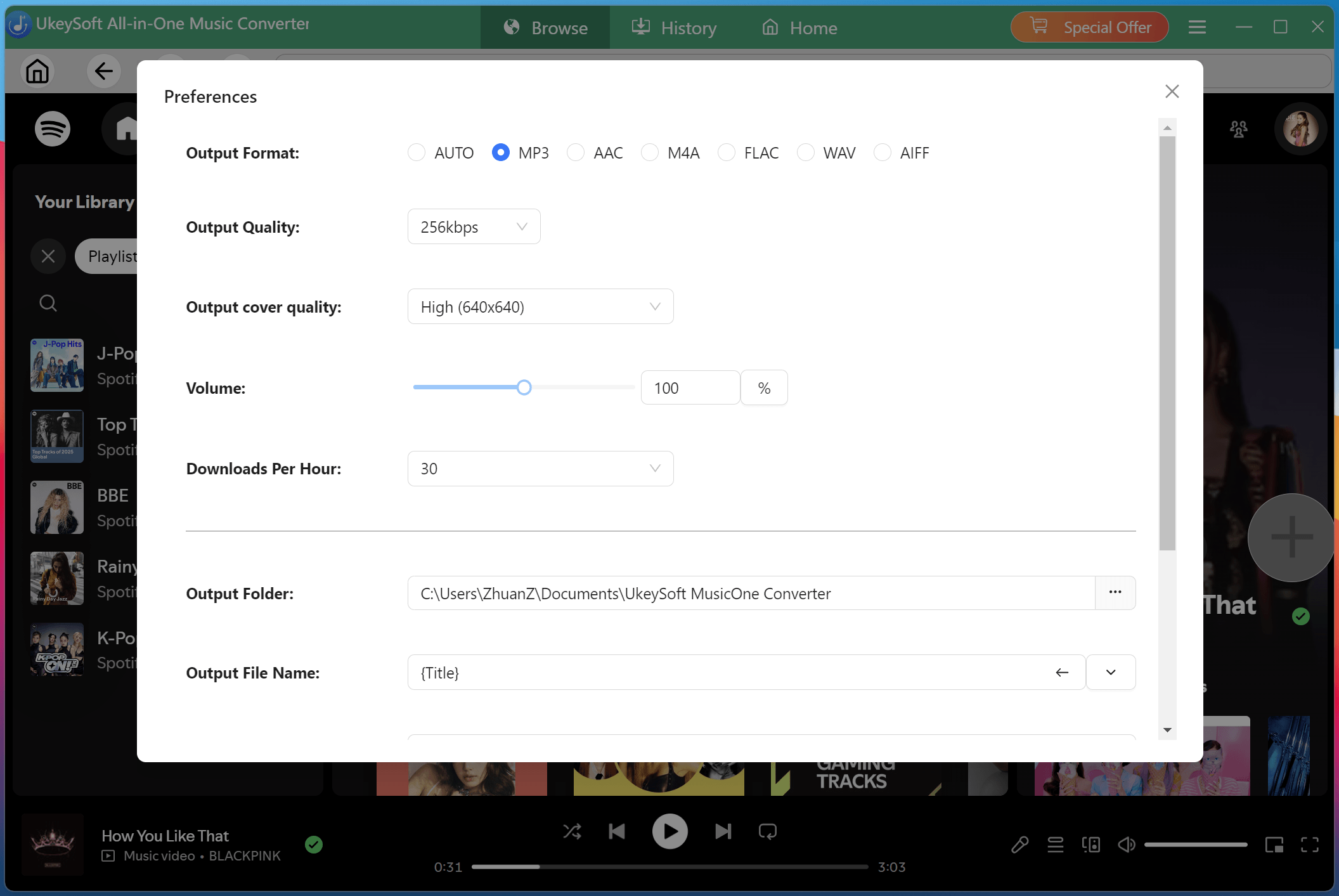
Step 3. Login Your Streaming Music Account
UkeySoft All-in-One Music Converter has embedded the official music web players of all streaming platforms. After selecting a streaming music service you want to download music from, you need to log in to the built-in web music player via your music account. Otherwise, you cannot streaming music online or use the music download function.
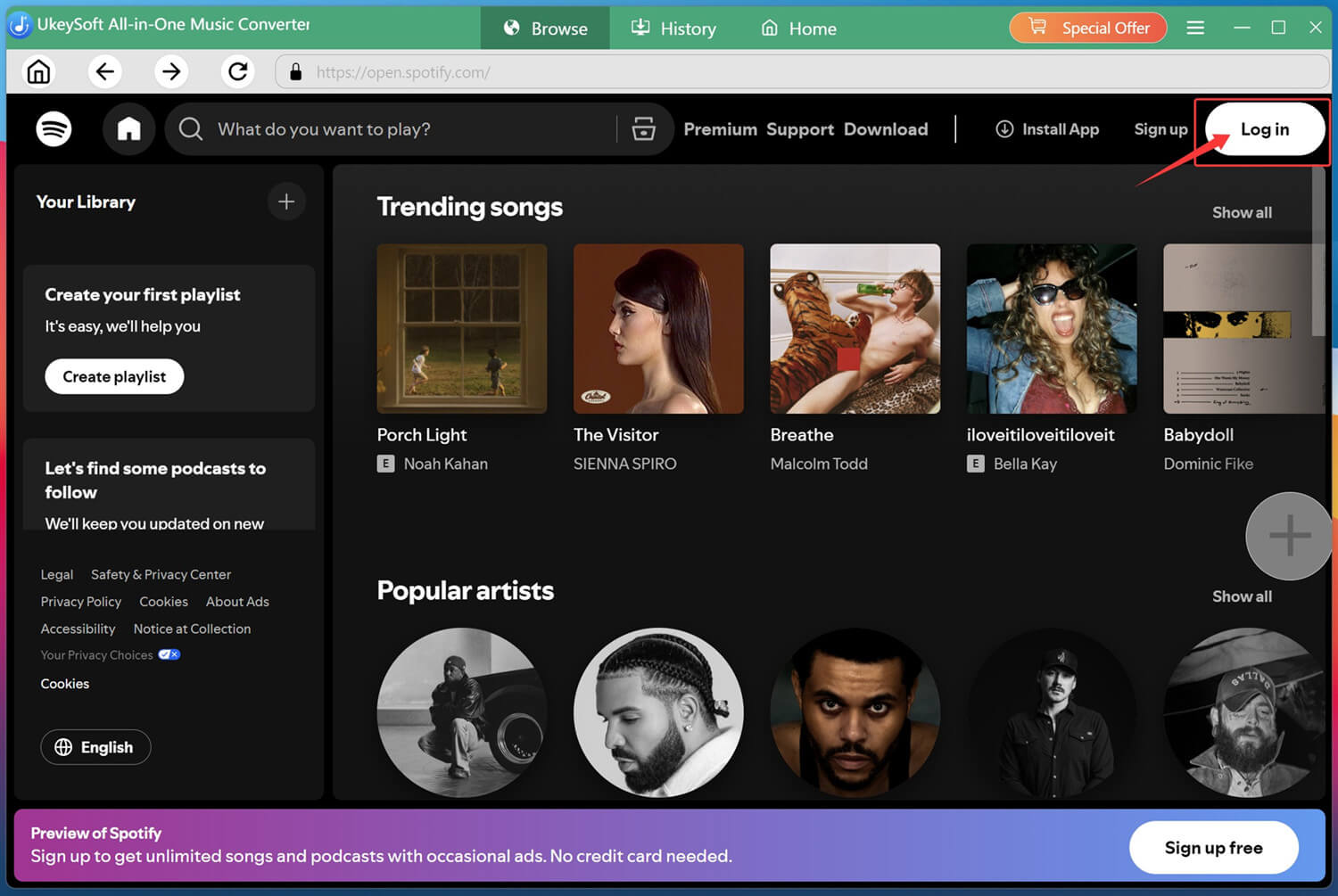
Step 4. Get the License Key
In the software interface, you can see a yellow shopping cart icon named “Special Offer” or “Register” option at the upper right corner. Please clicking it, the program will pop up purchase page, please choose the desired plan and follow the page instructions to proceed with the payment. On the purchasing page, please enter your correct email address, UkeySoft will send a registration code to your inbox automatically within seconds.
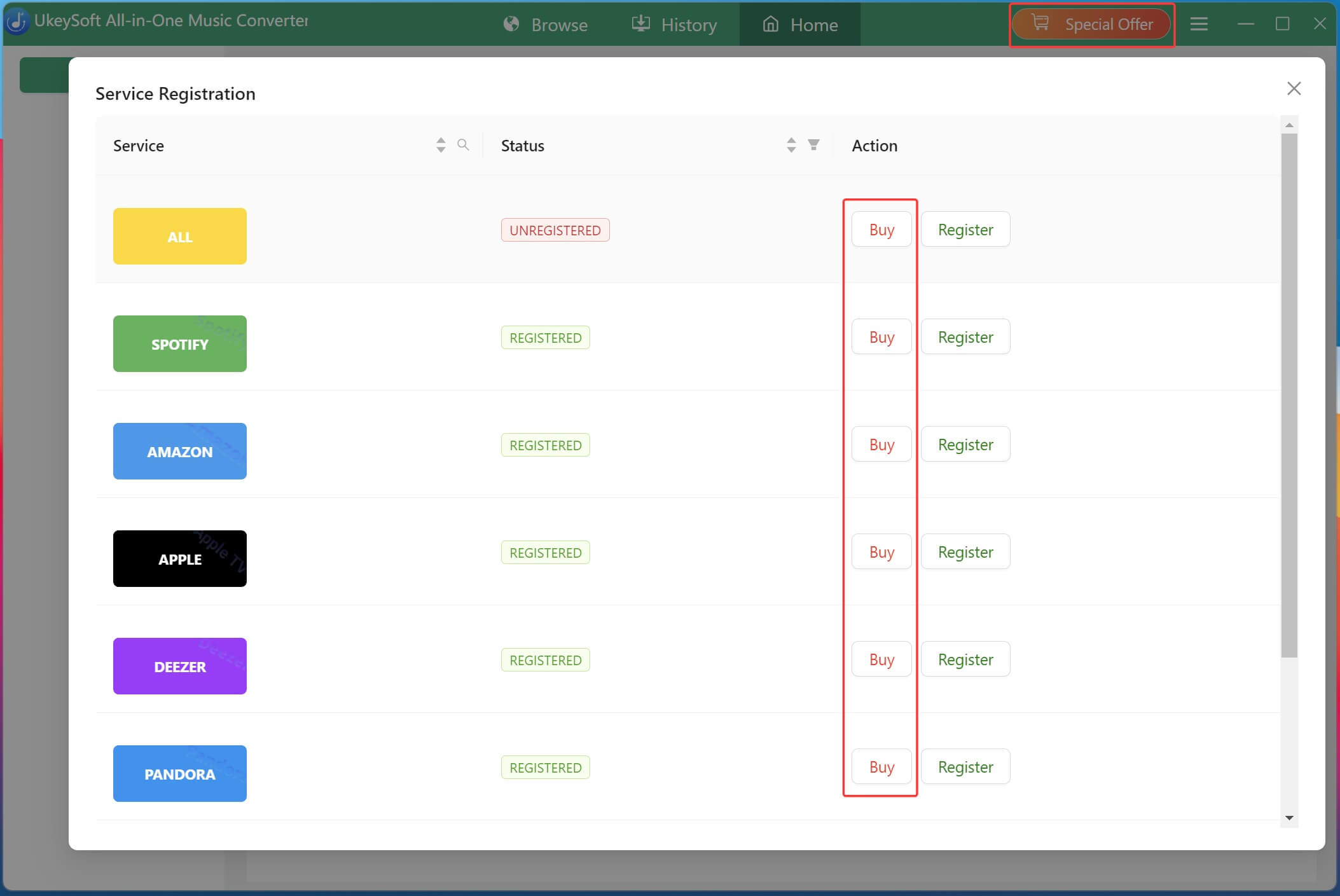
UkeySoft MusicOne Converter trial version allows you to download the first 3 minutes of each songs only. If you want to download the full song, please buy a license code and activate the program to unlock the restrictions.
Step 5. Activate UkeySoft MusicOne Converter (Optional)
If you have a activation code, please click the “Register” option, it will pop-up register window, just enter your activate code to register the software.
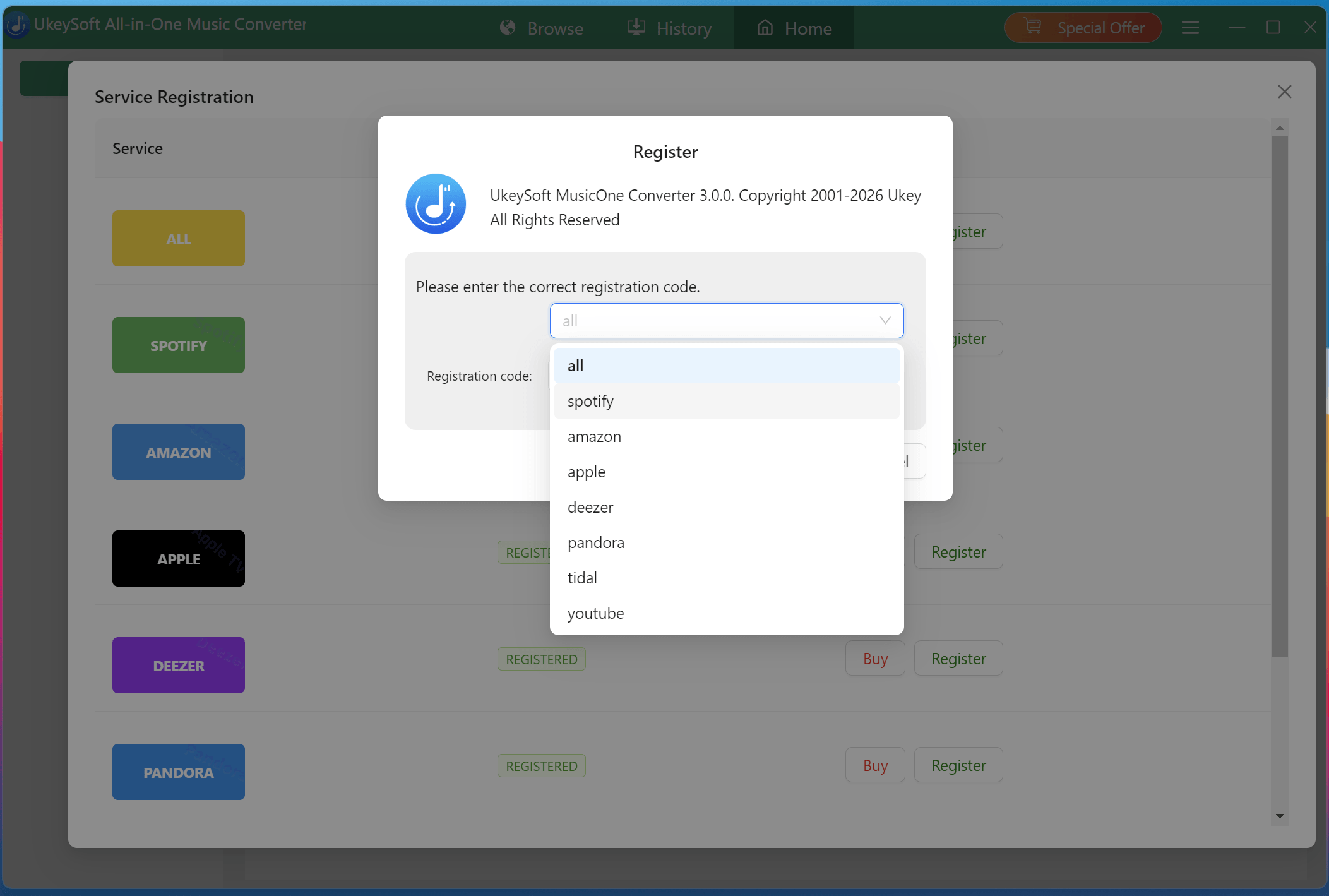
Good News : UkeySoft MusicOne Converter is our all-in-one streaming music converter, which connect with our single streaming music converter, including Spotify Music Converter, Apple Music Converter, YouTube Music Converter, Amazon Music Converter, Tidal Music Converter, Deezer Music Converter, and Pandora Music Converter. If you have registered our single music converter before, you can upgrade to UkeySoft All-in-One Music Converter for free.
Just download, install and launch UkeySoft MusicOne Converter, the software will scan for previously activated music converter and automatically activate the corresponding music platforms for you, so that you can use our UkeySoft MusicOne Converter.
If you haven’t a license and want to try it, please click "Try" to keep using the software for free. The limitations of a free trial version are as below:
1. You can only convert the first 3 minutes of each song.
2. You can only convert 3 music files at a time.