About This Video
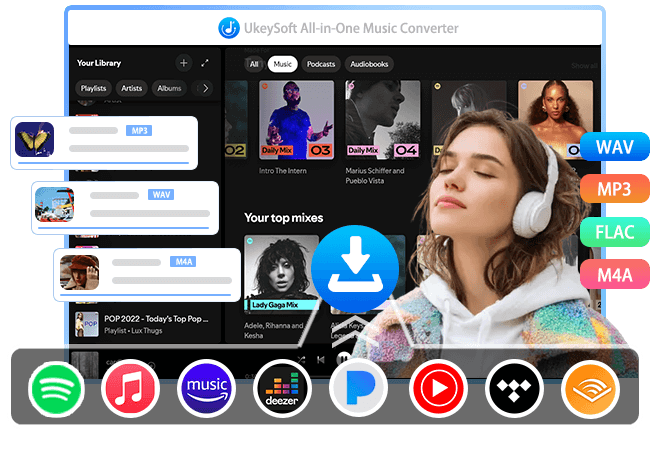
This video will show you how to download Spotify music to MP3 with UkeySoft Spotify Music Converter, you can also use the software to download Spotify playlist and albums at batch, save you time to download all tracks from Spotify. Only three steps, it helps you save Spotify music as local MP3 files in 320kpbs, then you are able to play music on computer without Spotify app, and even transfer them to any device for offline playback! Hit below DOWNLOAD button to free download Spotify Music Converter and start to download your favorite music!
Transcription
How it Works? & Application Scenarios
Spotify users download music to MP3 format primarily to break free from platform restrictions and gain full control over their music files. Even though Spotify Premium allows offline downloads within the app, those files are DRM-encrypted Ogg Vorbis streams—not standard MP3s, which only available playback in the Spotify app.
To download Spotify music to offline listen, some may try to download Spotify music through a free online Spotify downloader. Sometimes, you may find that it only able to download tracks on by one, those online Spotify downloader doesn’t support download Spotify playlist or album at once, the downloaded music was of poor quality and won’t save the ID3 tags. To download Spotify songs, playlist and albums in batch, UkeySoft Spotify Music Converter can help you.
UkeySoft Spotify Music Converter is truly reliable, safe, and high efficiency Spotify downloader, it can download Spotify music to MP3, M4A, WAV, FLAC, etc. So that, you can play Spotify music on all MP3 players, iPods, iPhone, Android, car stereos with USB drives, retro audio systems, smartwatches, and other devices that cannot run the Spotify app natively. What’s more, after downloading Spotify music as MP3 files, you can even transfer Spotify music to USB drive, burn Spotify songs to CD, etc.
Download Spotify music for playing on any devices, anytime.
Launch UkeySoft Spotify Music Converter and log into your Spotify account in the built-in web music player, open any song, playlist, album, or video/audio podcast you like to download later, clicking “+” icon to add all tracks into the downloading list, select MP3 as output format, start downloading Spotify tracks to MP3 format in batch.
Only few steps, you can easily to download and save Spotify music as local MP3 files for offline listening. The software helps you download Spotify songs to MP3 in 320kpbs, as well as well-preserve all original ID3 tags and lyrics files.
With UkeySoft Spotify Music Converter, you can download Spotify lyrics to LRC files, the downloaded lyrics work smoothly with supported desktop players and car systems, creating a more immersive listening experience.
UkeySoft’s products is 100% safe, trusted by millions of satisfied users all over the world.
Let’s download Spotify music to MP3 with lyrics kept for offline listening via UkeySoft Music Downloader today.
Read Related Article
This article teach you how to download Spotify music to MP3 with professional desktop tool and online Spotify to MP3 downloader.
View PostDownload music from Spotify, Apple Music, Amazon Music, Tidal, Deezer, YouTube and more to MP3, M4V, WAV, FLAC, etc.