About This Video
Converting Amazon Music to DRM-free MP3s in bulk requires dedicated, reliable and efficiency desktop Amazon Music converter software (such as UkeySoft, TuneFab, NoteBurner, AudiFab, or TunePat) that interacts with the Amazon Music app or built-in web player. This video will show you how to download and convert Amazon Music to MP3 with UkeySoft Amazon Music Converter. No matter you’re use Amazon Music Prime account, Amazon Music Unlimited account or Amazon Music Free account, you also can use this converter to download Amazon Music to MP3 in batch, so that enjoy them offline on any device, anytime. Click the DOWNLOAD button and try Amazon Music Converter for FREE!
Transcription
How it Works? & Application Scenarios
Though Amazon Music Prime and Unlimited subscribers can download music to offline playback within the official app, those downloaded files are encrypted temporary caches rather than portable MP3s, so you cannot play those downloaded music on the devices authorized without its music app. To bypass Amazon’s Digital Rights Management (DRM) restrictions and full control over all downloaded music, you need to download and convert Amazon Music tracks as MP3 files.
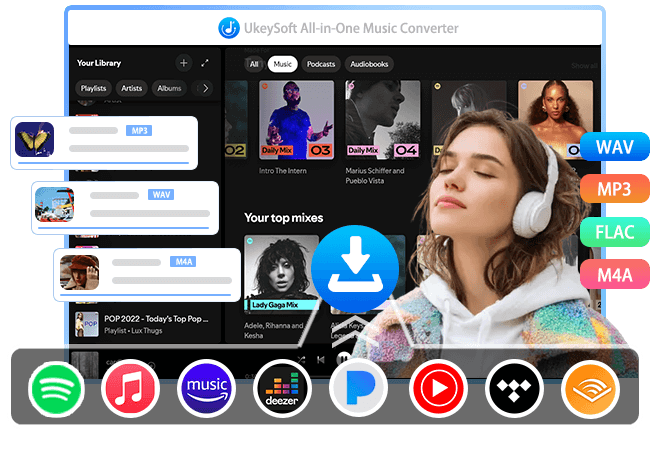
UkeySoft Amazon Music Converter lets you download Amazon Music songs, playlists, albums, podcasts to computer directly for offline playback, it also can convert Amazon Music to MP3, WAV, FLAC, AIFF, M4A, and AAC format sot that playing music offline on any device, anytime. Only three steps, it lets you get Amazon Music downloaded in batches, so that keep your favorite songs and playlist forever.
Launch UkeySoft Amazon Music Converter and log into your Amazon Music account (Amazon Music Prime/Amazon Music Unlimited/Amazon Music HD/Amazon Music Free) in the built-in web music player, open any song, playlist, album, or video/audio podcast you like to download later, clicking “+” icon to add all songs into the converting list, select MP3, WAV or others as output format, start downloading Amazon Music to MP3 format in batch.
After downloading completed, you can flexibly play your favorite music offline on your MP3 player, Apple iPods, Android phones/tablets, car media player, smart speakers, and even other Amazon Music-unauthorized devices.
Read Related Article
This article teach you how to convert Amazon Music to MP3 with desktop tool and online tool and audio recorder.
View PostDownload music from Spotify, Apple Music, Amazon Music, Tidal, Deezer, YouTube and more to MP3, M4V, WAV, FLAC, etc.